Access Your Temporary Mailbox & Inbox Instantly and Securely
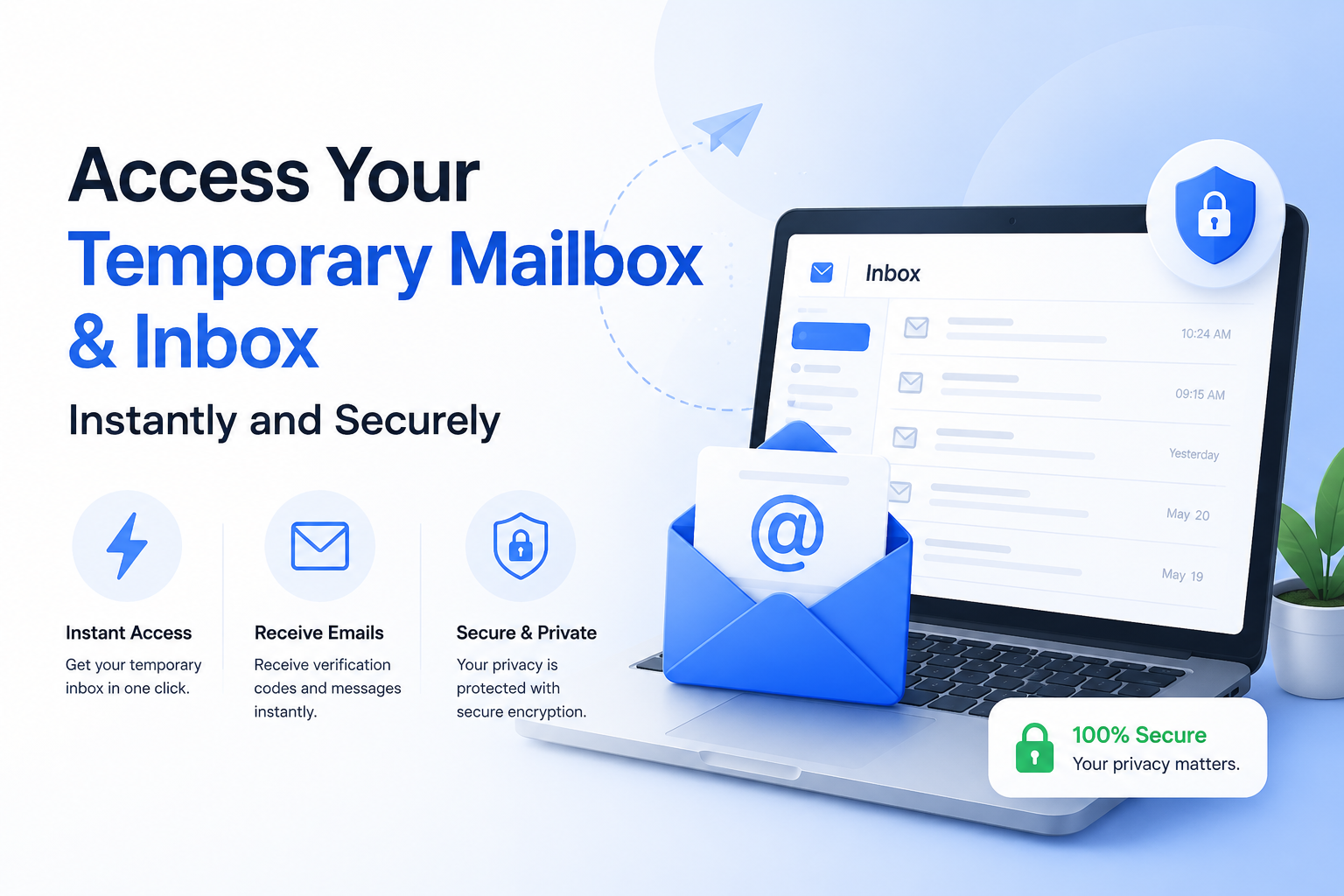
Most people share their real email without thinking twice, and end up with hundreds of unwanted messages they never asked for. Once your address is out there, stopping that spam is not easy. A temporary mailbox on Tempo Mails fixes this problem right from the start. Your inbox is live as soon as you open the page, with no account needed and no personal details required. It auto-refreshes, and all emails are automatically deleted when your session ends.
What Is a Temporary Mailbox?
A temporary mailbox is a disposable email address you can use without registering anywhere. There is no username to create, no password to remember, and no personal information asked at any point. You open our website and a working inbox is already there for you.
It's made for situations where you need an email address once and don't want follow-up messages later. Every email that lands in your disposable email inbox is automatically deleted after a set time, so nothing stays on our servers after your session is done. Your identity stays completely separate from whatever you're signing up for.
What Does a Temporary Mailbox Do?
It receives emails for you while keeping your real address completely private. Whether you're waiting for an OTP, a signup link, or a confirmation message, your temporary inbox collects it without you needing to share your personal email with anyone.
How Is It Different From Regular Email?
Your personal email stores your identity and every message you've ever received. A temporary email with inbox stores none of that. It's anonymous, requires nothing from you, and clears all data when the session closes. No spam trail and no account to manage afterward.
How to Use a Temporary Mailbox (Step-by-Step)
Getting your temporary email inbox access ready takes under a minute. Here's the full process:
- Step 1: Go to the temporary mailbox generator on our website. Your email address is created automatically when the page loads, with nothing to fill out.
- Step 2: Choose your preferred email format from the available options, or use the address we've already generated for you.
- Step 3: Your inbox opens right away with no waiting. You're now a working temporary email receiver without sharing any personal information.
- Step 4: Use the address wherever you need it. To understand how to check a temporary email inbox, just stay on the page. Emails arrive automatically through our auto-refresh temporary inbox, so there's no need to reload the page manually.
Why Use a Temporary Mailbox?
People use a temp mailbox when they want to protect their real email from unwanted contact. Here are the main reasons it makes sense.
Privacy Protection
Every time you share your real email with a website, they get a way to reach you that's hard to stop later. A disposable email inbox keeps your personal email out of those situations completely. Signups, free trials, and one-time registrations stay separate, and your main inbox is never affected.
Fast and Reliable Inbox Access
Your temp mailbox is ready the moment you open our tool. There's no login, no setup, and no waiting. An OTP or confirmation message usually arrives in your inbox within a few seconds of being sent.
Self-Destructing Emails
When your session ends, every email inside your secure temporary mailbox is permanently deleted from our servers. You don't have to remove anything yourself. The inbox clears out on its own and nothing is left behind.
Receive Verification Codes Without Risk
When a website asks you to verify your account, you don't need to use your real email. Enter your anonymous email inbox address in the form, and your code shows up in your temporary inbox within seconds. This is how you receive verification codes online safely without exposing your personal email.
Keep Your Real Inbox Clean
Promotional emails and newsletters from services you signed up for once stay inside your disposable email inbox and never reach your personal account. Your main inbox stays organized without any extra effort.
Top Features of Our Temporary Mailbox and Inbox Access
Tempo Mails is built around giving you a clean, fast anonymous email inbox that just works. Here's what you actually get.
Auto-Refreshing Inbox
Our auto-refresh temporary inbox updates on its own as new emails arrive. When you're waiting for a time-sensitive OTP or a confirmation link, the message shows up automatically without you having to reload the page.
Live Temporary Email
Our tool provides a fully working live temporary email that operates in real time during your session. Emails come in the same way they would in any regular inbox, but nothing is stored and nothing is tied to your identity.
Secure and Private by Design
Your secure temporary mailbox is protected from the moment it opens. We don't log your activity, track your usage, or store any data after your session ends. Privacy is built into the core of Tempo Mails' design.
Self-Destructing Mailbox
A self-destructing mailbox removes all emails automatically when your session closes. Nothing is stored and nothing can be recovered afterward. That's exactly what makes this inbox genuinely private.
Works on Any Device
Your online temporary inbox works on any device, whether that's a phone, laptop, or tablet. No app installation and no browser extension required. Open our site and the inbox is ready.
Is Your Temporary Inbox Safe & Private?
It's a fair question to ask. You're trusting a service with an address that receives real messages, so how that data is handled matters. Tempo Mails collects nothing from you, including no name, no IP address, and no record of what came into your temporary email inbox. Your session is isolated, and once it ends, everything inside is gone from our servers permanently.
How We Protect Your Temporary Mailbox
The system runs on a no-logging and no-tracking setup. Your temp mailbox exists only during your active session. Once that session ends, nothing from it is stored anywhere. This is how the system was built, not just something we say in a policy.
What Happens to My Emails After They Expire?
When your fast disposable inbox session ends, every email inside is permanently deleted from our servers. There is no backup and no archived version. If you need to save something, copy it before the session runs out because the deletion is final.
Situations Where a Temp Email Inbox Actually Saves You
A temporary inbox is useful in more situations than most people realize. Here are some common ones worth knowing about.
- Testing email flows as a developer: Send test emails or automated messages to a temporary email inbox and see exactly what users receive, without using a real mailbox or creating any clutter.
- Getting free trials without commitment: Many apps require a signup email before giving full access. A disposable email inbox lets you explore the product without your real address being stored in their system.
- Staying safe on public Wi-Fi portals: Airports and coffee shops often ask for your email before connecting you. A temp mailbox handles that without sharing anything real.
- Getting past forced signups for one-time access: Some websites make you register just to download a file or read an article. A temporary email receiver gets you in without any follow-up emails reaching your real inbox.
Frequently Asked Questions
How do I check a temporary email inbox?
Open Tempo Mails and your temporary inbox is already active. Emails appear in real time on their own, so there is nothing to set up or check separately.
Does a temporary mailbox auto-refresh?
Yes. Our temp mailbox pulls in new messages automatically as they arrive. You don't need to reload the page or check back manually.
How long do emails stay in a temporary inbox?
Emails stay in your temporary email inbox for between 10 and 60 minutes, depending on the session. After that, everything inside is automatically and permanently deleted.
Can someone else access my temporary mailbox?
No. Your temporary mailbox is only accessible during your active session. We don't store login data and no one else can see what's inside.
How do I receive verification codes online safely?
Use your secure temporary mailbox address instead of your real email when a site asks for verification. Your code lands in your temporary inbox within seconds and your personal email stays out of it completely.
Can I recover a temporary email inbox after it expires?
No. A temporary inbox is disposable by design and cannot be recovered once the session ends. Save anything you need before the time runs out.
What is a self-destructing mailbox?
A self-destructing mailbox deletes all emails automatically when the session ends. No data is stored on our servers and nothing can be retrieved afterward.
Why does an auto-refresh inbox matter?
When you're waiting for an OTP or a verification link, you want it to show up immediately. Our auto-refresh temporary inbox does that automatically so you're not stuck refreshing the page and wondering if the email arrived.
Your Privacy Deserves Better Than Your Real Email
You don't need to share your personal address every time a website asks for one. A temporary mailbox gives you a real, working temporary email inbox with no risk attached. No signup, no spam, and nothing left behind when you're done.
Access Your Temporary Inbox Now
Your online temporary inbox is ready in seconds. Your real email is worth protecting, and this is the simplest way to do it.
Learn more: About Us | Blog | Privacy Policy | Terms & Conditions | Contact Us