Create A Temporary Email For Discord | Privacy Simplified
Most Discord users don't notice the problem until it's already happening. Once you sign up with your personal email, it quickly fills with verification codes, alerts, and unwanted notifications. A temp mail for Discord helps you avoid all of that by giving you a clean, disposable inbox for sign-ups and verification.
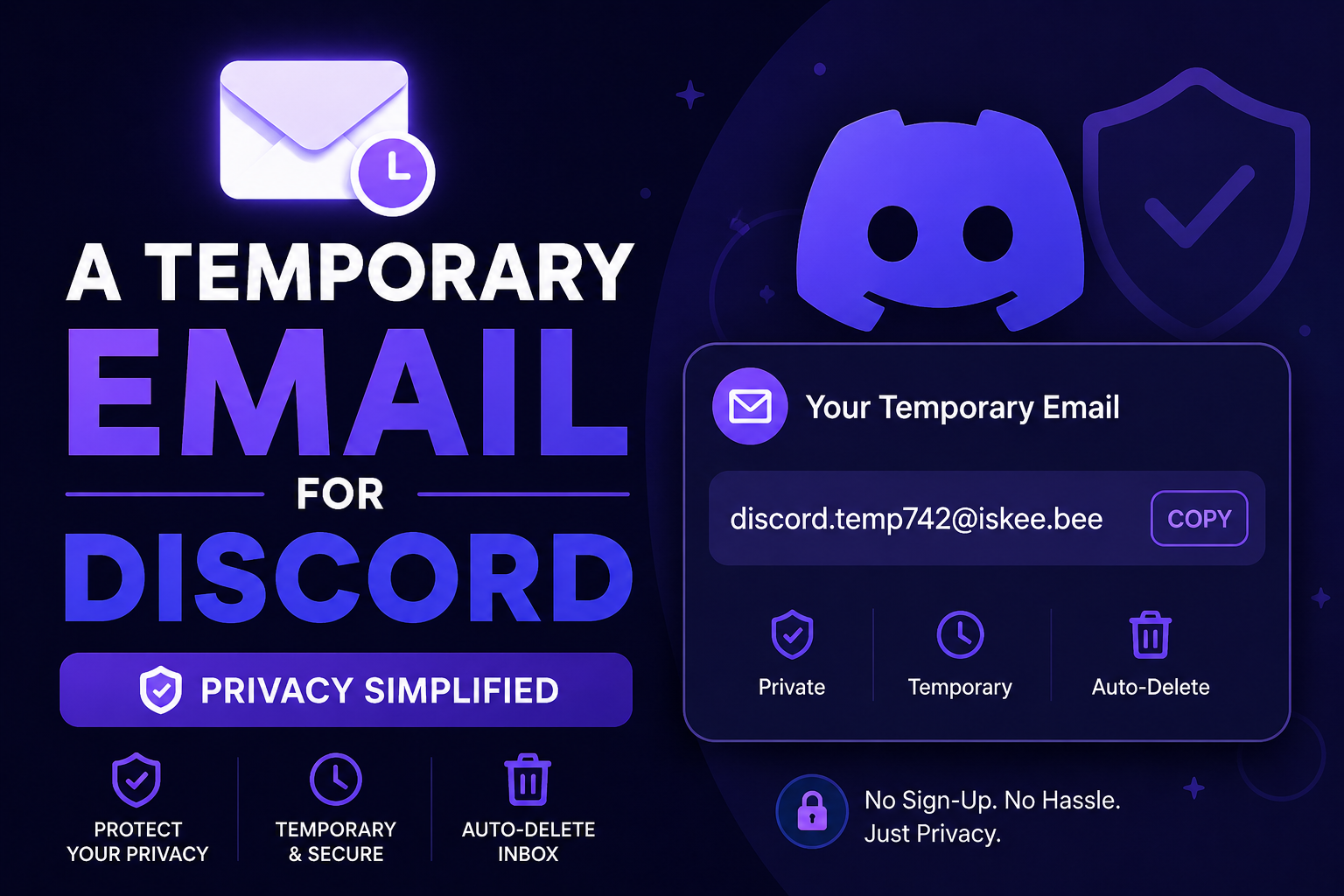
You may quickly make a temporary email with Tempo Mails and use it to verify your Discord account in seconds. You don't have to sign up or set anything up. Just make the email, get your code, and finish the process while keeping your real inbox secret and spam-free.
How to Create a Temporary Email for Discord (Step-by-Step)
Many users first try a discord fake email generator but run into problems when emails don't arrive or domains stop working. The process itself is actually very simple when you use a reliable tool. If you're wondering how to create a temporary email for Discord, here's an easy step-by-step way to do it.
- Step 1 — Open the Generator: Go to our home page and your temporary email for Discord will already be generated on the screen. No signup or extra steps are needed.
- Step 2 — Pick Your Email Format: You can use the email as it is or switch to another available format if you want. All options are valid for use on the platform.
- Step 3 — Use It on Discord: Copy the email and paste it into Discord during sign-up, server verification, or Nitro trials. This is the stage where many people use it to smoothly complete verification.
- Step 4 — Check Your Inbox: Go back to the same page and wait for the message. The verification email usually arrives within seconds and shows up automatically in your temporary inbox.
- Step 5 — Verify and Finish: Either copy the code into Discord or click the verification link. You've successfully used a disposable email for Discord without ever using your own address, and your account has been verified.
Why Use a Temporary Email for Discord?
A discord burner email isn't just a workaround. For most users, it's genuinely the better option. Here are the three main reasons people use one:
Bypass Verification
Discord needs an email to create an account, and verified servers add another round of it on top. A disposable email for Discord clears both steps just as cleanly as a real one would. You receive the code, enter it, and you're through — except nothing you actually care about was handed over in the process.
Privacy Protection
Your real email is connected to a lot more than you probably want. When you use a temp mail for Discord registration, the platform never gets your actual address. That means no follow-up emails, no policy update notifications, and no chance of your address being part of a data breach tied to the platform.
Secure Nitro Trials
Nitro trials are worth trying, but the promotional emails that come after aren't. A burner email for Discord Nitro trials lets you explore the features during the trial period without your main inbox getting tied to a subscription reminder cycle. Once the trial wraps up, the address is gone and so is any connection back to you.
Top Features of Our Discord Temporary Email Generator
This is what makes the discord disposable email generator from Tempo Mails worth using over a random tool you might find in a forum.
- Instant Email Creation: Your discord temporary email address is created the moment you open the page. There is no setup, no signup, and no waiting time, so you can start using it immediately.
- Secure and Private Usage: Every temporary mailbox is designed to act as a secure email for Discord verification, keeping your messages isolated and protected from spam or unwanted access. It stays active only for a limited time to maintain privacy.
- Customizable Options: You can pick whatever email format or domain you want. And if something doesn't work, you just switch it right away — no need to start everything again or waste time.
- Multi-Platform Support: It's mostly used for Discord, but it also works on other websites that ask for email verification. One tool, many use cases.
Why Does Discord Reject Certain Temp Mail Addresses?
Discord keeps a blocklist of known disposable email domains and quietly rejects them at registration. Most generators recycle the same few domains, which means those domains get flagged fast, and users end up staring at an "invalid email" error with no idea why.
We rotate through a wider pool of domains and update them on a regular basis, so the working temp mail for Discord you get here is drawn from addresses that haven't been flagged. The inbox also stays live long enough to catch secondary verification prompts that some servers send after your initial sign-up — giving you a properly valid address rather than one that disappears mid-process.
Frequently Asked Questions
How to create a temporary email for Discord?
Visit Tempo Mails and your discord temporary email address is ready the moment the page opens. Copy it, paste it into Discord's email field, then come back to the same page to retrieve the verification message from your inbox.
Can I use a fake email for Discord registration?
Yes, a fake email for Discord goes through fine as long as the domain isn't blocked. Our generator keeps its domain list updated specifically to avoid that problem, so the email you get works without any extra steps.
How to bypass Discord email verification?
Use a discord temp mail address from our generator, enter it on the platform, then open the temp inbox to click the verification link when it arrives. That's the complete process to bypass Discord email verification without using anything personal.
Does temp mail work for Discord?
Yes, temp mail discord works when the domain behind the address hasn't been flagged. We keep the available domains rotated and current so your email clears verification instead of triggering an error.
Why does Discord say my email is invalid?
It's almost always a blocked domain. The platform flags entire disposable email providers, not individual addresses. Switching to our generator gives you a valid temp mail for Discord pulled from an active, non-blocked domain.
How to verify Discord without personal email?
Generate a temporary email for Discord sign up from Tempo Mails, enter it during Discord's registration flow, and the confirmation link will show up in your temp inbox in seconds. Click it and your account is verified without your real email ever being used.
How to make a Discord alt account fast?
Our discord alt account email generator gives you a fresh address immediately. Register a new account with it, confirm the email in the temp inbox, and the alt is ready to use in under two minutes.
How to receive Discord verification link online?
When you generate a discord temporary email address on our site, the inbox is right there on the same page. The verification link arrives automatically and you can click it directly — without downloading anything or logging into a separate account.
Your Real Email Doesn't Need to Be Part of This
Every Discord account you create with your personal address is another place it lives and another way it can be reached. A temporary email for Discord cuts that connection entirely. With Tempo Mails, you can create new accounts, alt accounts, Nitro trials, or complete server verification in seconds — with no signup and nothing to install.
Explore more: Home | About Us | Blog | Privacy Policy | Contact Us