Create a Temporary Email for Facebook | Privacy Simplified
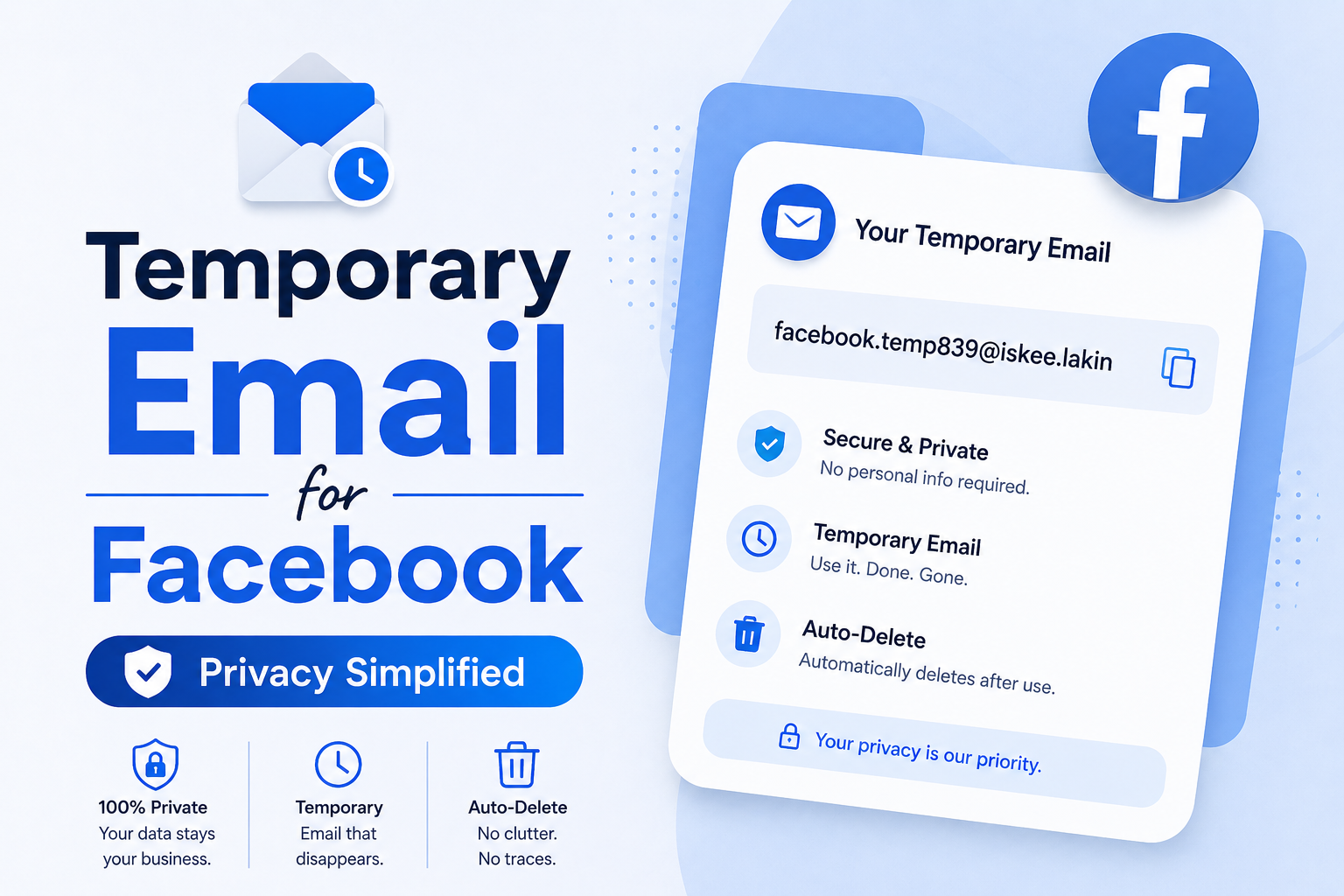
Most people don't realize how much of their personal data they give away just by signing up for a new Facebook account. Your real email address gets tied to your identity, and suddenly you're getting promotions, alerts, and spam you never asked for. Here's the thing — it doesn't have to be that way. Using a temporary email for Facebook lets you skip all of that. With Tempo Mails, you can sign up, verify, and start using the platform without handing over anything you don't want to. It's fast, private, and genuinely simple to do.
How to Create a Temporary Email for Facebook (Step-by-Step)
Getting a temporary email for Facebook verification doesn't take long at all. You don't need to create an account or pay anything. The process is actually pretty simple once you see the steps.
Here's how it works:
- Step 1: Go to our temporary email generator for Facebook. It opens straight away, no login needed.
- Step 2: Choose an email format you like, or just use the one the tool picks for you. Either way works perfectly fine.
- Step 3: Click Generate and your disposable email address for Facebook shows up right away. Just copy it.
- Step 4: Open Facebook and enter this address wherever it asks during sign-up or any step that needs Facebook email verification.
- Step 5: Return to your temporary inbox and wait for the confirmation email. It generally appears within a few seconds. Your account is ready to go when you click the link.
Whether you want to create a Facebook account with a burner email or just get through a quick verification step, the whole thing wraps up in under a minute.
Why Use a Temporary Email for Facebook?
There are real reasons why people prefer a disposable email for Facebook over their personal one. Here are the three biggest ones:
Bypass Verification
Facebook needs an email to confirm your account — but it doesn't have to be your real one. A temp mail for Facebook verification gets the job done just as well. You receive the confirmation, click the link, and your account is active. Simple as that.
Privacy Protection
When your real email is connected to a Facebook profile, it can show up in searches or get shared with other apps. A temporary Facebook email keeps that from happening. Once it expires, nothing links back to you.
Create Multiple Accounts
If you're managing a personal profile, a business page, and a test account at once, you need a separate email for each. Instead of making extra Gmail accounts and losing track of them, a fake email for Facebook from our tool gives you a new address in just one click — straight from your Tempo Mails inbox.
Top Features of Our Facebook Temporary Email Generator
With Tempo Mails, getting a temp email for FB is quick and takes no effort at all. Our Facebook fake email generator is simple to use and gets the job done every time:
- Instant Email Creation: Your temporary email for Facebook registration is ready in seconds. No forms to fill, no waiting, no login needed.
- Secure and Private: Get a secure email for FB verification that keeps your inbox safe from spam. Emails clear out on their own after a while so nothing lingers.
- Customizable Formats: Pick from different email formats and domains. This comes in handy when a specific domain gets blocked by the platform.
- Works Beyond Facebook: The same address works on other platforms as well — including Business Manager, Marketplace, or any other site that asks for an email.
What Happens to Your Facebook Account After You Use a Temp Email?
Most people don't pay attention to this part until something goes wrong. When you sign up with a temporary email address, that address is saved as your account's recovery email. The platform uses it to send password reset links and login alerts.
Once the temp email expires, those recovery options stop working. So if you ever get locked out, you won't be able to reset your password. The fix is simple: right after sign-up, go into Facebook settings and update your email to a permanent one. Or, if it's a short-term account like a burner email for Facebook dating profile, it doesn't really matter. Just good to know either way.
When People Actually Use a Facebook Temp Mail
A disposable Facebook email is useful in more situations than most people think. Here are some real examples:
- Facebook Marketplace: You want to buy or sell something, but you don't want your personal address visible. A temporary email for Facebook Marketplace keeps that account safe and separate.
- Business Manager Testing: Marketers and developers usually need a test account before anything goes live — to check ad setups, pixel tracking, and page permissions without touching their real accounts.
- Anonymous Research: Journalists and researchers who need to browse groups or public pages without their real name attached can use a temporary email account for Facebook to keep things private.
- Avoiding Inbox Spam: Joining a group, entering a giveaway, or testing a new feature shouldn't cost your real inbox. A disposable address handles all of that without any mess.
Secure Your Facebook Email Now
You don't need to give Facebook your real email every time. Getting a working temp mail for Facebook takes about ten seconds on Tempo Mails. Free to use, no sign-up needed, and your inbox is ready the moment you are.
Frequently Asked Questions
How to create a temporary email for Facebook?
Go to Tempo Mails, choose your email format, and hit Generate. Your temporary email for FB is ready in seconds. No sign-up needed.
Can I use a temporary email for Facebook?
Yes. You can use a disposable email for Facebook sign-ups, account verification, and Marketplace access. It keeps your real inbox private and spam-free.
How to bypass Facebook email verification?
Use our Facebook temporary email generator to get a disposable address, enter it on Facebook, and receive the verification link in your temp inbox.
Does temp mail work for Facebook?
Yes. Our domains are updated regularly so they work without getting blocked. If one address doesn't go through, just generate a new one with a different domain.
Why does Facebook say please enter a valid email?
The platform recognizes and blocks certain temp email domains. Our generator gives you multiple domain choices so you can pick a different one if the first gets rejected.
How to verify Facebook without personal email?
Take a disposable address from our tool, enter it on Facebook's sign-up page, and your temp inbox will receive the verification email. The whole thing is done in under a minute.
How to create a Facebook account with a temporary email?
Get a temporary email ID for Facebook from Tempo Mails, enter it on the registration page, and confirm the link that arrives in your temp inbox. Account created.
How to receive FB verification link online?
Your temp inbox refreshes on its own. Once Facebook sends the email, it shows up in your inbox within seconds. No need to reload the page manually.
Explore more: Home | About Us | Blog | Privacy Policy | Contact Us