
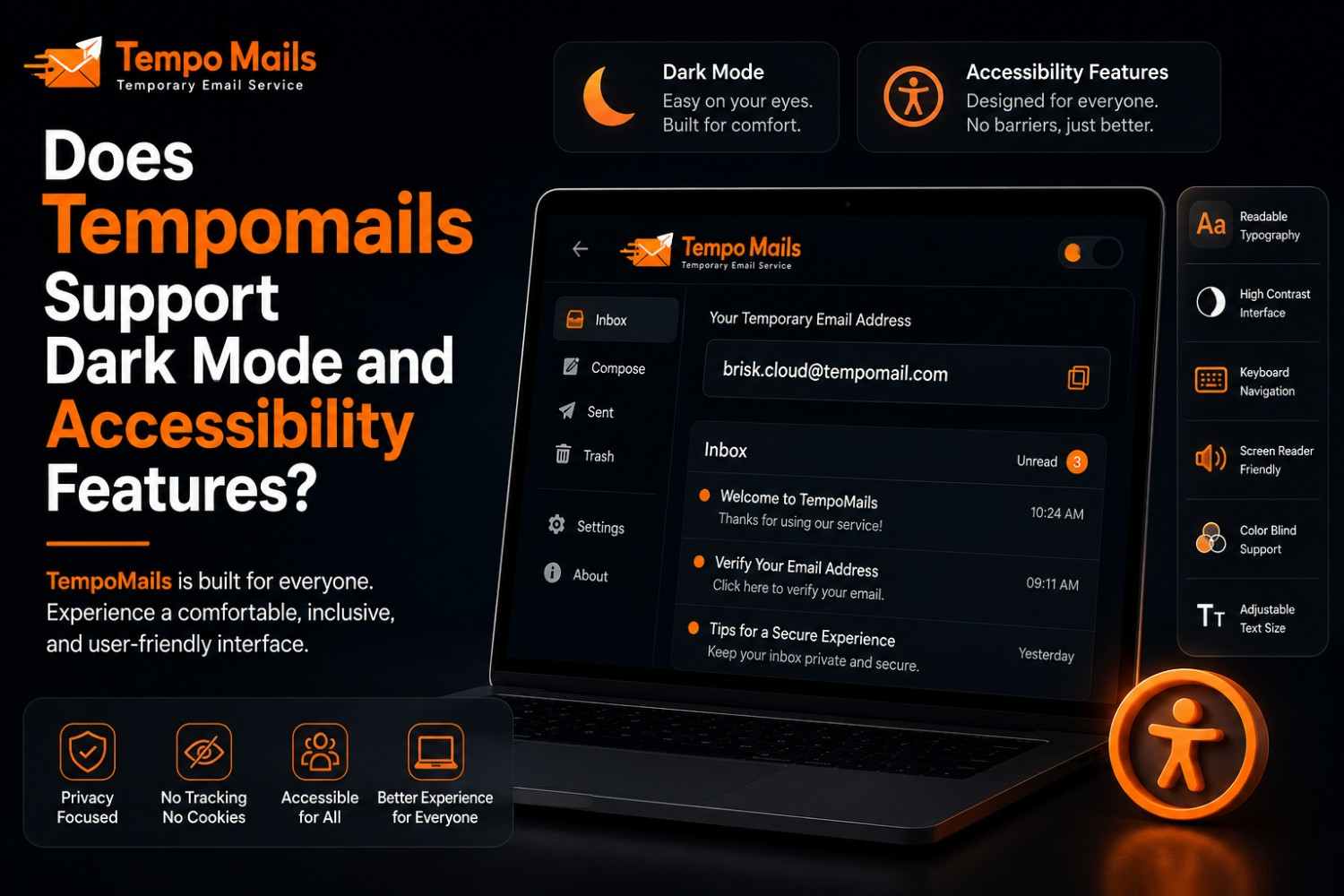
Does Tempomails Support Dark Mode and Accessibility Features?
Dark mode comes built into the Android app, while the web version sticks to a clean, readable, mobile-friendly light interface.
Satisfied users are as important as fast and reliable service. Tempomails prioritizes readability and accessibility for all platforms, with a special emphasis on mobile platforms and the Tempomails dark mode as a strategy to make free temporary email comfortable and inclusive for all users.
Dark Mode in Tempomails
Tempomails dark mode is available for users accessing the service through mobile, including on the Tempomails Android app. It allows you to:
- Switch to a darker theme to reduce eye strain in low-light environments.
- Toggle the setting manually at any time without affecting inbox functionality.
- Maintain a consistent, comfortable look while managing disposable email addresses on the go.
Tempomails dark mode is designed specifically for mobile users who frequently check temporary inboxes in the evening or in dimly lit settings.
A Clean, Readable Web Interface
The Tempomails web interface uses a streamlined light design that prioritises clarity and fast loading over a separate dark theme. The temporary email interface is built to stay readable on any screen:
- High-contrast layout. Clear text and generous spacing for comfortable reading across all display sizes.
- Performance-first design. A lightweight interface that loads quickly and stays responsive even on slower connections.
- Distraction-free experience. A simple layout that keeps the focus entirely on the inbox and incoming messages.
Accessibility Features
Accessibility ensures that everyone can use Tempomails effectively, regardless of device, language, or browsing preference. The Tempomails temporary email interface is built with the following accessibility features in mind:
- Mobile-friendly. Fully responsive across all screen sizes desktop, tablet, and mobile all deliver a consistent experience.
- Multi-language support. Tempomails is available in multiple languages, making the service accessible to users globally without language barriers.
- Simplified navigation. A clean, minimal interface means inbox access requires no learning curve and no unnecessary steps.
Why These Features Matter
- Inclusivity. Accessible, readable design helps users with different visual needs and device preferences use the service without friction.
- Convenience. Tempomails dark mode reduces screen fatigue for frequent mobile users checking temporary inboxes throughout the day.
- Cross-platform consistency. Whether using the web interface or a mobile browser, the experience remains comfortable and functional across every platform.
Conclusion
For mobile, Tempomails dark mode makes the interface easy to read and work in, while the web app features a clean, high-contrast light mode that suits speed and readability. Accessibility features, multi-language support, and simplified navigation ensure the ease and comfort of the temporary email interface, regardless of the platform.

