
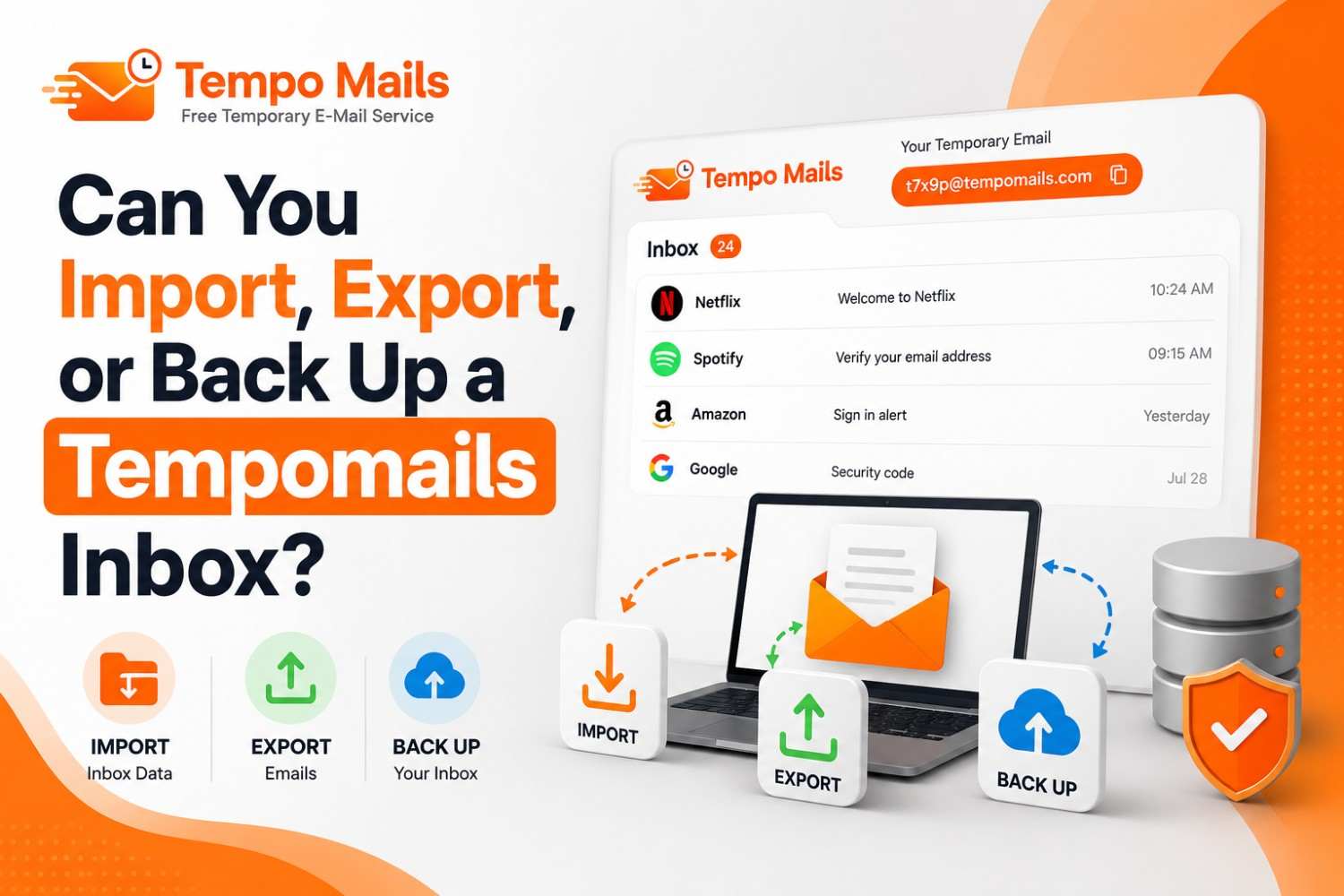
Can You Import, Export, or Back Up a Tempomails Inbox?
The concept behind Tempomails is privacy and anonymous disposable email with stateless operation. As a fast, no-signup temporary email generator, Tempomails keeps that same privacy-first design at its core. It has no persistent storage of any kind, no accounts, and no long-term message retention. As a direct result of this architecture, Tempomails inbox backup, import, and export are not supported features.
Why Import, Export, and Backup Are Not Available
To maintain complete user anonymity and data security, Tempomails is designed without any persistent storage mechanism. This design ensures:
- Emails are not stored beyond the active session window
- No user data is retained or accessible after session end
- Every inbox is short-lived by intention, not by limitation
As a result, the following are not possible on Tempomails:
- Temp mail import and export to or from external clients such as Gmail or Outlook
- Importing a previous mailbox or message history into a new session
- Creating a temporary email backup of inbox content directly through the platform
This is not a lack of functionality; this is a privacy-related decision made by the provider. If an inbox cannot be downloaded, then it cannot be subpoenaed by anyone after the end of the session.
What You Can Do Instead
If you receive important information through a Tempomails inbox that needs to be kept, the following manual options work during the active session: If a session ends before you save what you need, simply open a fresh disposable email inbox for the next message.
- Copying and pasting the message content to a safe place
- Taking a screenshot of the entire message before leaving the tab
- Use a browser's print-to-PDF function to save a local copy of the page
These actions must be completed before the session ends. Once the tab is closed, the inbox and all messages are permanently deleted and cannot be recovered through any method.
A Note on Address Reuse
Even if the same Tempomails address is reopened in a new session, the inbox will be empty. Messages from previous sessions are deleted when those sessions end.
Reusing an address opens a fresh inbox, not a restored one. This applies regardless of how quickly the address is reopened after the previous session closed.
Summary
Feature | Availability |
Import inbox | Not supported |
Export inbox or messages | Not supported |
Tempomails inbox backup | Not supported |
Message retention after session | Not available |
Manual content saving during session | Possible |
Conclusion
Tempomails does not support inbox backup, temp mail import and export, or any form of temporary email backup. This is a core privacy feature, not a gap in functionality. If content from a Tempomails session needs to be preserved, it must be saved manually before the tab is closed. Ready to protect your inbox? Grab a free burner email anytime you need one.

