
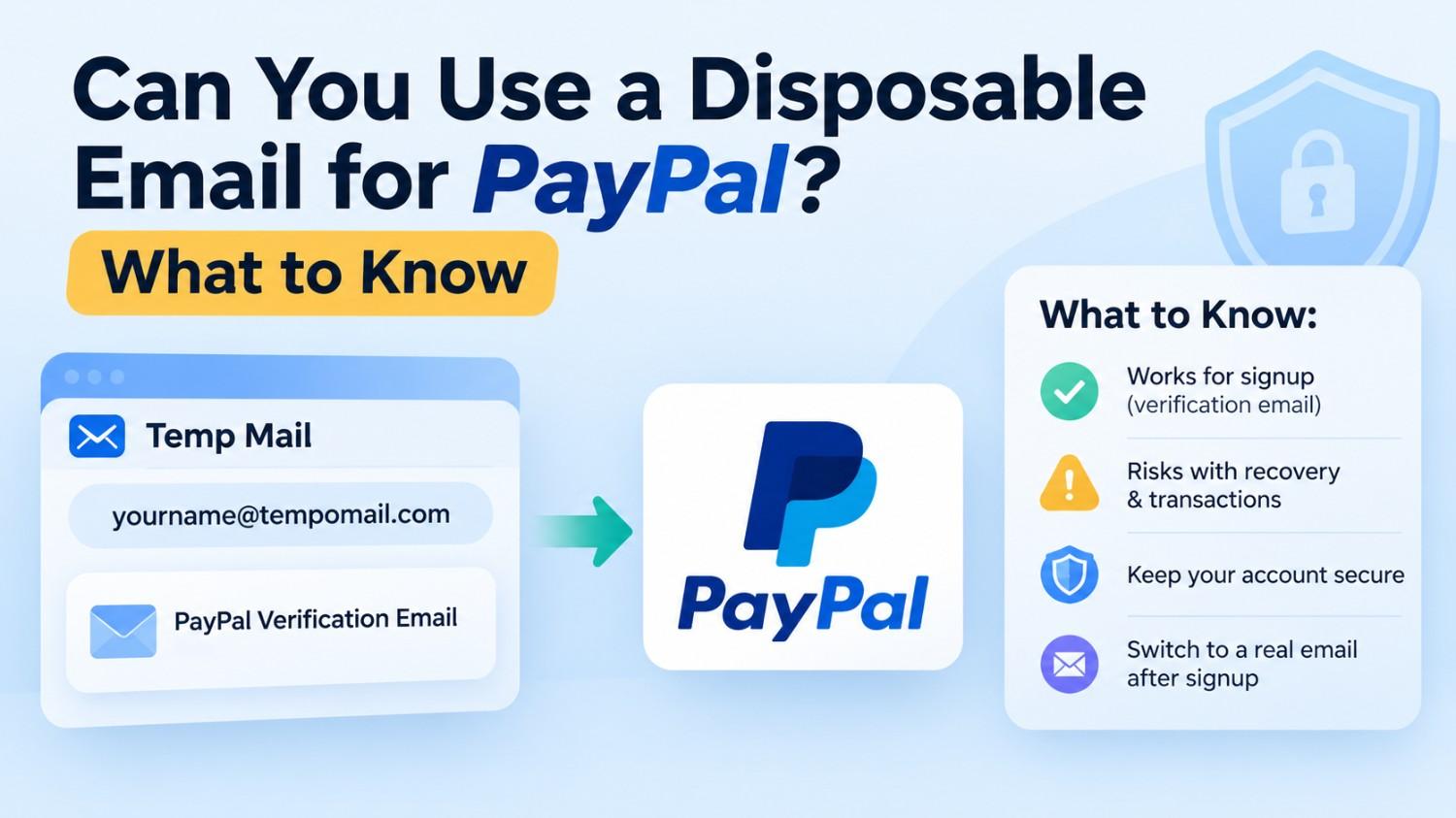
Can You Use a Disposable Email for PayPal? What to Know
Can You Use a Disposable Email for PayPal? What to Know
Quick Answer: A disposable email for PayPal can be used during the registration process, but with some important considerations. The registered email address is the primary account identifier for PayPal transactions, disputes, and security verification purposes. It's important to make sure that you know exactly what a temporary email for PayPal can and cannot do before using it while signing up for a PayPal account. Last Updated: July 2026
Main Points
- PayPal can go through the first verification process, but there are risks with a recovery account and transaction if the disposable email is used as the ‘permanent' email address.
- PayPal uses the registered email as the primary identifier for sending and receiving money; losing access to it affects core account functions.
- Tempomail delivers the PayPal registration email in seconds and deletes everything automatically after the session ends.
- Updating to a real email after initial signup is strongly recommended for any PayPal account intended for financial transactions.
Why PayPal Is Different From Other Platforms
Most platforms use email for one purpose: verifying that a working inbox exists. PayPal uses email for that and for something more significant: it is the identifier people use to send you money, the address PayPal uses to notify you of transactions, and the recovery point for account access disputes.
For a wider view of how these throwaway inboxes work across different sign-up flows, this overview of what a disposable email address is and how it works explains the mechanics in more detail.
This changes the risk calculation for using a disposable email for PayPal compared to using one for a streaming trial or social media signup. The temporary inbox handles the initial verification. What happens to that inbox after verification matters far more on PayPal than on most other services.
PayPal serves several hundred million active accounts worldwide, and losing access to the registered email is one of the most common reasons users face account restrictions during security reviews or disputes.
Does PayPal Accept Temporary Emails During Signup?
PayPal's registration system validates that the submitted address can receive messages. Tempomail satisfies this requirement. The PayPal registration email arrives in the Tempomail inbox in real time.
The PayPal email verification link or code inside it is fully functional. Clicking it completes the verification step and activates the account.
PayPal does not distinguish between permanent and disposable addresses at the point of registration. The technical check is functional. Tempomail addresses function. The signup proceeds.
What changes after verification is the significance of that address to the account's ongoing operation.
Other platforms follow the same verification pattern. For a closer look at how a temporary inbox handles time-sensitive login codes, see this walkthrough on receiving OTP codes for an Amazon account.
How to Complete PayPal Account Signup With Tempomail
Disposable email for PayPal refers to using a session-based throwaway address to pass PayPal's initial email confirmation step during account creation, with the intention of updating to a permanent address immediately afterwards.
- Open tempomail.com before navigating to PayPal. A working address appears on screen immediately. No input required. This guide on generating a temporary address in a few seconds covers the process in more detail.
- Go to PayPal's signup page. Choose personal or business account type. Enter the required name and location information, then paste the Tempomail address into the email field. Submit the form.
- Return to Tempomail. The PayPal registration email arrives within ten to twenty seconds. Open the message and click the verification link inside it. PayPal confirms the address and the account becomes active.
- Before closing Tempomail, go immediately to PayPal's account settings and update the registered email to a real permanent address. Confirm the update using your real inbox. The original Tempomail address is replaced. The account is now secured with a recoverable email.
- Close Tempomail. The session ends, and the original address is permanently deleted. For tips on managing a temporary inbox and message history before the session ends, this guide walks through the controls available.
Why Updating to a Real Email Matters on PayPal
Temporary email for PayPal is most useful as a bridge, a way to complete the initial PayPal email verification without the signup address entering PayPal's marketing system before a permanent address is applied to the account.
PayPal will provide transaction confirmations, dispute notices, security alerts and account restriction notices to the registered email address. All of these messages are not delivered if the registered address is a Tempomail address which has already expired.
Missing a dispute notification, a security alert, or an account review message from PayPal can result in account limitations or permanent closure. The financial consequences of losing access to a PayPal account with a balance or active transactions are significant.
A temporary email for a PayPal account works safely only when it is replaced with a real address before the session ends. The disposable address handles the signup. The permanent address handles everything that follows.
What a Disposable Email for PayPal Can Help With
Used correctly as a registration bridge rather than a permanent account address, a disposable email for PayPal protects the user's real inbox from being collected by PayPal's marketing system at the moment of registration.
Using a temporary email during signup can help keep your primary inbox separate from initial account registration emails and notifications.
Completing the PayPal account signup with a Tempomail address helps keep initial registration communications separate from your primary inbox until you update the account with a permanent email address.
The real email can be added later through account settings, allowing long-term account access and recovery while keeping the initial signup process separate from your primary inbox.
Signing up with a real email address commonly means that address enters PayPal's marketing and partner communication channels right away, since the registration email doubles as the default contact point for promotional messages as well as security alerts.
When Not to Use a Temporary Email for PayPal
Three situations make using a temporary email for PayPal inadvisable without immediately updating to a real address.
If the account will hold a balance or processes payments before the update step is completed, any security alert or transaction confirmation will go undelivered to the expired Tempomail address.
A re-verification email will be sent to an expired address if PayPal requires it during or after account sign-up, which is only if it is flagged for re-verification.
When the user wants to use the account for business deals that involve time-bound communication with PayPal, using a throwaway address becomes an unacceptable risk.
In all three situations, the practical approach is to complete the update to a real email address within the same session before closing Tempomail.
About the Author
Written by Sarah Whitfield, Senior Digital Privacy Analyst at Tempomail, a specialist in disposable inbox tools and platform-specific email verification behaviour, with six years of experience researching account security workflows across major online platforms. This guide has been reviewed by Tempomail's editorial team for technical accuracy and reflects current PayPal account verification behaviour.
(FAQs)
Can PayPal permanently close an account created with a disposable email?
PayPal closes accounts for policy violations, not for the type of email used during registration. Accounts created with a disposable address function normally as long as a real address is applied before the session ends.
How long does the PayPal registration email take to arrive in Tempomail?
Typically ten to twenty seconds. A page refresh is not required, as Tempomail refreshes its inbox automatically. If the email hasn't arrived after a couple of minutes, ensure the address was copy-pasted correctly and ask PayPal to resend it from its interface.
What happens if I forget to update the email before closing Tempomail?
The Tempomail address expires, and PayPal can no longer reach the account via email. Contact PayPal's support team with account ownership verification to update the registered address through their manual review process.
Is using a disposable email for PayPal against PayPal's terms of service?
PayPal requires a valid email address capable of receiving messages. A Tempomail address satisfies this requirement at the point of submission. Review PayPal's current terms for any updated restrictions on email address types.
Can I send and receive money with a PayPal account before updating the email?
The account is functional after verification, but delaying the email update creates risk. Any transaction notification or security alert sent during the window between signup and the address update will go to the Tempomail inbox, which may have already expired.
Does Tempomail work for PayPal business account signup?
Yes. The PayPal email verification process for business accounts follows the same email confirmation structure. Paste the Tempomail address into the business registration form, confirm via the inbox, and update to a real business email address before ending the session.
Can Tempomail receive PayPal's 2FA verification codes?
PayPal primarily uses phone numbers rather than email for two-factor authentication codes. The Tempomail inbox receives the initial account verification email but is not involved in SMS-based 2FA processes.
Does Tempomail store any data from the PayPal verification email?
No. All message content, address records, and session data are permanently deleted when the session ends. Nothing about the session is stored or recoverable after deletion.

