
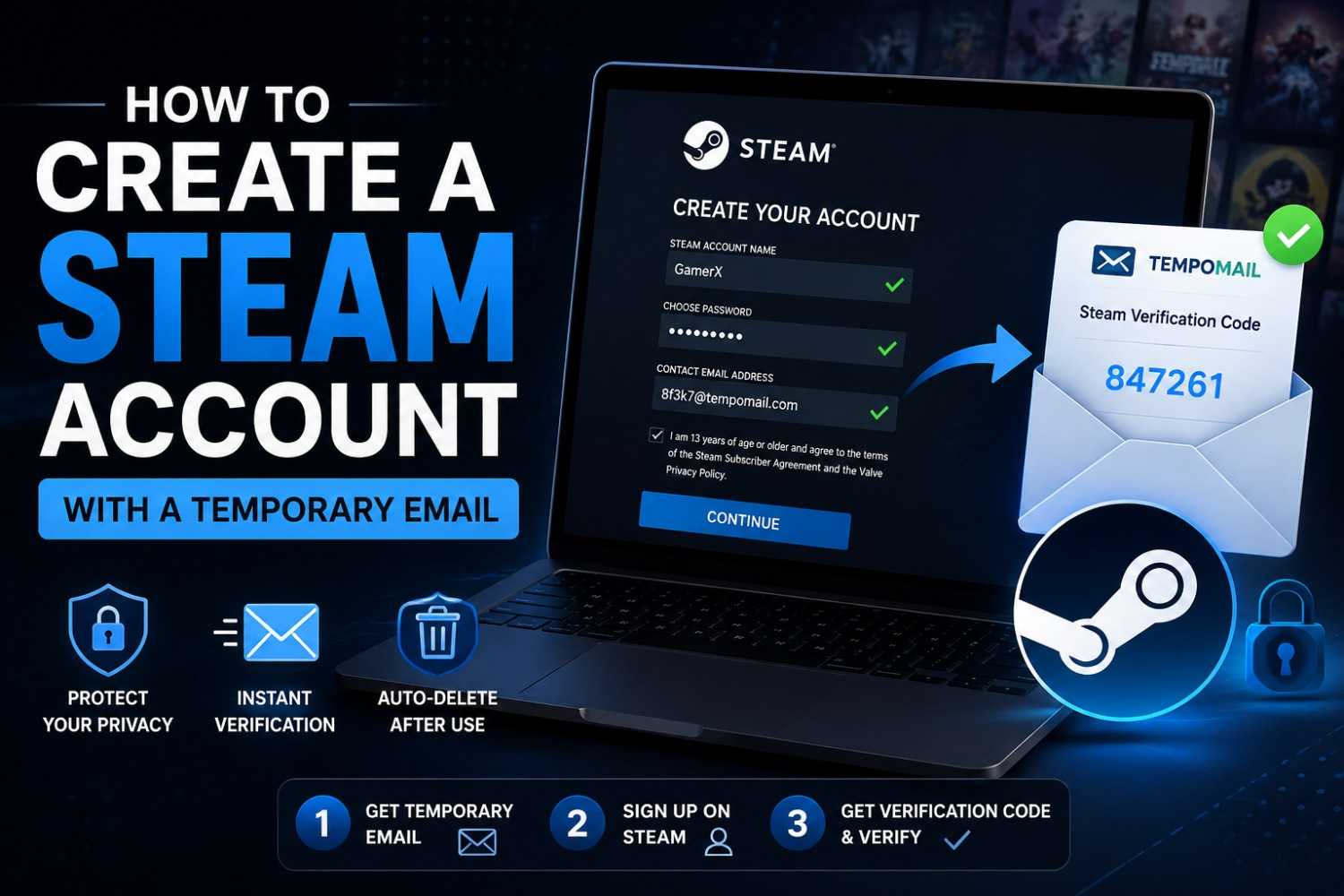
How to Create a Steam Account with a Temporary Email
How to Create a Steam Account with a Temporary Email
Quick Answer: A temporary email for Steam account creation lets you register on Steam without linking your real inbox to Valve's platform. Tempomail generates a working address instantly that receives the Steam email verification, delivers the Steam verification code in seconds, and deletes everything automatically — completing the account creation process with zero permanent data trail.
Why Steam Asks for Your Email
Even free-to-play or casual games have to be logged in with an email address to play on Steam. In addition to the first-time Steam verification email, the account owner gets game purchase receipts, account security emails, promotional emails from the Steam team and third-party publishers, and community notifications emails at the registered address. The same pattern shows up on other gaming-adjacent platforms — setting up a Discord account with temp mail follows the exact same verification-code pattern.
For users creating Steam accounts for testing, secondary gaming profiles, or exploring the platform before committing a permanent email address, the full scope of this email communication goes beyond what the account purpose requires.
Industry analyst estimates place Steam’s monthly active user base at over 132 million, making it one of the world's biggest PC gaming platforms.
Does Steam Accept Disposable Email Addresses?
Steam's registration system validates that the submitted address can receive messages and that the Steam verification code inside the confirmation email can be entered correctly. Tempomail satisfies both requirements.
The Steam email verification is delivered to the Tempomail inbox in real time. The verification code inside it is fully visible and usable. Steam confirms the code and the Steam account creation process completes normally.
Steam checks email functionality, not email permanence. Tempomail addresses are functional receiving inboxes that meet this standard without requiring a permanent address.
Step-by-Step: Steam Account Creation With Tempomail
Temporary email for Steam account is the practice of using a session-based disposable address to receive Steam's email confirmation during registration, preventing the user's real inbox from being added to Valve's communication and marketing systems.
- Open a temporary email generator before navigating to Steam. The page displays the address instantly, with no input, waiting, or button clicks.
- Navigate to Steam's account creation page. Type a username, password, and indicate the Tempomail address in the “To” field. If required, fill in the CAPTCHA, and then submit the form. This is the same field-filling step used when creating a Facebook account with a temporary email, since both platforms verify through a code sent to the inbox.
- Return to the Tempomail tab. The Steam email verification arrives within ten to twenty seconds. Open the message and locate the Steam verification code inside it.
- Return to Steam's verification screen and enter the code. Steam confirms the address and the account becomes active. The Steam account creation is complete.
- Close Tempomail. The session ends, the disposable email for Steam is permanently deleted, and all messages are gone. The account exists. The address that created it does not.
What a Temporary Email for Steam Account Protects
Disposable email for Steam is an approach to account registration that prevents the user's real inbox from being stored in Valve's systems, used for ongoing game promotion emails, account notifications, and other communications related to Steam services.
Once the Tempomail address expires, Steam cannot reach it. Promotional emails, wishlist notifications, and publisher marketing messages sent to that address go undelivered. The account remains fully functional through the password and username set during registration.
This matters for three groups of Steam users specifically. Developers registering accounts to test game integrations or Steamworks APIs who do not want test accounts generating ongoing marketing contact.
Users in regions with specific data privacy preferences who want gaming activity separated from their primary email identity. Players creating dedicated accounts for specific game libraries who prefer those accounts not linked to their primary email's data profile. It is the same reasoning that leads many people toward a disposable email for Twitter/X sign-up when they want a social account that is not tied to a personal inbox.
Steam Verification Email: Timing and the Code Window
Steam verification email is the confirmation message Valve sends immediately after account registration, containing a numeric Steam confirmation code that must be entered within a limited time window to activate the account.
Steam's verification code window is typically short. Entering the code promptly after it arrives is important. Tempomail delivers messages within ten to twenty seconds of Steam's sending system dispatching them, which places the code comfortably within Steam's validity window under standard conditions.
If the code expires before it is entered, Steam provides an option to resend a new verification code to the same address. Requesting a resend works provided the Tempomail session remains active.
In practice, verification completes fastest when the inbox is checked within the first minute of submitting the form, since that is well inside the window before most confirmation codes expire. The same timing rule applies to a temporary email for Gmail verification, where codes are just as time-limited.
When a Temporary Email for Steam Has Limits
A temporary email for Steam handles the initial Steam account creation reliably. Specific situations create limitations after registration.
If Steam requires re-verification, which occurs after logins from unfamiliar locations or following a platform security review, the expired Tempomail address will not receive the new confirmation email. Account recovery through email will not function once the session has ended.
For accounts used to make purchases, the registered email is where Steam sends purchase receipts and refund confirmations. Missing these messages because the Tempomail address has expired creates a practical gap in access to purchase records. The same gap shows up with a disposable email for Amazon OTP verification, where order tracking and refund confirmations also stop reaching an expired inbox.
For brief accounts or free-to-play gaming with no purchase intention, these limitations are irrelevant. For accounts where purchase history and recovery access matter, updating the Steam account email to a real address in account settings after the initial registration is the practical approach.
About the Author
Written by Sarah Whitfield, Senior Content Strategist, Tempomail Editorial Team. Specialists in disposable email tools, online privacy, and temporary inbox solutions, researching platform-specific email verification behavior and testing disposable inbox compatibility across major services including gaming platforms, social networks, and payment systems. Guides are updated regularly to reflect current platform requirements and disposable email detection behavior. Last Updated: July 2026
(FAQs)
Will Steam flag my account for using a disposable email during signup?
Steam does not penalize accounts based on email address type at registration. Restrictions occur for community guideline violations, not for email choice.
Can I use the same Tempomail address for multiple Steam accounts?
No. Each Tempomail session generates a unique address for one session only. Open a fresh session for each separate Steam account.
What happens if I close Tempomail before entering the Steam verification code?
The session ends, and the code can no longer be retrieved. Start a new Tempomail session and use Steam's resend option on the verification screen.
Does Tempomail work for Steam signup on mobile browsers?
Yes. Open Tempomail in a mobile browser, copy the generated address, and paste it into Steam's mobile registration form. Functionality is identical to desktop.
Can I receive Steam purchase confirmation emails through Tempomail?
Only during the active session. Once the Tempomail address expires, all subsequent Steam emails, including receipts, go undelivered.
How long does the Steam verification code remain valid after it is sent?
Typically a few minutes. Since Tempomail delivers messages within seconds, timing is not normally an issue unless the session has already expired.
Is updating the Steam account email to a real address possible after signup?
Yes. Navigate to Steam account settings after login and update the registered email. The new address receives a confirmation email to complete the change.
Does Tempomail store any data from the Steam email verification it receives?
No. All message content, address records, and session data are permanently deleted when the session ends. Nothing is retained or recoverable.

