
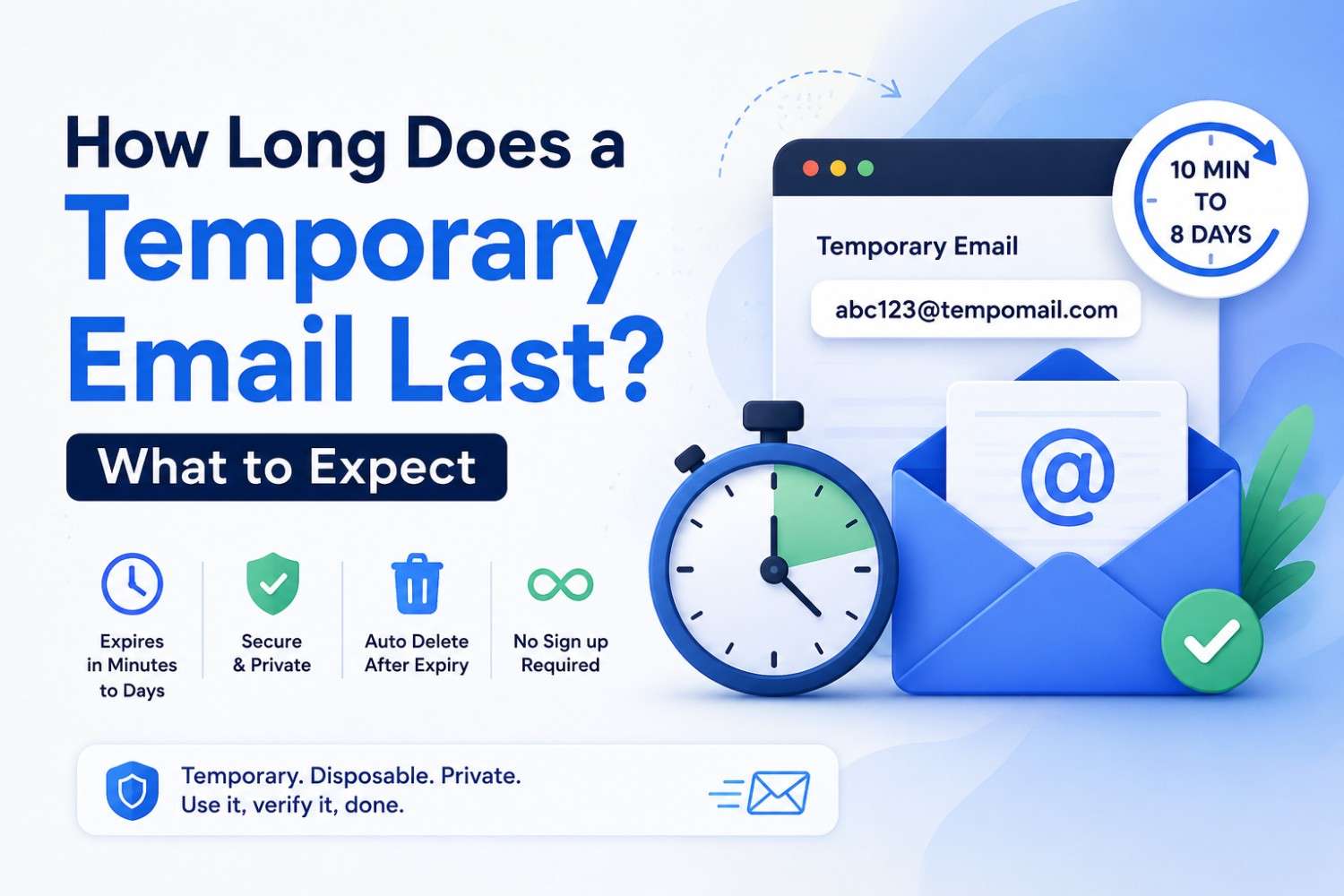
How Long Does a Temporary Email Last? What to Expect
How Long Does a Temporary Email Last? What to Expect
Quick Answer: How long a temporary email lasts depends entirely on which service you use. The average length of time is 10 minutes to 24 hours for most disposable inboxes. Tempomail sessions last long enough to complete standard verification and signup flows, after which the address and all messages are deleted automatically. There is no manual action required and no persistent data stored after expiry.
Main Points
- Temporary email expiration varies by provider, ranging from ten minutes to several days, depending on the platform.
- Tempomail sessions cover the full duration of standard verification flows, from receiving the code to completing the signup. For a closer look at the process, see how temporary email works behind the scenes.
- Disposable email duration has been created to fit the job, not to be a long-term email inbox.
- After the session ends, Tempomail erases the address and all messages permanently. It never stores them.
Why Temporary Email Lifetime Varies
The question of how long a temporary email lasts does not have a single universal answer. Each disposable email provider sets its own session length based on its intended use case, infrastructure costs, and user expectations.
Across the most widely used disposable email services, session durations commonly range from ten minutes to eight days, depending on how each provider balances server load against user convenience.
In practice, a short session window is one of the most common reasons a sign-up flow gets interrupted before the verification step completes. That's a pattern that illustrates the practicality of how a disposable email address works, rather than the theory behind it.
Common Temporary Email Duration Ranges
Different services approach session length differently. The range is the set of numbers that define the space.
Ten minutes (e.g., 10 Minute Mail)
Tempomail receives the single-use verification code within seconds. Use it immediately. Extensions are available in increments, but the default is short by design.
One hour (e.g., Guerrilla Mail)
Covers most registration flows, including those with delayed delivery. Suitable for slower-loading verification emails or multi-step onboarding sequences that take longer than a single form submission.
Session-based (e.g., Tempomail)
The inbox remains active for the duration of the browser session. It is the entire process of registration or verification that is completed for most users. Once the browser tab is closed or the session expires, all the addresses expire and are deleted from the computer. You can generate a new temporary email address any time a fresh session is needed.
Up to eight days (e.g., YOPmail)
An account activation link is sent when the registration takes several days, such as when a confirmation email is sent, a link is sent for account activation, or a follow-up email is sent.
How Long Does a Temporary Email Last on Tempomail?
Tempomail uses a session-based model. The address remains active while the Tempomail browser tab is open and the session is running. This approach aligns the temporary inbox lifetime with the actual task rather than a fixed clock.
For standard scenarios like signing up for a disposable address, waiting for a verification code, and signing up, the session time is more than sufficient. The e-mail message appears in seconds, the code is applied, and the work is complete before any session time limit can be reached.
You can have the Tab “Tempomail” open for longer if you like; Keep the browser tab open until you close the window.
What Happens When a Temporary Email Expires?
Once a temporary email address expires, three things occur:
- The address becomes inactive. The server rejects any emails sent after the address expires. They do not queue and arrive later. They aren't deliverable to a non-existent mailbox.
- All messages are permanently deleted. There is no archive, no sent folder, and no recoverable history. Tempomail deletes the inbox and every message when the session expires. This is a privacy feature, not a limitation.
- The account it was used for remains. If you used the temporary address to register for a website, that account continues to exist after the Tempomail address expires. Your account remains active. Only email-based communication and recovery for that account becomes unavailable through the expired address.
Matching Disposable Email Duration to the Task
Choosing the right temporary email service based on session length prevents the most common problem users encounter: the inbox expiring before the task is finished. It also helps to know how safe a disposable inbox is to use before picking one for a sensitive task.
Task | Recommended Duration |
Single verification code | Ten minutes is sufficient |
Multi-step onboarding flow | One hour or session-based |
Standard signup and confirmation | Session-based (Tempomail) |
Multi-day registration sequence | Eight-day retention (YOPmail) |
Developer and QA testing | Session-based or hour-based |
Tempomail covers the majority of use cases: signups, verifications, trial activations, download gates, and short-duration QA flows. For tasks that extend beyond a single browser session, a longer-retention provider is the more appropriate choice. If you just need to create a disposable email address for one of these, Tempomail's homepage has you covered — see also our guide on accessing your temporary mailbox instantly for more on that.
Does Temporary Email Expiration Affect the Accounts Created With It?
This is the most important practical question related to how long a temporary email lasts. The answer has two parts.
- During the active session, the account functions normally. Emails arrive, verification codes work, and the signup or access flow completes as intended.
- An account does not expire. The website the account was created on has no way of knowing the registered email address has expired unless it actively tries to send a message to it.
But any email communication from that account, such as a password reset, security alert, and email re-verification request, will go astray, as the registered address will no longer be available.
If you plan to use an account long-term, update the registered email to a permanent address before the Tempomail session ends. This can be done in account settings on most platforms and takes under a minute. This matters even more for financial accounts — see why a permanent email matters for accounts like PayPal.
About the Author
Written by Elena Marsh, a privacy and email-infrastructure writer who has spent over seven years covering disposable inbox tools, session-based authentication, and online privacy practices for consumer tech publications. This guide reflects current session length standards across leading temporary email providers. Last Reviewed: July 2026
(FAQs)
Can I extend a Tempomail session if I need more time?
Keep the browser tab open. Tempomail sessions remain active while the tab is running. Closing the tab ends the session and triggers expiry.
What happens to emails sent to an expired Tempomail address?
They don't come through with the delivery. No inbox to store them in and no message queue to store them for later. This address is just disabled once the session is over.
Does temporary email expiration delete the account I created with it?
No. The account on the third-party website is still active. However, only communications over email from that account are unavailable after the expiration of the Tempomail address.
How do I know if my temporary inbox lifetime has ended?
If the "tempmail" page doesn't contain an inbox or the address is no longer there, when you return to the "tab", the session has expired. Creating a new address begins a fresh session.
Is there a way to receive emails after the session ends?
No. Temporary email expiration is permanent and irreversible. If you need to receive future emails from a platform, update the registered email to a permanent address before the session ends.
Why do different services have different disposable email durations?
Session length reflects each provider's design priorities. Brief periods of time will minimise the storage needs for servers and exposure. Higher durations enable more complicated use cases. Tempomail uses a session-based model that balances both. You can try this balance yourself and set up a temporary inbox in a few seconds.
Can I use Tempomail for tasks that take several hours?
Yes, as long as the browser session is still active, of course. If the task extends over multiple days or to the inbox after the session concludes, then it is a more reliable provider that will have a retention period set. For a quicker task, like signing up for TikTok with a temp mail address, the standard session window is more than enough.
Will the website know my temporary email has expired?
Only if it tries to send an email to the address and it gets a bounce notification. Typically, bounce rates for individual accounts are not monitored on most websites, which means expiry will not be noticed in most standard use cases.

