
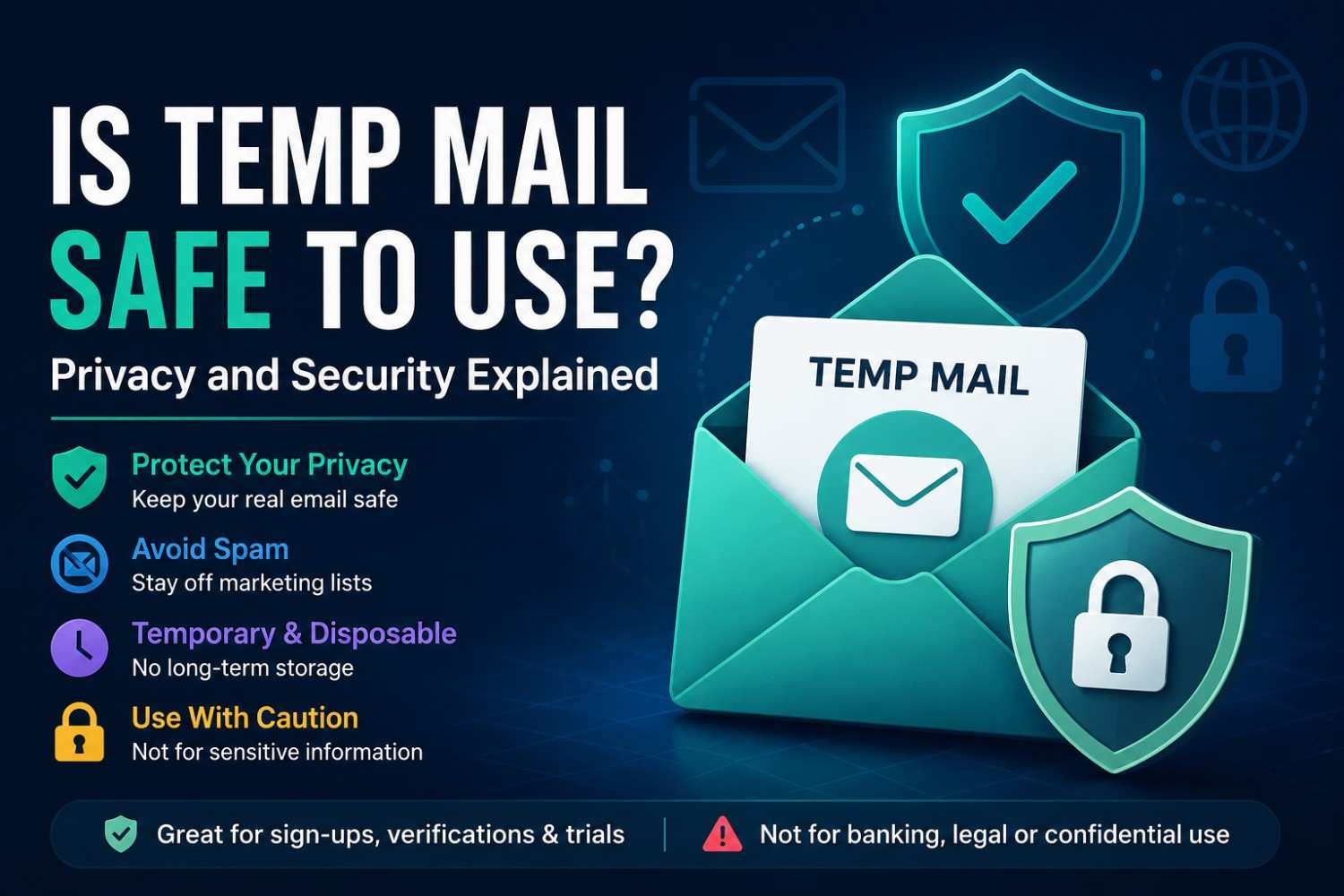
Is Temp Mail Safe to Use? Privacy and Security Explained
Is Temp Mail Safe to Use? Privacy and Security Explained
Quick Answer: Is temp mail safe to use for non-critical, online activities? It provides a working disposable email address for a single use, keeping your real inbox off spam and marketing lists. It is not, however, intended for sensitive communications, long-term accounts, or encrypted messages. It works best for registrations, verifications, and trials where privacy is a concern but security is not.
People ask most often about temporary inboxes, not how to use them; it's whether they can be trusted. Is temp mail safe to use? Or are there risks of using a disposable email address? The honest answer has two sides, and understanding both is what allows you to use temp mail correctly and confidently.
A 2025 Proton Privacy Consumer Report found that 71% of internet users received unsolicited marketing emails after signing up for a free trial or online service.
According to another 2025 Surfshark Data Breach Digest, email addresses are the most popular data point in consumer data breaches, with them being present in 89% of all leaked information.
Both numbers speak a clear message: People who enter their actual email address online are at risk. A safe temporary email service reduces that risk directly. For a broader look at how these addresses work, see our guide to disposable email addresses.
Main Points
- Your real email address stays off spam lists: Temp mail does not put you on spam or marketing lists, or on data broker exposure lists in your email inbox.
- Do not use for sensitive information: Disposable inboxes do not have any encryption and should not be used for financial, legal or confidential messages.
- No stored history: The address and any messages are deleted once a session is over.
- Choose wisely: A
safe temporary email servicesafe temporary email service is an instant address, without login, and without collecting any personal information.
What Temp Mail Protects You From
A disposable email is a shield between your real email and the sites that would like to have access to it. Here is what using a temporary address actually prevents:
- Spam accumulation: The website cannot continue sending marketing emails to an address that does not exist anymore.
- Exposure to data brokers: Your actual email address is safe since your email address is never shared or used for marketing purposes.
- Breach exposure: If a website's user database is leaked, a disposable address is what gets exposed, not your primary contact.
- Unwanted re-engagement: Companies cannot send reactivation campaigns to an expired inbox.
What Temp Mail Does Not Protect You From
Temporary email security has real boundaries. A safe temporary email service handles spam prevention well. It is not designed for the following:
- Encrypted communications: There are no disposable inboxes that use end-to-end encryption. Anyone who knows the address can read the contents during the active session.
- Long-term account security: After the address expires, any account tied to it loses email-based recovery and cannot be restored.
- Sensitive personal data: Financial information, identity documents, health information: Do not send to or from a temporary inbox.
- Legal correspondence: A disposable inbox is not appropriate for communications requiring a verifiable, permanent record.
How Disposable Email Privacy Works
When Tempomail generates a temporary address, it creates a mailbox on an active mail server. The mailbox updates in real time as emails arrive and displays them in a web-based inbox without requiring a login. No password, no encryption layer and no persistent storage once the session is over. For a closer look at how the inbox itself behaves, see accessing a temporary mailbox securely.
Disposable email privacy is not based on encryption; it's based on impermanence and anonymity. The address is not associated with your name, phone number or payment information. When your mailbox is deleted, your mailbox and all its contents will be deleted from the system upon the termination of the session.
When Is Temp Mail the Right Choice?
Website and App Registrations
Signing up for a tool or platform you plan to try once is the ideal use case. A temporary inbox handles the confirmation email, gives you access, and disappears without leaving a contact trail the website can use to follow up. If the sign-up sends a one-time code, our walkthrough on using disposable email for Amazon OTP verification shows the same process in action.
Free Trial Access
Many services require an email to start a free trial and then send marketing emails indefinitely. A temporary address completes the trial activation without creating an ongoing email relationship. The same idea applies to sign-ups tied to Google; see how to set up a temporary email for Gmail verification when a trial asks for a confirmed account.
Downloading Gated Resources
White papers, templates, and software downloads commonly sit behind an email capture form. Using Tempomail grants access without adding your real address to a marketing database.
Testing and Development
Developers and QA teams use temporary inboxes to test email flows and onboarding sequences across multiple test accounts without consuming real email infrastructure.
Choosing a Safe Temporary Email Service
Not all disposable email tools operate the same way. These are the characteristics worth looking for:
- No registration required to generate an address
- Automatic expiry with full message deletion after the session ends
- Multiple active domains to handle platform blocklists
- No personal data collected during address generation
- Clear disclosure of what the service does and does not protect against
Tempomail meets all five criteria. Tempomail instantly generates email addresses. They require no login, expire automatically, and collect no personal information during use. If you have come across the term elsewhere, our explainer on burner email uses and benefits covers the same concept under a different name.
Daniel Reyes, Senior Privacy Analyst — Tempomail Privacy Research Team. Specialists in online privacy tools, disposable email systems, and consumer data protection. This article draws on current research in email security and user privacy behavior. Last Reviewed: July 2026
(FAQs)
Can someone else access my Tempomail inbox?
During the active session, anyone who knows the exact address can view the inbox. This is a feature of all no-login disposable inboxes. Avoid using temp mail for any message you need to keep private from others.
Does using temp mail slow down the verification process?
No. Tempomail receives messages in real time. Verification codes and confirmation links typically appear within seconds of the sending website dispatching them.
Is temporary email security sufficient for financial signups?
No. Financial accounts require stable, recoverable email addresses for transaction alerts and account recovery. Use a permanent, secure email provider for any account involving money.
Will websites know I used a disposable address?
Some websites check email domains against known disposable lists. Tempomail addresses may be accepted or blocked depending on the platform. Generating a new address usually resolves a block.
Does Tempomail store my messages after the session ends?
No. Messages are deleted when the session expires. There is no long-term storage, no message history, and no data retained after expiry.
Can anonymous email protection prevent phishing?
It reduces exposure. An expired inbox cannot receive future phishing emails, which reduces long-term exposure. However, you should still avoid opening suspicious links while the inbox is active. Using an anonymous email protection tool for every signup keeps your identity separated from your real inbox.
Is temp mail legal to use?
Yes. Using a disposable email address for website registrations is legal in virtually all jurisdictions. Users remain responsible for complying with the terms of service of individual websites.
What is the difference between temp mail and a private email provider?
Temporary email is anonymous, instant, and requires no setup but expires and is not encrypted. A private provider like Proton Mail offers encryption and permanence but requires registration. Each serves a different privacy need.

