
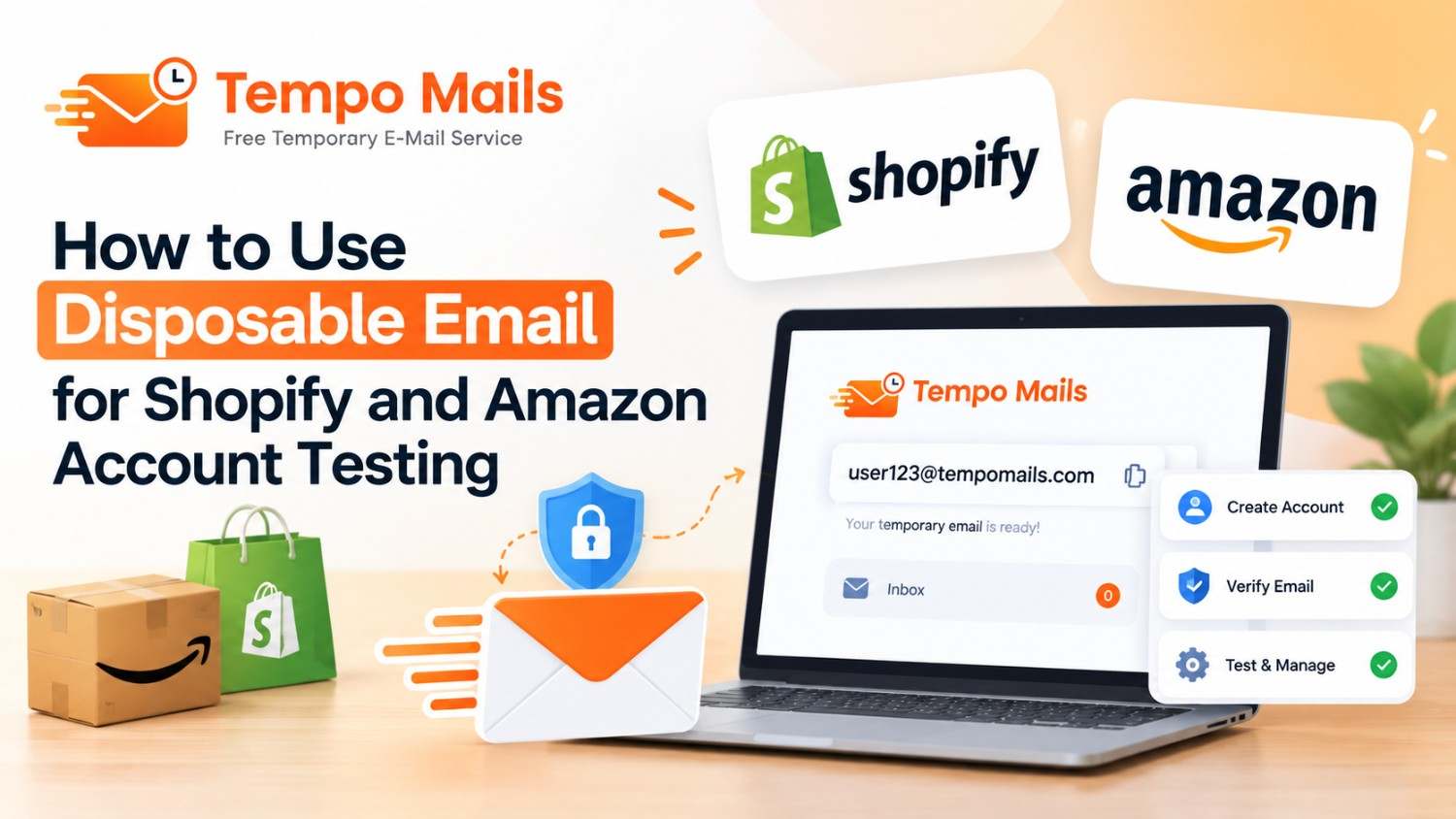
How to Use Disposable Email for Shopify and Amazon Account Testing
Quick Answer: Disposable email for Shopify and Amazon lets sellers test buyer flows and verify store setups. It also helps evaluate platform features without using a real business email for every test account. Tempomail generates a working address instantly, receives platform verification emails within seconds, and deletes everything at session end. Clean testing, zero inbox noise, and no permanent data trail from accounts created purely for evaluation.
Introduction
Shopify and Amazon are major global ecommerce platforms. Statista reported over 4.4 million active Shopify stores and 9.7 million Amazon seller accounts in 2024. Sellers on both platforms routinely create test accounts. These accounts help verify checkout flows, email sequences, and buyer experiences.
Temporary email for ecommerce speeds up testing and improves accuracy. Each test account starts with a clean, uncontaminated inbox. A 2024 Jungle Scout report found that 54% of professional Amazon sellers regularly use separate test accounts. They use them during store setup and seasonal campaign preparation.
Main Points
- Disposable email for Shopify and Amazon handles verification steps on test accounts without involving the primary seller inbox.
- Shopify account testing with fresh addresses produces accurate buyer experience results free from prior account history.
- Amazon seller verification for test purposes is compatible with Tempomail on buyer accounts but not on active professional seller accounts.
- Temporary email for ecommerce is a research and testing tool, never a replacement for the permanent email on a live selling account.
Why Ecommerce Sellers Need Clean Test Accounts
Every Shopify store and Amazon listing triggers automated buyer emails. These include order confirmations, shipping notifications, review requests, and return instructions. Sellers need to verify delivery, rendering, and timing. Testing this with a real business email creates two problems.
First, the primary inbox fills with platform marketing from every test registration. Second, using the same email across multiple test scenarios produces results contaminated by prior account history, cached preferences, and existing filter rules. Disposable email for Shopify Amazon testing eliminates both problems simultaneously.
Platform Compatibility Overview
Platform | Disposable Email Compatible | Notes |
Shopify trial stores | Yes | Full compatibility for store creation |
Shopify buyer accounts | Yes | Ideal for checkout flow testing |
Amazon buyer accounts | Yes | Works for purchase flow verification |
Amazon professional seller | No | Requires a permanent monitored email |
Shopify Partner accounts | Partial | Update to permanent before active use |
Amazon FBA setup | No | Permanent email required for compliance |
Shopify Account Testing With Tempomail
Creating a Test Store
Shopify's free trial requires only an email address to begin. Tempomail provides a clean address that Shopify's validation accepts without issue. The verification email arrives within 30 seconds, and the trial store activates immediately.
Using a free disposable email address for Shopify trial creation means the primary business email receives no Shopify onboarding sequences, feature update campaigns, or upgrade prompts from the test store.
Testing the Buyer Checkout Flow
Verifying the complete buyer experience on a Shopify store requires a separate buyer account. Creating that account with Tempomail produces a genuine first-time buyer profile with no prior purchase history, no loyalty status, and no cached preferences that would skew the test result.
The confirmation email, shipping notification, and review request all arrive in the Tempomail inbox during the session. The seller can verify content, formatting, timing, and deliverability accurately. After testing, the session closes, and the system permanently deletes everything.
Testing Third-Party App Integrations
Shopify apps, including Klaviyo, Omnisend, and Gorgias, trigger email sequences based on customer actions. Testing these integrations requires fresh buyer accounts, which is why QA teams build automated email testing workflows around disposable inboxes. These accounts should have no previous interaction with the app. Temporary email for ecommerce provides the clean starting point each integration test requires.
Amazon Seller Verification and Test Account Use
Buyer Account Testing
Amazon buyer accounts for testing purchase flows, reviewing product page presentation from a buyer perspective, and verifying sponsored ad display are all compatible with disposable email for Shopify Amazon testing.
Tempomail receives the Amazon buyer account verification email reliably. The account activates fully for browsing, viewing listings, and completing test purchases with test payment methods in development environments.
What Amazon Seller Verification Requires
Amazon's professional seller verification process requires a permanent, actively monitored email address. The Amazon seller verification workflow sends performance notifications, policy updates, listing suspension alerts, and disbursement confirmations.
Missing any of these communications has direct financial and account standing consequences. Disposable email for Shopify Amazon testing applies to the buyer-side testing of Amazon flows, not to professional seller account creation or management.
Step-by-Step Testing Workflow
Step 1: Open Tempomail
Go to the free temporary email generator. A disposable inbox generates automatically. Copy the address. Prefer testing on your phone? Install the Tempomail Android app from Google Play.
Step 2: Register the test account
Paste the Tempomail address into the Shopify trial sign-up or Amazon buyer account registration form. Submit and wait.
Step 3: Complete email verification
Return to Tempomail. The platform verification email arrives within 30 to 60 seconds. Select the confirmation link to activate the account.
Step 4: Run the test scenario
Execute the buyer flow, app integration test, or email sequence verification. Save screenshots or data to your device during the session.
Step 5: Close Tempomail after testing
Close the tab. All messages and session data are permanently deleted. The platform's marketing automation has no active inbox to reach.
Common Testing Scenarios and the Right Email Approach
Order Confirmation Email Testing
Create a Tempomail buyer account, complete a test purchase, and verify that the order confirmation arrives with correct content, formatting, and timing. Delete the account and repeat with a fresh Tempomail address for each test variant. Teams running many variants at once can use a bulk temporary email generator to create addresses in parallel.
Abandoned Cart Email Testing
Register a Shopify buyer account with Tempomail. Add items to the cart and abandon the session. Check that the abandoned cart email arrives within the expected window. Confirm that it contains the correct product information and discount code.
Return and Refund Flow Testing
Test the return initiation flow from a buyer account created with a disposable address. Verify that the return confirmation, refund notification, and post-return survey all route correctly and contain accurate information.
Conclusion
Disposable email for Shopify Amazon testing gives sellers a precise, repeatable tool for verifying every buyer-facing email sequence their stores generate. Shopify account testing with Tempomail produces clean, history-free results.
Amazon buyer flow testing proceeds without contaminating the primary seller inbox. The line is consistent across both platforms: testing and research use a secure disposable email service, while live selling operations always use a permanent, monitored business address.
Author Expertise
The Tempomail platform and editorial team conduct live compatibility testing across ecommerce platforms, seller tools, and marketplace registration flows. Results reflect verified behaviour on current platform versions and are updated as platform policies evolve. Explore the full testing toolkit with an instant temporary email inbox.
Related Resources
- New to disposable inboxes? Start with our guide to what temp mail is and how it works.
- Automating email checks in your test suite? See the best temp mail API for developers.
- Comparing tools for US-based store testing? Read our roundup of the best temp mail services in the US.
- Need quick answers on limits, safety, and compatibility? Browse the temp mail FAQ hub.
(FAQs)
1. Does disposable email for Shopify Amazon work on trial store creation?
Yes. Shopify accepts Tempomail addresses for trial store registration, and full verification completes within seconds.
2. Can Tempomail be used for Amazon seller verification?
No. Amazon seller verification for professional selling accounts requires a permanent, monitored email for compliance and performance communications.
3. How does Shopify account testing benefit from disposable email?
Fresh addresses produce uncontaminated test results reflecting genuine first-time buyer behaviour without cached preferences or prior purchase history.
4. Does temporary email for ecommerce work on Shopify app integrations?
Yes. Klaviyo, Omnisend, and similar apps trigger correctly against buyer accounts created with Tempomail during integration testing.
5. Will Amazon block a Tempomail address on buyer accounts?
Amazon buyer account creation applies basic validation. Tempomail passes in most attempts. A fresh session generates a new domain if rejected.
6. Can the same Tempomail address test multiple Shopify scenarios?
Yes, within the same active session. Each new session generates a fresh address for subsequent independent test runs.
7. What email type should an active Amazon FBA seller use?
Always a permanent, actively monitored business email. FBA communications include disbursement notices and inventory alerts requiring immediate attention.
8. How accurate is ecommerce account testing with a fresh disposable address?
More accurate than testing with a real address because fresh accounts have no prior purchase history, loyalty status, or filter rules affecting email delivery results.

