
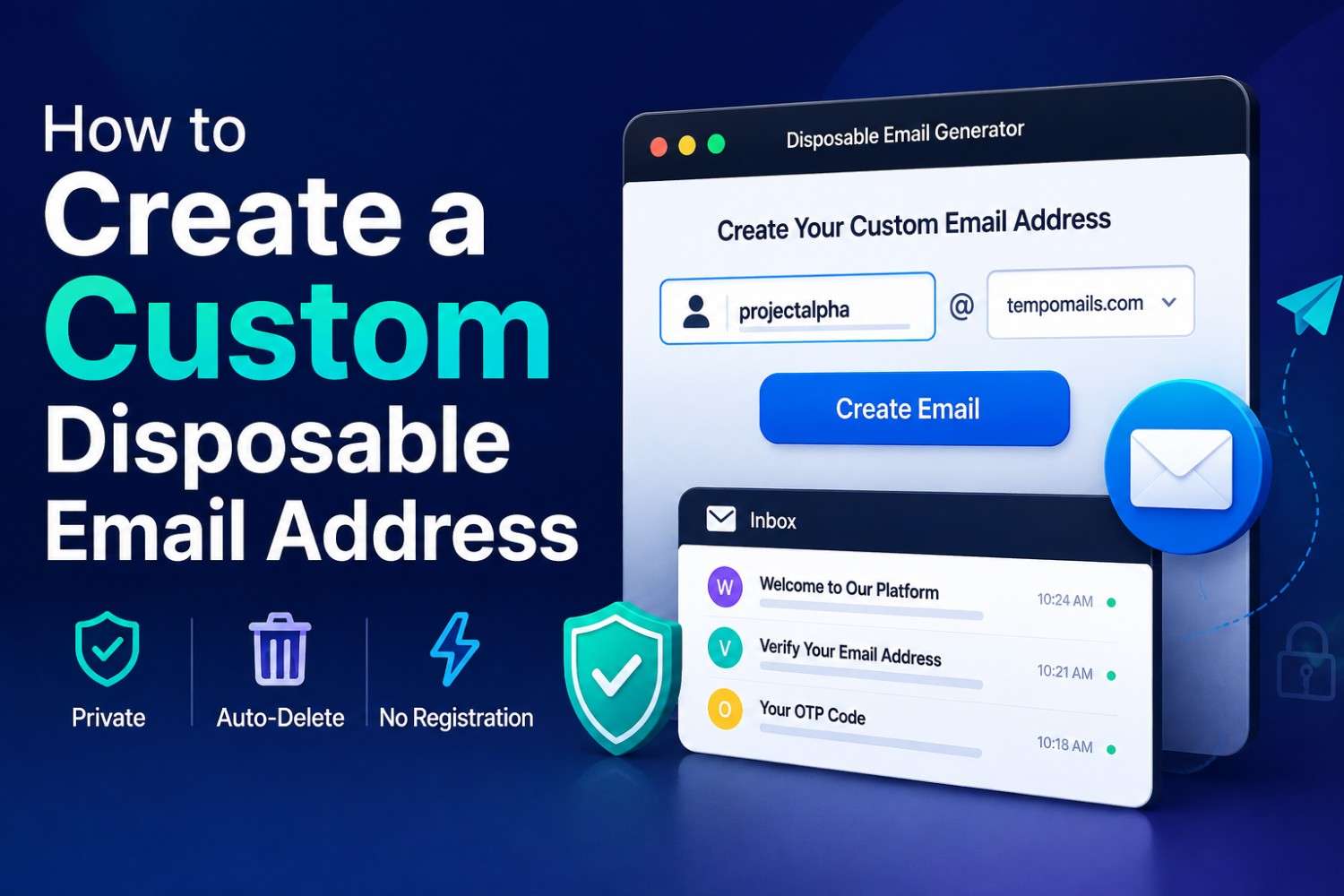
How to Create a Custom Disposable Email Address
How to Create a Custom Disposable Email Address
Quick Answer: A custom disposable email address lets you choose a specific username rather than accepting a randomly generated string. Some disposable email generators support this feature, allowing users to create a recognisable or memorable address for a specific purpose — while retaining the same automatic deletion, zero registration, and privacy protection of a standard temporary inbox. You can try this yourself on Tempo Mails' free disposable email generator, which supports custom addresses within the same session-based flow described above.
Main Points
- A custom disposable email address combines the privacy benefits of a temporary inbox with the ability to specify a preferred username.
- Not all disposable email tools offer custom address creation. Understanding the difference helps you choose the right tool.
- A personalised temporary email is useful when you need a recognisable address for a specific project, testing scenario, or repeated sign-up process.
- Custom temporary inbox functionality works within the same session-based architecture as standard disposable email; the address still deletes automatically.
Why Someone Would Want a Custom Disposable Email Address
Standard disposable email generators produce random combinations of letters and numbers that look like machine-generated identifiers. For most use cases, this is fine. The address works. Messages arrive. The session ends.
For specific situations, a recognisable address is more practical. A developer testing multiple user registration flows may want addresses that indicate their purpose, something like testuser1 or stagingtest, rather than a random string.
A team running coordinated platform tests may need all testers to submit to the same inbox simultaneously. A user repeatedly accessing a specific service may want a consistent address that is easy to type without copying from a generator each time.
When you want to have an identifiable email address for a specific purpose such as a test case, project, or multiple sign-ups, then a custom disposable email address will be better suited. The broader concept of a disposable email address is well documented for readers who want the full technical background.
Developers who manage multiple test accounts commonly point to predictable, purpose-named addresses as a time-saver, since it removes the need to cross-reference a list of random strings to find the right inbox.
How a Disposable Email Generator Handles Custom Addresses
A disposable email generator that supports custom addresses allows users to specify a username prefix before the service's domain, creating an address like username@domain.com that routes to the same session-based temporary inbox as a randomly generated address.
The technical process is straightforward. The disposable email generator assigns the custom username to the active session inbox.
Any message sent to username@domain.com routes to that inbox in real time, exactly as it would for a randomly generated address.
The session-based deletion architecture applies equally. When the session ends, Tempomail permanently deletes the inbox and all messages.
The key difference from a standard random address is the username portion. The domain portion remains controlled by the service, which means domain-level blocking by third-party platforms applies regardless of the custom username chosen. You can set a custom username yourself with Tempo Mails' custom disposable email generator.
What Personalised Temporary Email Is Used For
A personalised temporary email is a disposable address where the username portion has been specified by the user rather than generated randomly, making the address predictable and typeable without reference to a generator interface. If you are still deciding which service to use, our comparison of the best temporary email generators breaks down which tools support this feature.
The Practical Applications Fall Into Three Main Categories
Developer and QA testing
When building or testing a registration system, using addresses like qa.test.1 or dev.user.staging makes it immediately clear which test scenario each inbox represents.
Searching through a list of random strings to identify the correct test inbox wastes time. Predictable custom addresses eliminate this problem. For a deeper walkthrough, see our guide on using disposable emails for QA testing and app signups.
Team-shared inboxes
Some disposable email tools treat the inbox as public; anyone who knows the address can access it. This makes a custom address useful for team-based workflows where multiple people need to access the same temporary inbox simultaneously, such as testing a shared notification system or coordinating a multi-account verification process. It helps to know how long a temporary email lasts before planning a multi-person test window.
Repeated personal signups
A user who regularly creates trial accounts on similar platforms may prefer typing a consistent, memorable address rather than copying a new random string each time. A custom temporary inbox for this purpose provides consistency without the permanence of a real email account. Read our burner email explained guide for more on how these session-based addresses work end to end.
How to Create a Custom Disposable Email Address
There may be minor differences in the process among disposable email address services; however, the process is generally similar among disposable email generators that offer custom email address creation. Start by opening Tempo Mails to generate a temporary email before customising the username.
Firstly, go to the disposable email generator. Look for an input field above or alongside the generated address display. Some services show the random address with an edit button. Others provide a separate field for username entry from the start.
Enter your preferred username in the available field. The service accepts the input and updates the active inbox to receive messages sent to your custom address on its domain. The inbox is now live and ready to receive messages at the specified address.
Use the address wherever needed. Return to the custom temporary inbox to view incoming messages as they arrive. The session works exactly like a randomly generated address. It delivers emails in real time, deletes them when the session ends, and never requests personal data. For more on managing this step, see our guide on accessing your temporary mailbox securely.
If another active session already uses your chosen username, the platform displays a notification. Choose a different username or add a number to create a unique address.
Important Limitations of Custom Disposable Addresses
A custom disposable email address has all the same restrictions and features as a randomly generated disposable address except for one aspect. The username that is not random is easy to predict as compared to a random one.
On services with public inboxes, other users can guess simple or common usernames. Choose a unique username to improve privacy. Choosing unusual or specific usernames reduces this risk.
The domain portion remains fixed to the disposable email generator's domain. This means platform domain blocklists apply regardless of what custom username is used. If a platform blocks the service's domain, a custom username on that domain will be blocked the same way as any other address using it. Since Tempo Mails' free disposable email addresses reset with every new session, choosing a fresh username after a block is quick.
In practice, services that support custom addresses tend to see stronger repeat use among developers and power users, since a predictable address is easier to reuse across a structured workflow than a fresh random string every session.
When to Use a Custom Address vs a Random One
The choice between a custom disposable email address and a randomly generated one is a function of purpose rather than privacy level.
For personal one-time verifications where no predictability is needed, a free trial, a content download, a forum signup, or a randomly generated address is faster and equally effective. There is no benefit to specifying a username when the address will never be used again.
For developer testing, team workflows, or repeated signups where address predictability reduces friction, a custom temp mail address is the more practical option. The privacy level is identical. The usability improvement is meaningful. This is the same logic covered in our guide on using temp mail for Discord verification, where a memorable address speeds up repeated server signups.
About the Author
The Tempomail Editorial Team covers disposable inboxes, email privacy, and platform compatibility. This guide was written and reviewed by Daniel Reyes, Email Privacy & Security Analyst at Tempo Mails. The team bases every guide on technical research and ongoing service evaluation. Last Reviewed: August 2026
FAQs
Can I use the same custom address across multiple sessions?
On most disposable email generators, the same username can be entered in a new session. However, messages from previous sessions are permanently deleted. Each session starts with an empty inbox regardless of the username used. You can confirm this yourself on Tempo Mails' disposable email generator.
Is a personalised temporary email more likely to be blocked by platforms?
No. Platform blocklists target the domain, not the username. A custom address on a blocked domain will be rejected the same way as a randomly generated one on the same domain.
Can two people access the same custom temporary inbox simultaneously?
On services with public inbox access, yes. Anyone who knows the full address can view the inbox during an active session. This makes shared custom inboxes useful for team testing but unsuitable for private personal use.
Does entering a custom username increase setup time significantly?
No. Typing a preferred username takes a few seconds. The inbox activates immediately after the username is entered, with no additional confirmation or processing delay.
Are there restrictions on what usernames can be used?
Most disposable email tools apply basic formatting rules, letters, numbers, and certain symbols only, within a character length limit. Profanity filters and reserved username exclusions may also apply, depending on the service.
Does a custom address receive messages faster than a random one?
No. Message delivery speed depends on the service's mail server infrastructure, not on whether the address uses a custom or random username. Delivery times are identical across both address types on the same platform.

