
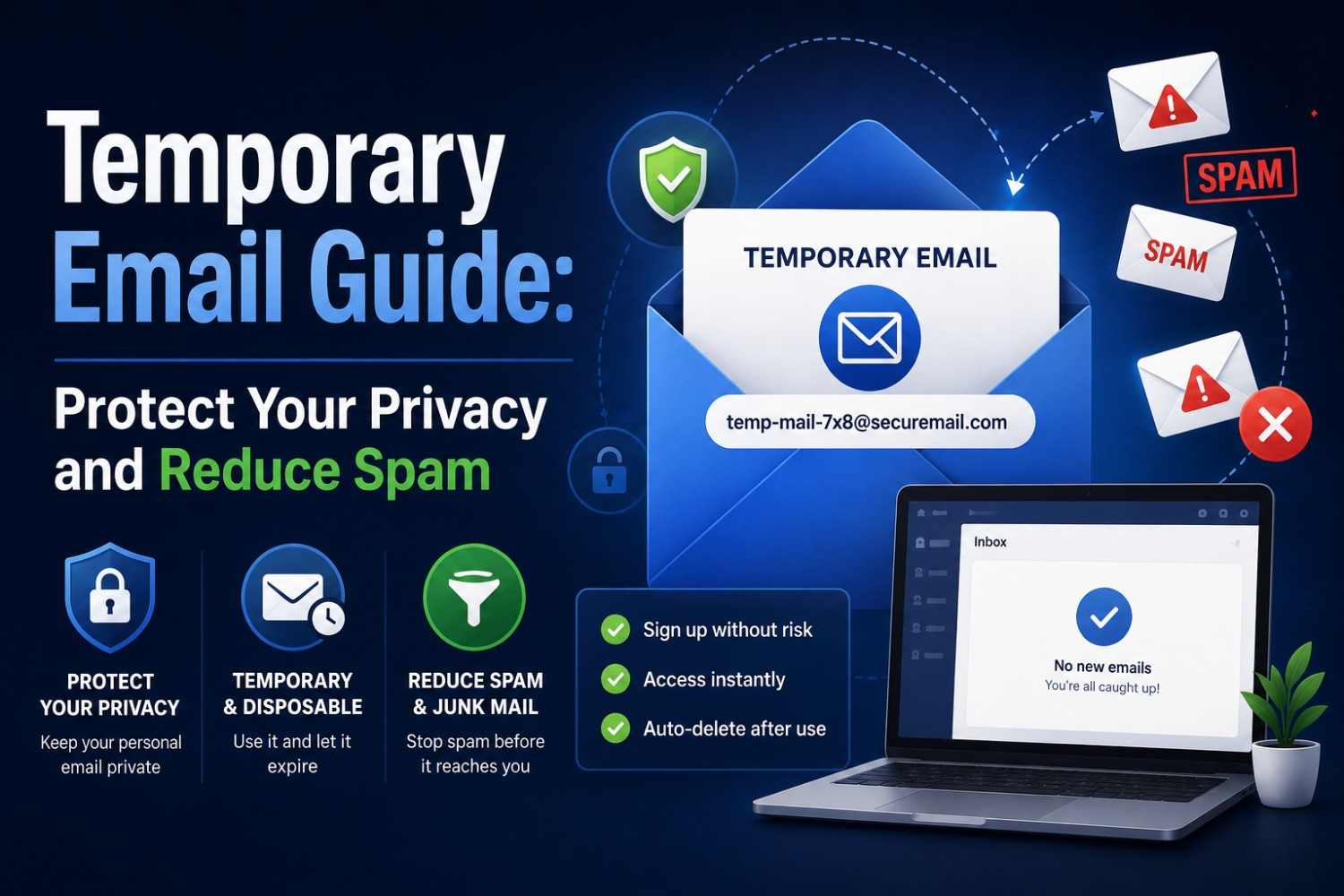
Temporary Email Guide: Protect Your Privacy and Reduce Spam
Temporary Email Guide: Protect Your Privacy and Reduce Spam
By Sarah Whitfield — Digital Privacy & Email Security Writer, 6+ years covering consumer data protection. Last updated: August 28, 2026 | Reviewed for accuracy under our editorial guidelines
Quick Answer: Temporary email privacy hides your real email address from websites by giving them a disposable one instead. Tempomails' free temporary email generator creates a working inbox in seconds, receives verification messages instantly, and deletes everything when the session ends. No sign-up, no personal data, no lasting marketing connection — just clean, fast access to any platform that requires an email address.
Every online registration creates a permanent marketing contact point. You enter your email address into websites, which then add you to an auto-response marketing list and may sell it to outside marketing companies without your knowledge. By the time users notice the unwanted emails, dozens of platforms have usually already stored their real address.
Temporary email privacy addresses this problem at the source. A disposable inbox provides a working email for any platform that requires one, receives the necessary verification, and disappears automatically when the session ends. No filters or unsubscribing are needed. Your real address never enters any database. This is how it's used, its importance, and when.
Main Points
- Temporary email privacy starts at the sign-up stage; before any marketing sequence is triggered.
- Disposable email benefits include spam elimination, data breach protection, and inbox organisation without unsubscribing from anything.
- Email spam protection through a disposable address is more effective than filters because it prevents exposure rather than managing its consequences.
- Online privacy protection via temporary email is legal in all major jurisdictions and consistent with GDPR data minimisation principles.
What Is Temporary Email and How Does It Protect Privacy?
A temporary email is a "disposable inbox" that is created without collecting personal information. It is used for receiving actual e-mails, such as confirmation e-mails, one-time passwords, and verification links. The service then permanently deletes all content when the browser session ends. Tools like Tempomails' disposable email generator build this exact function into a single click, so no separate app or extension is needed.
Temporary email privacy works because most websites only validate a submitted email address. They check that it has a correct format and a functioning mail server. Tempomail satisfies both requirements.
The platform receives a working verification address. The user receives access to whatever service or resource was gated behind the sign-up. The real inbox receives nothing.
A disposable address doesn't allow spam to get to the real address, unlike email filters, which control spam once it is received. It maintains the real address as a separate entity from the sign-up.
Why Your Real Email Address Is a Privacy Risk
Most people underestimate how widely a submitted email address travels after the initial sign-up. Multiple industry privacy surveys report that a large share of consumer platforms share registered email addresses with third-party advertising and marketing partners, often within the first few months of registration.
Separately, the Radicati Group's email statistics research puts the average professional inbox at over 120 emails per day, with marketing content accounting for nearly half of total inbox volume. The problem compounds over time. Every new registration adds to the total number of platforms holding the real address.
Each of those platforms represents a potential data breach, a future spam source, and a persistent marketing contact that most users never fully remove. Online privacy protection through a disposable inbox stops this accumulation at its source.
Core Disposable Email Benefits
Complete spam prevention
Email spam protection through a filter catches spam after it arrives. A disposable address ensures it never arrives. The address submitted during sign-up expires before any marketing sequence reaches it. Platforms that rely on that address for ongoing contact find themselves sending to an inbox that no longer exists.
Data breach isolation
When a platform suffers a data breach, every real email address in its database becomes exposed. An expired disposable address contributes nothing to the leaked dataset. The breach occurs but carries no usable contact information for the real user.
Inbox organisation without effort
Managing spam through filters and unsubscribe requests requires ongoing maintenance. Inbox privacy protection requires none. Each disposable session handles one set of sign-ups, receives what is needed, and closes cleanly. No rules to create, no lists to manage.
Anonymous platform access
Many platforms gate content, tools, or communities behind email registration. A disposable inbox provides access without attaching a real identity to the account. The session ends with no traceable connection between the real user and the platform. For a walkthrough on one popular platform, see creating a disposable email for Twitter.
Free trial evaluation without commitment
Software trials, streaming services, and SaaS platforms use email registration to initiate billing reminder sequences. A temporary address allows genuine feature evaluation without entering a follow-up campaign designed to convert or retain.
How to Use Tempomail for Maximum Privacy
Step 1: Open Tempomail before navigating to any sign-up page
Go to the instant temp mail generator. An inbox generates immediately. Copy the displayed address.
Step 2: Use the address wherever an email is required
Paste the Tempomail address into any registration, sign-up, or verification form. Submit the form normally.
Step 3: Return to Tempomail for incoming messages
The inbox refreshes automatically. Verification links and one-time codes arrive within 30 to 60 seconds. No manual refresh is needed.
Step 4: Complete verification and save any necessary content
Click on the confirm link or copy the code. If there is a link or access code to download it, download it immediately if this platform offers one.
Step 5: Update to a permanent email if keeping the account
For any platform worth using long-term, update the registered email to a permanent address in account settings before closing Tempomail. This preserves access while keeping the real address out of the initial registration data.
Step 6: Close Tempomail
Close the tab. All messages are deleted permanently. The platform's marketing system has no active inbox to contact.
Where Temporary Email Privacy Works Best
Use Case | Temp Mail Effective? | Notes |
Newsletter and content gates | Yes | Full spam prevention |
Software free trials | Yes | Update email before subscribing |
Forum and community sign-ups | Yes | Anonymous access |
E-commerce promotional discounts | Yes | Absorbs all follow-up campaigns |
Developer and QA account testing | Yes | Clean test environment per session |
Banking and financial platforms | No | KYC requires permanent verified contact |
Government portals | No | Identity-linked permanent contact required |
Healthcare platforms | No | Regulatory communications need permanence |
Long-term subscription accounts | Partial | Switch to permanent before first billing |
Temporary Email Privacy vs Other Online Privacy Tools
vs Email filters
Filters manage spam after it arrives. Inbox privacy protection prevents spam before it is ever sent. Filters require ongoing maintenance as new senders emerge. Disposable addresses require no maintenance at all. For a closer look at filter-based approaches, see how to block junk emails with a spam blocker.
vs Unsubscribing
When you opt out of marketing emails, you will most probably find that you are contacted by other similar senders, which proves the address is active. A disposable inbox will not require the need to unsubscribe, and all future emails will be sent undelivered automatically.
vs Email aliases
Alias services create permanent forwarding addresses that mask the real inbox. Unlike temporary email, aliases support account recovery and ongoing message delivery.
They are the better choice when access continuity matters alongside privacy. A free temporary email service is the better choice when a single session of access is all that is needed.
vs VPN
A VPN masks IP address and location. It does not protect email addresses submitted during sign-ups. Temporary email privacy and VPN protection address different data points. Using both together provides more complete online privacy protection than either alone.
Privacy Law and Temporary Email
Using a disposable inbox is fully legal in all major jurisdictions. GDPR Article 5 establishes data minimisation as a legal principle, supporting individuals' rights to limit personal data disclosure to what is strictly necessary. Providing a temporary address instead of a permanent one is a practical exercise of this right.
The UK Data Protection Act 2018 and California's CCPA both reflect similar data minimisation principles. Pakistan's Personal Data Protection Bill remains under legislative review and is not yet an enacted law, but its draft text follows the same data minimisation direction. No major privacy framework currently treats temporary email use as a legal violation.
Tempomail does not collect personal data, log IP addresses, or retain any session data after the browser tab closes. Its architecture is consistent with privacy-by-design principles.
Common Mistakes When Using Temporary Email
Closing the tab before clicking the verification link
The inbox is permanently deleted when the tab closes. Always complete the verification step before ending the session.
Using a disposable address for accounts requiring ongoing access
Platforms that send password resets, security alerts, or subscription confirmations via email become inaccessible if the registered inbox has expired. Update to a permanent email before closing Tempomail for any account worth keeping.
Not saving downloads before the session ends
If a platform sends a download link to the Tempomail inbox, save the file to your device before closing the tab. The link becomes inaccessible once the session ends. See how email history works in temp mail for more on what can and can't be recovered after a session closes.
Using temp email for financial or regulated services
Banking, investment, and government platforms require verified permanent contact for compliance reasons. Using a disposable address on these platforms creates access and recovery problems that cannot be resolved after the session ends.
Conclusion
Temporary email privacy is the most direct available tool for managing inbox exposure during online sign-ups. It works before spam arrives rather than after. It requires no ongoing maintenance, no filter configuration, and no unsubscribing.
A disposable address handles the verification step, delivers what is needed, and disappears automatically. For short-term platform access, content downloads, free trials, and any registration where ongoing contact is not wanted, Tempomail provides complete email spam protection with zero effort.
For accounts that need to last, updating to a permanent address before the session closes keeps both the access and the privacy intact.
Ready to stop handing out your real inbox? Generate your free disposable email now and keep the next sign-up out of your main inbox for good.
(FAQs)
1. Does temporary email privacy work against phishing attempts?
Partially. Using a disposable address prevents your real email from being included in phishing campaigns targeting platform breach data. It does not protect against phishing sent to the temporary address during the active session, though session-based inboxes expire too quickly to be effectively targeted.
2. Can I use the same Tempomail address for multiple sign-ups in one session?
Yes. Within an active session, the same address receives emails from any platform it is submitted to. Once the tab closes, the address expires and cannot be reused in any future session.
3. What are the disposable email benefits for developers specifically?
Developers gain clean, history-free inboxes for each test run, accurate first-delivery spam filter results, and no residual test accounts cluttering production databases. Each Tempomail session resets the test environment completely.
4. How does email spam protection through a disposable address differ from Gmail filters?
Gmail filters respond to spam after it arrives in the inbox. A disposable address prevents the real email from entering the sending platform's database. There is no spam to filter because the real address was never exposed.
5. Does online privacy protection through temp email comply with workplace policies?
This varies by organisation. Temporary email is appropriate for personal use and personal device sign-ups. For work-related platform registrations or accounts tied to business identity, always follow the organisation's email and data policies.
6. Will using Tempomail affect my sender reputation if I email campaigns?
No. Sender reputation is based on outbound sending behaviour, not which email tool you use for personal sign-ups. Tempomail is a receiving-only service and has no connection to any outbound sending infrastructure.
7. Can temporary email privacy be combined with other privacy tools?
Yes. Combining Tempomail with a VPN and a private browsing session protects multiple data points simultaneously. The disposable address handles email exposure, the VPN handles IP and location, and private browsing limits cookie and session tracking.
8. How do disposable email benefits compare to paid email privacy services?
Free disposable inboxes like Tempomail handle one-off sign-ups with maximum privacy and zero cost. Paid email privacy services like SimpleLogin provide permanent aliases with ongoing delivery and account recovery support. It will depend on whether the sign-up is for one-time usage or it is the beginning of a long-term relationship with the site.
About the Author
Sarah Whitfield is a digital privacy and email security writer with over six years of experience covering consumer data protection, spam prevention, and online account security for technology publications. Her work focuses on practical, plain-language privacy guidance for everyday internet users.
Editorial disclosure: This guide is independently written and reviewed for factual accuracy. Tempo Mails is mentioned as the disposable email service used for the examples in this article.

