
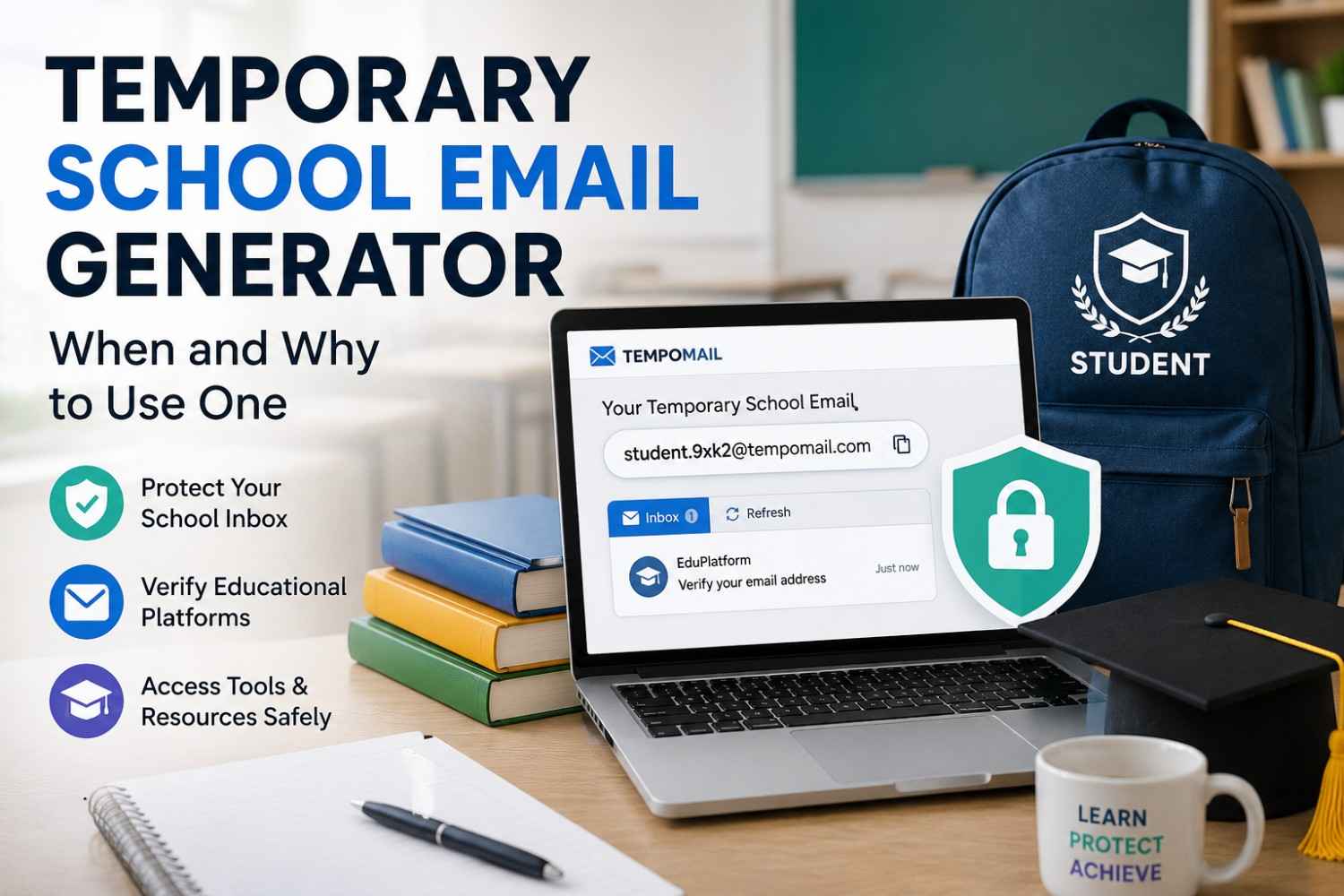
Temporary School Email Generator: When and Why to Use One
Temporary School Email Generator: When and Why to Use One
Quick Answer: A temporary school email generator creates a short-lived, disposable inbox that can be used for sign-ups related to education, verification on various platforms for students, and registration of educational tools, without needing to use a real school email address. This helps protect students from spam and separate their personal and educational emails, as well as conduct verification once without leaving any data trace connected to a school account. Last Updated: August 2026
Main Points
- A temporary school email generator is useful for accessing educational tools, trial platforms, and academic resources that require an email without needing ongoing communication.
- Student email address generator tools protect real institutional addresses from being shared with third-party marketing systems embedded in educational platforms.
- A temporary education email works for any verification-based access where the session inbox is needed briefly and then discarded.
- Disposable school email addresses delete automatically, leaving no data trail connecting the student's real identity to the platform accessed.
The Problem With Using a Real School Email for Everything
Institutional email addresses issued by schools and universities carry more weight than personal addresses in many contexts. Educational discounts, student platform access, and academic licensing systems all verify eligibility through the institutional domain. This makes the address valuable and worth protecting.
The problem is that many platforms targeting students embed third-party marketing systems behind their verification flows. Submitting a real institutional address to access a free educational tool, a trial account, or a research platform can result in that address entering marketing lists that the institution never intended it to reach.
A temporary school email generator provides an alternative for situations where the platform only needs to confirm a working inbox exists, not to communicate with it long-term.
Times Higher Education's 2026 Digital Learning Report found that 58% of students reported receiving unsolicited marketing emails from educational technology platforms within 14 days of submitting their institutional email address during a free tool signup. For a broader look at how these tools function day to day, see this guide to disposable email addresses.
What a Temporary School Email Generator Actually Does
A temporary school email generator is a disposable email tool used in academic contexts to create a short-lived inbox for educational platform verifications, student resource signups, and research tool registrations that require an email address without providing long-term communication value.
The tool generates a working address instantly. The address receives the verification email from the educational platform. Complete the confirmation step. Tempomail then deletes the session inbox automatically. This mirrors the process covered in our breakdown of how temporary email works behind the scenes.
You never submit your institutional address. The student gains access to the resource. No marketing sequence begins against the real school account.
Tempomail functions as a student email address generator for any platform that does not require proof of institutional affiliation — only a working email for the initial verification step.
When a Disposable School Email Makes Sense
Not every educational platform sign-up warrants a disposable address. Understanding when the tool is appropriate helps students use it effectively.
- Free educational tool trials. Platforms with free student tiers often collect email addresses to convert trial users into paid subscribers. A disposable school email breaks that cycle. Students access the tool, complete the trial, and avoid future marketing emails.
- Research database registrations. Academic research platforms sometimes require email registration for access to free resources, then follow up with newsletter content and promotional offers for paid tiers. A temporary education email handles the registration without creating an ongoing relationship. The same verification-based approach is covered in this guide to using a temporary email for Gmail verification.
- Third-party learning platform access. Teachers and professors frequently recommend external platforms as supplementary resources. These platforms vary widely in their data practices. A disposable address for accessing any platform where the institutional data policy is unclear protects the student's real address from unknown data-sharing arrangements.
- Conference and webinar registrations. Academic events require email registration but often result in sustained post-event marketing. A temporary academic email handles the registration and delivers the joining link without committing a real address to the conference's mailing list.
When Not to Use a Disposable School Email
A temporary education email is unsuitable for any academic platform where ongoing email access is required for course progress, assignment submissions, grade notifications, or institutional communication tied to the student's academic record.
Core academic platforms, the institution's own learning management system, official student portals, and any platform where the school tracks engagement or grades require a real institutional address. Using a disposable address for these systems creates access problems the moment the inbox expires.
Similarly, platforms where proof of institutional affiliation is verified against the domains of student discount programs, software licensing systems, and academic journal access tied to the school's network require the real institutional address because the domain itself is the verification mechanism. A disposable address from a public domain cannot replicate this.
The practical rule is that a temporary academic email works wherever the platform only needs a working inbox. It does not work wherever the platform specifically requires the institutional domain.
How Students Use Tempomail as a Student Email Address Generator
The process follows the same pattern as any Tempomail session, applied to an academic context.
Open tempomail.com before navigating to the educational platform. A working address appears immediately. No input required.
Submit the Tempomail address in the platform's registration form. The platform sends a verification email. Return to the Tempomail tab to retrieve the confirmation link or code. Complete the verification.
Access the educational resource. When the task is complete, close Tempomail. When the session ends, Tempomail permanently deletes the address. The platform still stores a verified address that no longer exists. This process is detailed further in our guide on accessing your temporary mailbox instantly.
Student Privacy Compass' 2026 EdTech Privacy Survey found that 73% of educational technology platforms shared student email data with at least one third-party advertising or analytics partner, with institutional email addresses being the most frequently shared data point.
Privacy Considerations Specific to Academic Contexts
Many jurisdictions protect student data by law. In the United States, FERPA governs student records. In the United Kingdom and the European Union, GDPR protects student data held by educational technology platforms. For a closer look at the security tradeoffs involved, see whether temp mail is safe to use.
These regulations create obligations for platforms, but enforcement depends on the platform complying voluntarily or facing regulatory action after the fact.
Using a temporary school email generator for non-essential platform registrations reduces the volume of student data entering systems where compliance cannot be guaranteed at the point of access.
The student does not need to evaluate every platform's privacy policy before every signup. The disposable inbox handles the transaction without exposing real institutional data to the platform's data-sharing arrangements.
About the Author
Written by Sarah Mitchell, Senior Content Strategist at Tempomail, who covers email privacy tools, student inbox management, and disposable email use cases with over 6 years of experience in consumer privacy technology. The team bases every guide on ongoing platform testing and privacy research. This article was reviewed by the Tempomail Editorial Team for accuracy and alignment with current student-privacy practices.
(FAQs)
Can a temporary school email generator access student discounts?
You can use a disposable address only when the discount does not require an institutional email. Platforms that verify student status through a school domain require a real institutional address. A public disposable domain will not pass that check.
Does using a disposable school email affect account recovery later?
Yes. Once the Tempomail session ends, email-based recovery for any account created with that address is no longer possible. For platforms where recovery access may be needed, use a real address or update the registered email before the session expires. A related example involving stricter recovery requirements is covered in this explainer on using a disposable email for PayPal.
Can teachers use a temporary education email for their own platform registrations?
Yes. Teachers face the same third-party marketing problem as students when registering for educational tools. A temporary email works equally well for educator signups on platforms that do not require institutional domain verification.
Is there a risk that the temporary address gets blocked by educational platforms?
Some educational platforms maintain domain blocklists. Tempomail rotates its available domains regularly to minimise blocking, though platforms specifically requiring institutional domains will reject any public disposable address regardless of domain rotation.
How quickly does the verification email arrive in the Tempomail inbox?
Typically, within ten to twenty seconds of form submission. The inbox refreshes automatically, so you do not need to reload the page to see new messages.
Can multiple students share the same Tempomail address for a group registration?
On platforms where the Tempomail inbox is accessible to anyone who knows the address, yes. For group registrations requiring a shared verification inbox, a consistent address string can be entered across sessions by different users simultaneously.

