
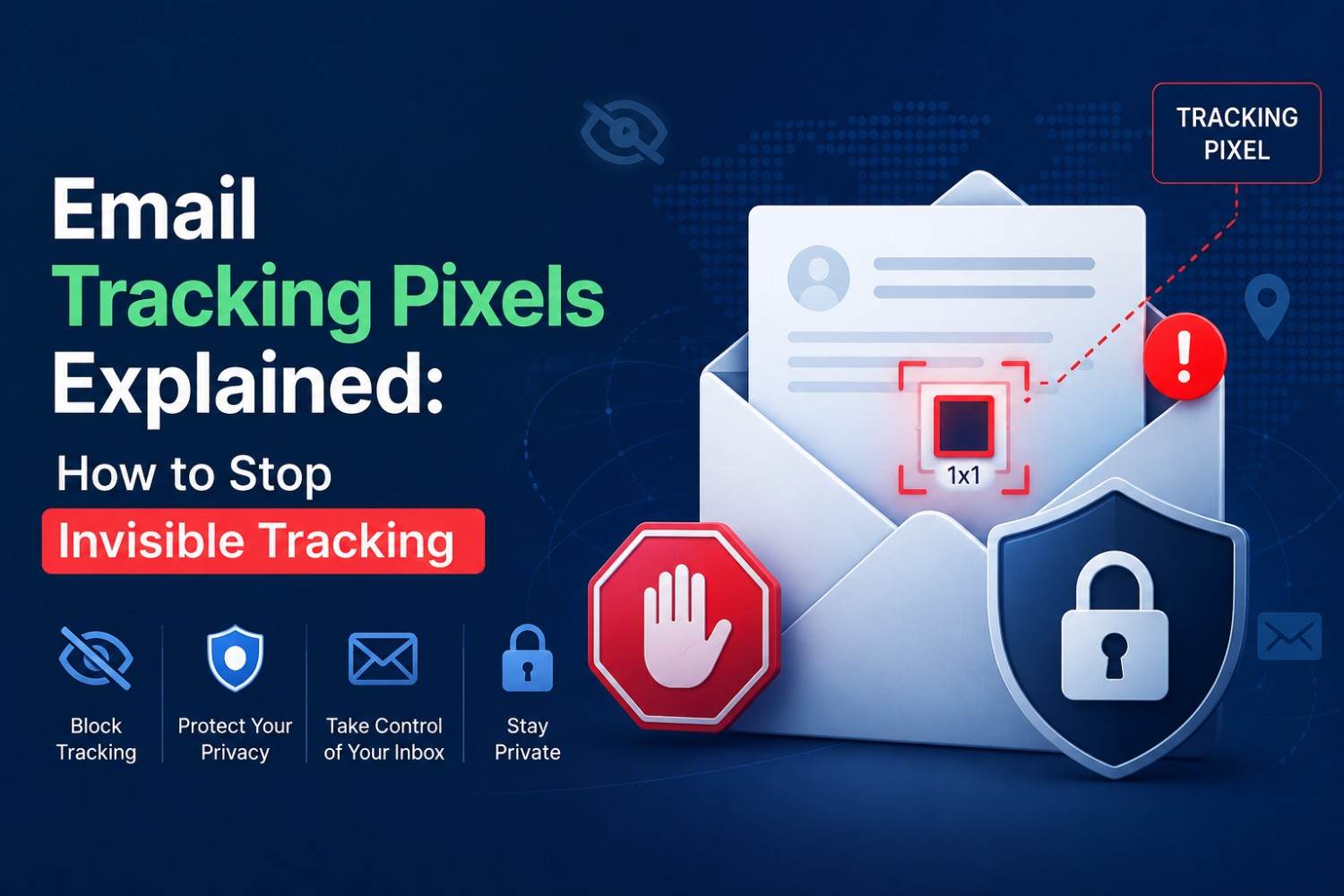
Email Tracking Pixels Explained: How to Stop Invisible Tracking
Email Tracking Pixels Explained: How to Stop Invisible Tracking
Quick Answer: Email tracking pixels are invisible 1x1 images embedded in marketing emails that report when, where, and how often a message was opened. Senders use this data to build engagement profiles, refine targeting, and confirm email address activity. Blocking them requires a combination of email client settings, image-loading controls, and upstream prevention through disposable email addresses for any signup where ongoing tracking is unwanted.
Most marketing emails contain at least one tracking pixel. Most recipients never know. The pixel operates silently, reporting detailed behavioural data back to the sender every time the email is opened. This is one of the reasons a growing number of users choose a private inbox that reduces spam exposure from the start instead of managing trackers after the fact.
Industry email-marketing research consistently finds that the large majority of commercial marketing emails carry at least one tracking pixel, and many carry several from different third-party analytics platforms at once.
Important Points
- Email tracking pixels are small, invisible images that are attached to emails that send the sender data about whether the email was opened, where the user is, what type of device the user is on, and when the device was opened.
- There are several layers of blocking email tracking to be dealt with: the email client settings, the image loading controls, and the disabling of address tracking upstream by using disposable email for new sign-ups.
- Tracking pixel protection through email client image-blocking is effective but not complete; many modern pixels use techniques that do not depend on standard image loading.
- The most upstream tracking pixel protection strategy is using a free temporary email address for any signup where marketing emails are not wanted, eliminating pixel delivery before it begins.
What Are Email Tracking Pixels?
The Technical Mechanism
An email tracking pixel — also known as a web beacon — is a 1x1 image code embedded in the HTML body of an email. When the email client requests remote images, it sends a request to the sender’s server to load the image.
That request carries metadata the sender can read. This may include the device's IP address and approximate location. It can also reveal the device type, operating system, and email client. The sender may also see the opening time and number of opens.
The pixel itself is invisible. The image appears too small to see and typically matches the email background. Its sole function is to trigger a server request that transmits the recipient's engagement data.
What Senders Do With This Data
Email tracking pixels serve multiple commercial functions beyond basic open-rate measurement.
- Engagement scoring: Recipients who open emails frequently are scored as high-engagement contacts and receive increased sending frequency.
- Address validation: An email that records an open confirms the address is active and monitored. This confirmation makes the address more commercially valuable for resale to data brokers — the same exposure behind keeping an address out of breached databases in the first place.
- Geographic targeting: Pixel requests provide location data, which marketers use to time follow-up emails around local business hours and tailor content to the recipient’s region.
- Resend triggering: Automated triggering of resend campaigns due to non-opens. Recipients whose pixels never fire may receive another message. This can encourage them to open the email and avoid further duplicates.
How to Block Email Tracking
Method 1: Disable Remote Image Loading
The most basic tracking pixel protection is disabling automatic image loading in the email client. When images do not load automatically, the client does not send the tracking request.
- Gmail: Settings, See All Settings, General, Images, select Ask Before Displaying External Images.
- Outlook: File, Options, Trust Center, Trust Center Settings, Automatic Download, uncheck Download Pictures Automatically.
- Apple Mail: Open Settings, then Privacy. Select Protect Mail Activity. Apple routes image loading through its proxy servers. This masks IP address and timing data from senders.
- ProtonMail: It blocks remote image loading by default. The service also routes requests through its own proxy to reduce IP-based tracking.
- The limitation is usability. Many legitimate emails become harder to read without images. A more selective approach can also work. Load images manually for trusted senders. Keep automatic loading disabled for all other messages.
Method 2: Use Email Clients With Built-In Proxy Loading
Some email clients route image requests through their own servers before delivering them to the email. This means the pixel fires, confirming the open, but the sender receives the proxy server's IP address rather than the recipient's real IP, eliminating location and device data from the tracking record.
Apple's Mail Privacy Protection works this way. Hey Email applies similar proxy routing. Fastmail provides configurable proxy image loading options.
These approaches reduce the quality of tracking data without eliminating it. Senders know when someone opens the email but cannot determine the location, device, or precise opening time.
Method 3: Block Email Tracking Extensions
Browser-based email users can install extensions that detect and block tracking pixels. These tools can stop pixels before the email renders. Many users choose Uglify and PixelBlock to block tracking pixels.
They identify pixel URLs based on known tracking domain patterns and block the server request before it transmits any data. These tools are effective against standard pixel implementations but may not catch newer tracking techniques that use first-party domain routing to disguise tracking requests as legitimate content. The same caution applies more broadly to signing up on unfamiliar or unverified websites, where tracking is often only one of several risks.
Method 4: Use a Disposable Email Address for Marketing Signups
The most complete email tracking prevention is upstream prevention. Using a disposable email address for newsletter, promotional, or marketing signups keeps those emails out of a monitored real inbox. No pixel can fire in an inbox that receives no messages.
When the Tempomail session ends, the address expires. Every subsequent marketing email sent to it goes undelivered. Pixel fires do not occur. The system generates no engagement data. The sender does not receive open-rate confirmation. The sender's system logs the address as unresponsive, which removes it from active targeting rather than increasing contact frequency.
This approach does not just prevent individual pixels from firing; it prevents the real email address from appearing in any marketing platform's active list. The difference between blocking a pixel and never receiving the pixel-containing email is the difference between managing symptoms and eliminating the source.
Email Privacy Tools: Comparison
Tool | What It Blocks | Limitation |
Image loading disabled | Standard pixel requests | Breaks email formatting |
Proxy image loading | IP and device data | Open event still recorded |
Browser extensions | Known tracking domains | Misses first-party routing |
Tempomail disposable email | All pixel delivery to real inbox | Session-based use only |
Encrypted email provider | Content interception | Does not block pixel loading |
What Email Tracking Pixels Cannot Be Stopped By
Unsubscribing Does Not Remove Pixels
Clicking unsubscribe removes the address from one sender's active list. It does not remove it from data broker databases, does not affect other senders who acquired the address through the original platform's data-sharing arrangements, and may confirm address activity to non-compliant senders before the unsubscribe is processed.
Marking as Spam Does Not Block Pixels
If the email loads briefly in the spam folder with images enabled, the pixel fires. The sender then records the open. Spam classification happens after delivery. It cannot stop tracking data when the email client renders the message.
Deleting the Email Does Not Undo Tracking
If someone opens the email before deletion, the pixel has already fired. The sender's server logs the tracking event when the email opens, not when someone deletes it. Deletion does not affect already-transmitted tracking data.
Apple's Mail Privacy Protection, introduced in iOS 15 and macOS Monterey, has seen substantial adoption among Apple Mail users, and meaningfully reduces the accuracy of open-rate tracking data for senders whose recipients use Apple Mail as their client.
Conclusion
Email tracking pixels operate invisibly and transmit detailed behavioural data with every email open. Blocking them requires action at multiple levels: image-loading controls for existing inboxes, proxy routing for better privacy without usability loss, browser extensions for known tracking domains, and upstream prevention for new signups.
Generate a free temporary email address for new signups when marketing emails and embedded tracking are unwanted. No single method eliminates all tracking, but the layered approach addresses each delivery mechanism and reduces the overall data transmitted to senders across every interaction.
Author Expertise
Written by Claire Bennett, Email Privacy Researcher at Tempomails. Claire researches email privacy tools, tracking pixel behaviour, and inbox protection strategies for everyday users. Content is reviewed regularly to reflect current tracking techniques and client-side protection options. Last Reviewed: August 2026
FAQs
Do all marketing emails contain tracking pixels?
The majority do. Industry research consistently finds that most commercial marketing emails contain at least one tracking element. Transactional emails from financial platforms and government services are less likely to include them.
Can a tracking pixel fire if I do not open the email?
No. The pixel fires only when the email client renders the message and loads remote images. A preview pane that renders the email may trigger it without a deliberate open action.
Does disabling images completely block all email tracking pixels?
Standard pixels, yes. Some tracking implementations use first-party domain routing that disguises tracking requests as legitimate content, which image-blocking alone may not catch.
Is using Tempomail the most effective tracking pixel protection?
For marketing signups, yes. Preventing the pixel-containing email from ever reaching the real inbox is more complete than blocking pixels after delivery — you can create a disposable address in seconds, and it expires, no emails are delivered, and no tracking data is generated.
Will tracking pixels work in encrypted email providers?
Encryption protects email content from interception but does not block pixel loading. A tracking pixel in an encrypted email still fires when the email is opened, unless image loading is separately disabled.
Does Tempomail prevent address validation through tracking pixels?
Yes. If no email is delivered to the real inbox, no pixel fires, and no open event is recorded. Routing signups through a temporary email generator means the sender's system cannot confirm address activity, which prevents the address from being flagged as high-value for resale or increased targeting.
Are tracking pixels legal under GDPR?
GDPR requires informed consent for tracking that processes personal data. Many senders include pixel tracking disclosures in privacy policies rather than obtaining explicit consent per email, which is a compliance gap the ICO and DPA have acknowledged but not uniformly enforced.
Can I block email tracking pixels on mobile devices?
Yes. Disable automatic image loading in your mobile email client. For Apple Mail, open iOS Settings. Enable Mail Privacy Protection to reduce tracking exposure. Other mobile clients offer similar controls in their individual settings menus.
Related Resources
For more on protecting your inbox and staying private online, see:

