
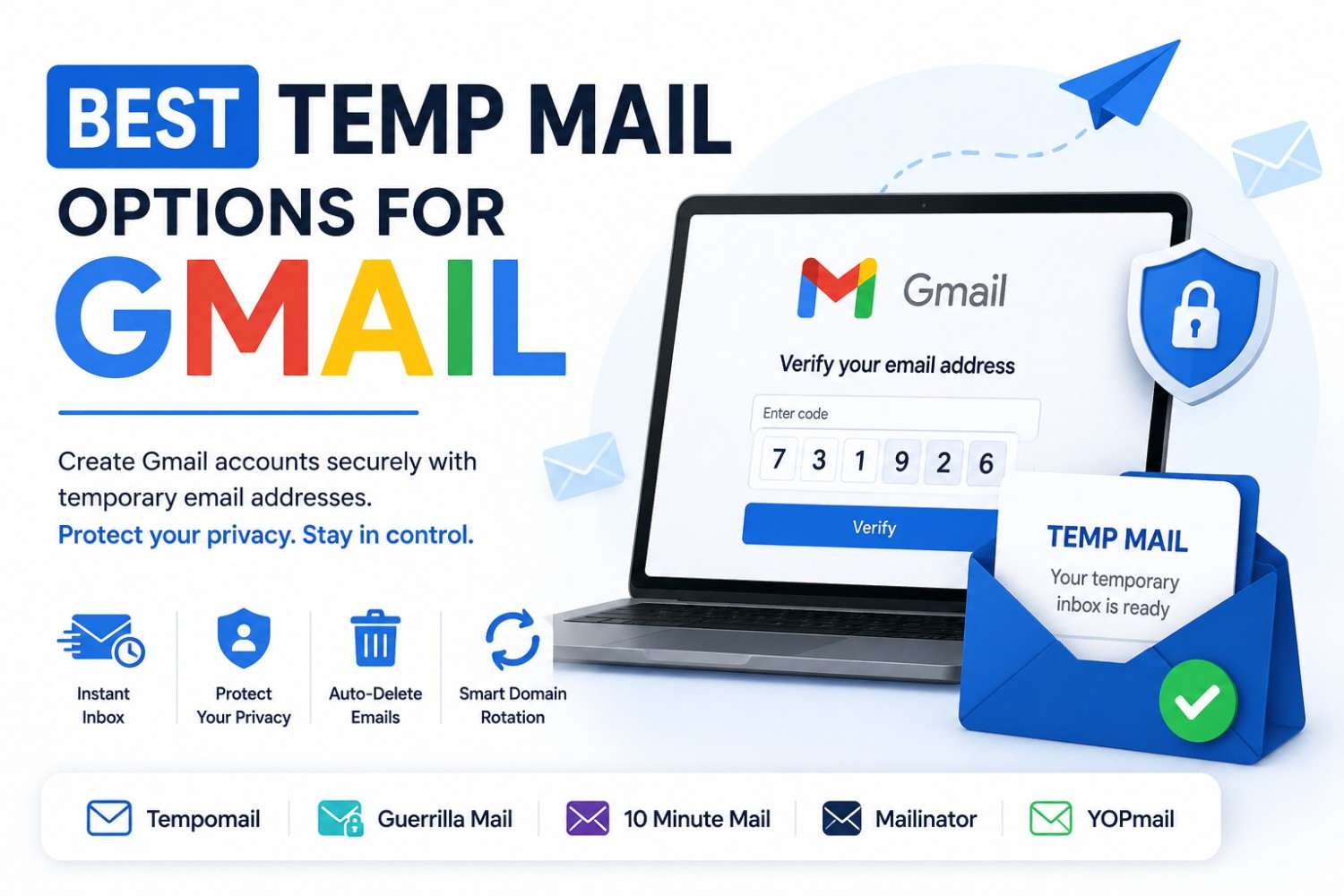
Best Temp Mail Options for Gmail
Best Temp Mail Options for Gmail
By Sarah Whitfield, Digital Privacy & Email Security Writer — Reviewed for accuracy on August 24, 2026. This guide is independently researched and is not sponsored by Google or any email provider mentioned.
Quick Answer: The best temp mail for Gmail alternatives are tools that generate a working disposable inbox instantly, receive Google's verification emails in real time, and delete everything automatically. Gmail collects significant personal data from the moment an account is created. A temporary inbox service handles the verification step without linking your real identity to Google's advertising and data systems.
Gmail is the world's most used email platform and one of the most aggressive data collectors. Every address registered becomes part of Google's advertising profile infrastructure. For more on the legal side of things, see how temp mail aligns with EU privacy law, and how the same approach helps with stopping newsletter spam before it starts.
Gmail is estimated to hold roughly a quarter to a third of the global email client market, depending on the measurement source, and Google cross-references Gmail account data across Search, YouTube, Maps, and its advertising network, making the registered email address one of the most commercially valuable data points Google collects from new users.
Important Points
- The best temp mail for Gmail is determined by delivery speed, code rendering accuracy, domain rotation quality, and privacy architecture, not just feature lists.
- Gmail temporary email use works best for secondary accounts, developer testing, and accessing Google services without connecting the real inbox to Google's advertising system.
- Google performs real-time domain validation during account creation; domain rotation is the key differentiator between services that work consistently and those that face frequent rejection.
- A disposable email for Gmail account creation completes the verification step but leaves the account without email-based recovery access once the session ends; planning for this is essential.
What Is Temp Mail?
Temp mail is a disposable email address designed for short-term online use without linking to a personal inbox. It provides a working inbox for receiving verification codes, including those required during Gmail account creation.
The temporary address remains available during the active session and is deleted afterward. This makes temp mail useful for secondary Gmail accounts, testing, and signups where long-term email access is not required. The same approach also works well for downloading gated PDFs and eBooks without spam, or for using temp mail for online surveys and reward sites.
What Makes a Temp Mail Service Work With Gmail?
Not every temporary inbox service handles Gmail-specific verification equally well. Gmail sends a numeric verification code rather than a clickable link, meaning the inbox must display the full message body clearly, deliver it within the validity window, and render the code without formatting errors.
The best temp mail for Gmail tools share four specific characteristics.
Real-time message delivery
Gmail's verification codes expire quickly. A temporary inbox service that delays message delivery by more than 30 seconds creates timing risk. Tempomail delivers messages within 10 to 20 seconds of Gmail sending them. This same speed is what makes temp mail effective for bypassing OTP delays on other platforms like Amazon.
Clear code rendering
Some temporary inboxes strip HTML formatting or display message content in ways that obscure the verification code. The inbox must render the full Gmail message body exactly as sent.
Domain rotation
Google cross-references submitted email domains against known disposable providers during account creation. Services with static, well-known domains face increasing rejection rates. Domain rotation keeps fresh addresses ahead of Google's blocklist updates.
Zero-registration access
The best tools require no signup of their own; otherwise, the user is simply trading one data disclosure for another. This session-based, no-signup design is also what makes accessing a temporary mailbox instantly so straightforward.
Why People Use Temporary Email for Gmail Account Creation
- Creating a secondary Google account. Professionals managing separate accounts for freelance work, side projects, or content creation under a different brand need a secondary Gmail without linking the new account to their primary Google identity.
- Accessing Google services anonymously. Google Docs, Google Forms, YouTube comment sections, and Google Drive sharing all require a Google account. A Gmail temporary email created through a disposable address provides access without building a connected Google profile.
- Developer and QA testing. Testing Gmail OAuth integrations, Google Sign-In flows, Workspace APIs, and transactional email systems requires clean Google accounts with no real user data attached. The same clean-account approach is useful beyond Google too — see how it applies to using temp mail for job portal signups.
- Avoiding Google's cross-platform profiling. A new Gmail account created with a real email recovery address immediately connects to Google's broader advertising and behaviour tracking systems. A disposable email for Gmail creation limits this connection at the registration stage.
- Regional content and service access. Google services and pricing sometimes vary by account region. Developers and researchers creating accounts to test region-specific behaviour benefit from clean accounts without cross-account data contamination. The same identity-separation logic applies to other platforms too — see how to go about creating a disposable email for Twitter for a similar walkthrough.
Top Temp Mail Services for Gmail Compatibility
Not all disposable email tools perform equally when handling Gmail's specific verification flow. Here is an honest assessment of the leading options.
Tempomail
Instant address generation, real-time message delivery, automatic domain rotation, and session-based deletion with no data retention.
Handles Gmail's numeric verification code clearly. Zero registration required. The strongest option for users prioritising both compatibility and privacy architecture.
Guerrilla Mail
One of the longest-running disposable email services. Known domain pool means it faces higher Gmail rejection rates than services with active rotation. Useful as a backup but less reliable for Gmail account creation than domain-rotating alternatives. For a closer side-by-side look at privacy, speed, and inbox access, see this comparison of Tempomail and Guerrilla Mail.
Mailinator
Primarily designed for developer testing. Public inboxes: anyone who knows the address can view it. Useful for team-based QA environments but unsuitable for any personal or private Gmail account creation.
Temp-Mail.org
Offers browser extensions and mobile apps. Longer session windows than many services. App-based access means some persistent data storage, less aligned with pure anonymity requirements than session-only tools.
10 Minute Mail
Fixed ten-minute timer creates pressure during Gmail's multi-step account setup. Works for fast single-step verifications but risks timer expiry during longer flows. Tempomail's session-based model removes this constraint entirely.
How to Use Tempomail for Gmail Account Creation
Step 1 — Open Tempomail before starting
Go to Tempomail and open its temp mail for Gmail generator. An address generates immediately. Keep this tab open throughout.
Step 2 — Navigate to Google's account creation page
Go to accounts.google.com/signup. Choose the option to use your own email address rather than creating a new Gmail account, or create a Gmail account directly. Either path requires email verification.
Step 3 — Paste the Tempomail address
Enter the generated address in Google's email field. Complete the name, username, and password fields. Submit the form.
Step 4 — Return to Tempomail
Google sends a numeric verification code to the submitted address within 10 to 20 seconds. The inbox displays the full message body automatically.
Step 5 — Copy the verification code
Open the message in Tempomail. Copy the six-digit code from the message body.
Step 6 — Enter the code on Google's verification screen
Paste or type the code into Google's field. The account is verified and activated.
Step 7 — Handle recovery settings immediately
Google will prompt for a recovery email or phone number. For accounts intended for long-term use, add a permanent recovery email now before closing Tempomail so account recovery remains possible after the disposable address expires.
Step 8 — Close Tempomail
The session ends. The Tempomail address is permanently deleted. Google's account remains active, but the temporary inbox no longer exists.
Gmail Temporary Email: What Works and What Does Not
What works:
Using a Gmail temporary email approach through Tempomail successfully creates a Google account, activates it, and provides access to the full Google services ecosystem.
The account functions identically to one created with a permanent email address from the moment of activation.
What requires attention:
Google may require re-verification when logging in from a new device or after a period of inactivity. If the Tempomail address has expired, that verification email cannot be received. For more on what can and cannot be recovered once a disposable inbox expires, see this guide on recovering access to an expired temp mail account.
For any account used beyond the initial session, a recovery phone number or permanent secondary email added during setup resolves this before it becomes a problem.
What will not work:
Using the expired Tempomail address as the ongoing Gmail inbox. The account is Gmail-based; it has its own Gmail inbox. The Tempomail address was only used as the verification contact during account creation, not as the account's email address itself.
Disposable Email for Gmail: Privacy Considerations
Creating a Gmail account even through a temporary email for the verification step still creates a Google account. Google's data collection begins the moment the account is activated, regardless of which email type was used during setup.
What the temporary email for Gmail approach prevents is the connection between the real permanent email and the new Google account. Google cannot link the new account to the user's other Google accounts through the registration email. Cross-account profiling through email matching is limited.
For users who want a Google account with minimum data exposure, pairing a Tempomail address for verification with a VPN during account creation provides a more comprehensive privacy approach.
Google has publicly acknowledged that Gmail account data feeds into multiple advertising and measurement products across its ecosystem, and new account email registration is generally an early trigger for this cross-product data linking.
Conclusion
The best temp mail for Gmail is the one that delivers verification codes reliably, rotates domains to stay ahead of Google's blocklist, and leaves no personal data in any system after the session ends. Tempomail meets all three criteria.
Gmail's verification flow works cleanly with a Tempomail address when the session is kept active during the process and recovery settings are configured immediately after verification.
For secondary accounts, developer testing, and any Gmail creation where real identity separation matters, Tempomail is the most practical disposable email for Gmail available in 2026.
(FAQs)
Does Google accept temp mail addresses during Gmail account creation?
Google validates email format and mail server functionality during account creation. Tempomail addresses satisfy both requirements. Google's domain blocklist targets well-known static disposable domains. Tempomail's rotation keeps fresh domains compatible in the majority of attempts.
What happens when Google tries to contact my Tempomail address after account creation?
Google will attempt to send security alerts, re-verification requests, and account notifications to the registered address. Since the Tempomail session has ended and the address no longer exists, those messages are undeliverable. Adding a recovery phone number or alternative email during setup prevents access issues.
Can I use the same Tempomail address to create multiple Google accounts?
No. Each Tempomail session generates a unique address valid only for that session. A fresh session is required for each separate Google account; each address is independent with no cross-linking between accounts.
Is creating a Gmail account with a temporary email legal?
Yes. No law prohibits using a disposable email address during online account creation. Google's Terms of Service require accurate age information and prohibit automated account creation, not permanent email addresses specifically.
Will Google's two-factor authentication work after the Tempomail address expires?
Google's 2FA primarily uses phone number codes or authenticator apps rather than email. If email-based verification is enabled and the Tempomail address has expired, that specific 2FA path will not work. A recovery phone number configured during setup prevents this issue. For background on how this security layer works, see multi-factor authentication on Wikipedia.
How is Tempomail better than creating a secondary Gmail for disposable use?
A secondary Gmail still requires a phone number for creation, accumulates its own Google data profile, and needs ongoing management. Tempomail requires zero setup, leaves no Google data profile, and handles cleanup automatically when the session ends.
Can Tempomail receive Google's verification codes reliably?
Yes. Tempomail renders full HTML email content including numeric verification codes. Gmail's codes arrive within the Tempomail inbox within 10 to 20 seconds of Google sending them, well within the code validity window.
What is the main risk of using temp mail for Gmail account creation?
The primary risk is losing account recovery access if no permanent recovery method is added during setup. Configuring a recovery phone number or alternative email immediately after the verification step completes eliminates this risk before the Tempomail session ends.

