
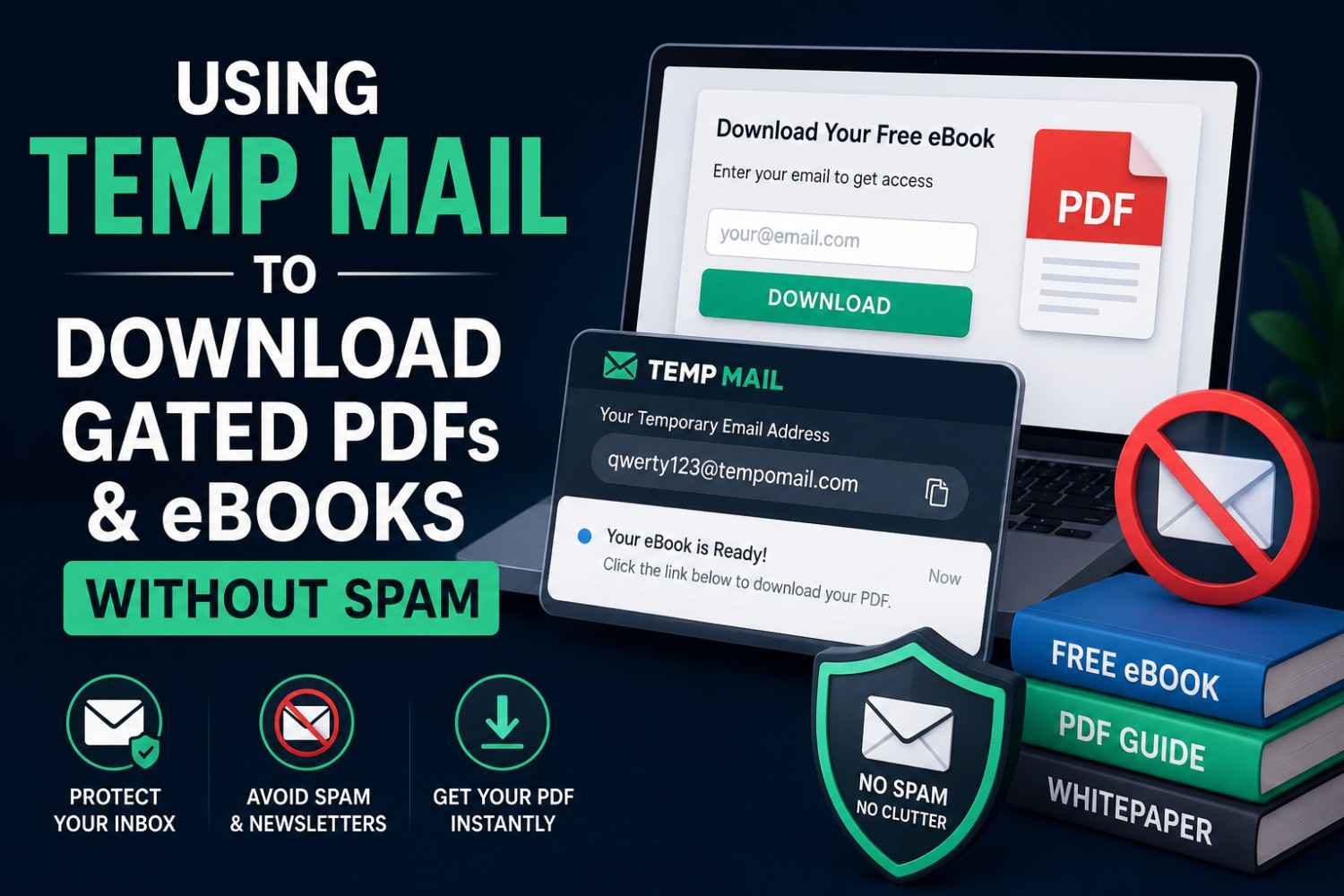
Using Temp Mail to Download Gated PDFs and eBooks Without Spam
Quick Answer: With temp mail for gated eBook downloads, you bypass the email gate by sending the confirmation or download link to a temporary email address, which no follow-up campaign will reach. It takes only seconds for Tempomail to create a functional email address, and you'll get the email you've sent right away. Tempomail will delete everything when the session is over.
Every gated PDF and ebook download is a lead capture form in disguise. The resource is free; the real cost is joining a marketing sequence that runs indefinitely. A reliable temp mail for gated ebook downloads service keeps that marketing sequence from ever reaching a real inbox.
Main Points
- Temp mail for gated ebook downloads bypasses the lead capture system at the moment of signup before a real address enters any marketing sequence.
- PDF lead magnet signups are specifically designed to collect email addresses for long-term nurturing campaigns; a disposable inbox breaks that chain entirely.
- Temporary email for content downloads works on most gated resource platforms that apply standard domain validation.
- If the content is part of a course, membership, or paid subscription, a permanent email is necessary for access continuity.
What Is a Gated Download and Why Does It Collect Your Email?
A gated resource is any piece of content an ebook, white paper, checklist, template, or PDF guide placed behind an email registration form. The content itself is usually genuinely useful. If you're new to the concept, this guide on what temp mail is and how it works covers the fundamentals before diving into this specific use case.
The registration requirement exists because the organization publishing it wants a permanent marketing contact point in exchange for access.
Ebook download access via a real email address typically triggers an automated nurturing campaign: a welcome email, a follow-up sequence, product promotions, and eventually sales outreach.
Most users did not knowingly opt into the marketing that follows. Temp mail for gated ebook downloads intercepts this process at the only point where it can be stopped: the email field itself.
Why Gated Content Downloads Generate So Much Spam
1. Lead Magnets Are Built to Capture Permanent Contacts
According to a 2024 HubSpot State of Marketing Report, email marketing provides businesses with an average return of $36 for each dollar invested, placing email capture of leads among the most lucrative marketing campaign activities organizations run.
Every gated PDF signup is worth real commercial value to the publisher. The follow-up campaign is not an afterthought; it is the primary purpose of making the resource free. This is exactly the gap that PDF lead magnet signups handled through a disposable inbox are designed to close.
2. Downloaded Resources Trigger Automated Sequences
Industry email-sequence benchmarks generally show follow-up cadences of three to five emails over the following weeks after a resource download, with some sequences continuing well beyond that window. Users who download a single PDF may have no further interest in the organization. They may find the resulting message volume unwanted.
3. Email Addresses Are Shared Across Platforms
Many organizations that publish gated content use third-party marketing platforms such as HubSpot, Salesforce, Marketo, and ActiveCampaign that may share or synchronize lead data across tools, partner networks, and retargeting systems. A real email submitted for ebook download access can travel considerably further than the original publisher.
Which Gated Content Platforms Accept Disposable Email?
Temporary email for content downloads works on most platforms that gate resources behind an email form. Common platforms where Tempomail typically passes include:
- HubSpot landing pages and resource centers
- WordPress-based lead capture forms with standard email validation
- Unbounce and Leadpages-hosted download gates
- Independent blog resource libraries
- Industry report download pages from research firms
- Webinar registration pages offering slide deck downloads
- Template and toolkit download portals
Platforms where a permanent email works better:
- Gated content within a paid membership or subscription platform
- Course modules where the registered email tracks your progress.
- Professional certification resources requiring verified identity
What Temp Mail Handles and Where It Stops
What it does well:
PDF lead magnet signups via Tempomail complete the full verification step. The platform's confirmation or download delivery email arrives in the disposable inbox, the user clicks the link or downloads the file, and the session ends. The organization's marketing automation has a registered contact, but the inbox it would market to no longer exists. A closer look at how temp mail works shows exactly what happens behind the scenes during that verification step.
Temporary email for content downloads also means that any data appended to the email address by the platform's marketing system lead scoring, interest tags, CRM records- is attached to an address that will never respond or re-engage.
From the publisher's perspective, the lead has little commercial value. That is the outcome a disposable address is designed to produce.
Where it reaches its limit:
If the gated content is delivered in multiple parts a course drip, a series of weekly emails, or a resource library that sends new additions over time a disposable inbox is unsuitable. The content after the first delivery goes undelivered once the Tempomail session ends.
Temporary email for gated ebook downloads is a single-session tool. It is effective when the entire resource is delivered immediately at signup or accessible via a single download link. It is not suitable for serialized content.
Step-by-Step: Using Tempomail to Download a Gated Resource
Step 1: Open Tempomail before navigating to the download page
Go to tempomails.com. A disposable inbox generates automatically. Copy the address.
Step 2: Fill in the download form with your Tempomail address
Open the gated content page. Paste the Tempomail address into the email field. Complete any other required fields; most gated download forms ask for name and sometimes company. Submit the form.
Step 3: Return to Tempomail for the delivery email
The download link or confirmation email arrives within 30 to 60 seconds. Click the link to access or download the resource.
Step 4: Save the resource before closing Tempomail
Download the PDF or ebook to your device immediately. Once the Tempomail tab closes, the download link in the inbox becomes inaccessible permanently.
Step 5: Close Tempomail
Close the tab. The service deletes all messages. The publisher's follow-up sequence has no active inbox to reach.
Common Problems and Quick Fixes
Download link does not arrive
Wait 90 seconds and refresh the Tempomail inbox. If nothing appears, generate a new address and resubmit the form. Some platforms use delayed delivery; wait up to three minutes before retrying.
Platform rejects the domain
Refresh Tempomail to receive a new domain and try again. Aggressive lead capture platforms occasionally screen for known disposable providers. A fresh domain from Tempomail's rotation resolves most cases immediately. This breakdown of why some sites block temp mail domains explains the detection methods in more detail.
The resource requires an account login to access
If the platform delivers content through a logged-in account rather than a direct link, update the account email to a permanent address while the Tempomail session is still open. This preserves access without a permanent marketing contact.
The ebook is delivered in parts over several emails
A disposable inbox is not suitable for serialized content. Use a dedicated secondary email address for any resource delivered episodically. This guide on whether a temporary email can receive attachments covers the file-size and format limits worth knowing before you rely on it for PDFs.
Privacy and Legal Considerations
Tempomail does not log IP addresses or store any session data after the browser tab closes. No personal data is retained at any point. Every message is permanently deleted when the session ends. Gated content platforms collect whatever is submitted in the registration form regardless of email type.
Using a disposable address removes the email itself from the follow-up system but does not prevent the platform from recording any name or company name provided during form submission. This detailed look at whether using a temporary email is illegal breaks down the regional nuances in more depth.
Where full anonymity matters, avoid completing optional fields. Using temp mail for gated ebook downloads is not illegal in most jurisdictions, though rules can vary by region and by the specific platform's terms. No law broadly requires individuals to provide a permanent email address to access freely offered digital resources, but it's worth checking local regulations if in doubt.
Publisher terms of service may restrict it in certain contexts, but account termination is the maximum consequence, not a legal matter.
When to Use a Permanent Email for Content Downloads
Use a real email address when:
- The content is delivered in a series over multiple emails or weeks
- The download is part of a paid course or membership platform
- The resource requires an ongoing login you intend to return to
- The publisher offers customer support or updates via the registered address
- The platform requires email-based password recovery for continued access
Alternatives for Ongoing Content Access With Privacy
A dedicated content email address
A separate Gmail address used only for resource downloads keeps the primary inbox clean while maintaining access to serialized content. The practical choice when the content arrives over time rather than immediately.
Email alias services
SimpleLogin or Apple's Hide My Email create permanent forwarding aliases that satisfy ebook download access requirements while masking the real address. Unlike Tempomail, aliases support ongoing delivery and can be disabled individually when a publisher's emails are no longer wanted. This comparison of temp mail vs. email alias vs. masked email walks through which option fits which situation.
(FAQs)
1. Does temp mail work on HubSpot download pages?
Yes, in most cases. HubSpot landing pages apply standard email validation. Tempomail addresses pass in the majority of attempts.
2. What if the download link expires before I click it?
Most gated resource links remain active for 24 to 72 hours. If the Tempomail session is still open, the link in the inbox is accessible. Once the tab closes, the inbox is gone permanently.
3. Can I use Tempomail to access the same resource multiple times?
Each Tempomail session generates a unique address. Using a different address for each form submission creates a separate lead record on the publisher's side each time.
4. Will the publisher know I used a disposable email?
Most publishers cannot identify a disposable address without manual review. Some platforms use email validation tools that flag certain domains. Tempomail's domain rotation reduces this risk.
5. Is it ethical to bypass a lead magnet form?
The resource is offered freely in exchange for an email address. Using a disposable address accesses the resource without entering the marketing relationship the publisher intended. Whether this aligns with personal values is a decision each user makes independently. Wikipedia's overview of lead generation gives useful background on why publishers build their marketing around email capture in the first place.
6. Can I use temp mail for webinar registration PDFs?
Yes. Webinar registrations typically send slide decks or resource links to the registered email after the event. If the webinar itself also requires the email for login, update to a permanent address before the event date.
7. Does temp mail work on Leadpages or Unbounce forms?
Generally yes. Both platforms apply standard email validation. Tempomail addresses pass in most attempts. If a specific domain is blocked, a fresh Tempomail session provides an alternative immediately.
8. What happens to publisher follow-up emails after the session ends?
They go undelivered. The Tempomail address no longer exists, so sending servers receive a non-delivery response. Nothing from the publisher reaches the real inbox.
Conclusion
Temp Mail for Gated Ebook Downloads offers a practical way to access one-time PDFs without exposing a personal inbox. Temporary Email for Content Downloads keeps delivery messages separate from ongoing marketing campaigns. Temporary email for content downloads is available any time you need a fresh disposable inbox for the next gated resource.
Tempomail works well for instant resources, while ongoing courses or memberships require a permanent email. Choosing the right option depends on how long access needs to remain available.
Author Expertise
Written and reviewed by the Tempomail Content & Privacy Team, a group of email deliverability and data-privacy researchers, with research into lead magnet marketing practices, gated content distribution systems, and disposable email compatibility across major content delivery platforms. Content is updated regularly to reflect current publisher behavior and email validation practices. Last Reviewed: August 2026

