
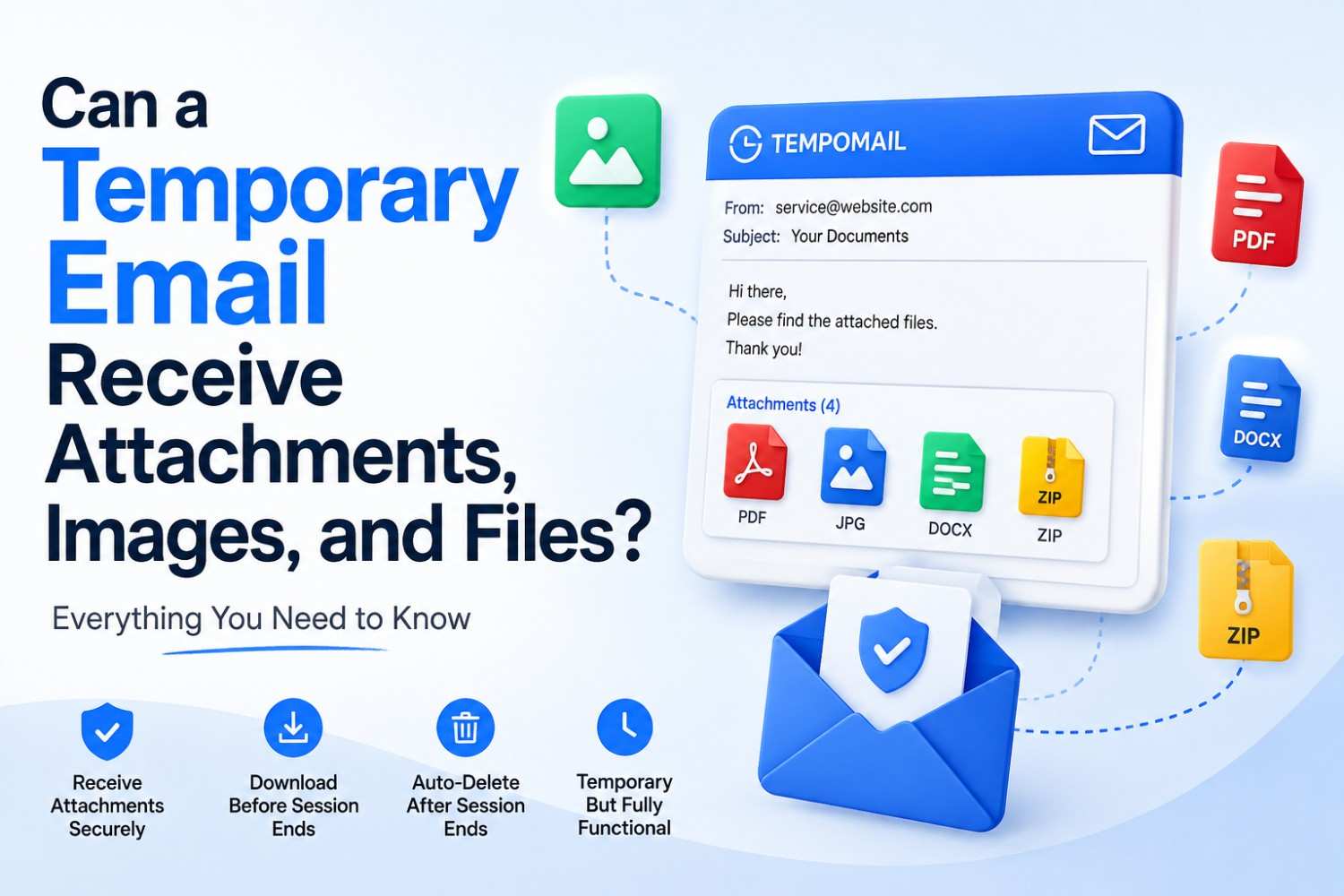
Can a Temporary Email Receive Attachments, Images, and Files?
Quick Answer: Can Temp Mail receive attachments? Yes. Tempomail receives standard email attachments, including images, PDF files, documents, and other file types during the active session. The inbox renders full HTML emails with embedded images and displays downloadable attachments exactly as a standard inbox would, with one key difference: everything is deleted permanently when the session ends. Last Reviewed: August, 2026
Most users discover that temp mail works for verification codes and confirmation links. Fewer users realise that Tempomail handles different types of email content. This includes files, images, and attachments from websites and services. If you are new to the concept, what temp mail is and how it works explains the basics before diving into attachment handling.
Can Temp Mail receive attachments is a practical question for many users. Platforms may send PDFs, receipts, welcome documents, or images with verification emails. Understanding exactly what Tempomail's inbox can and cannot receive helps users apply the tool correctly across a wider range of situations.
Industry email-client data consistently shows that most commercial emails now include at least one embedded image or attachment, making inbox attachment rendering a baseline functionality requirement for any email service used in real-world signups and platform interactions.
Main Points
- Can Temp Mail receive attachments is answered simply: yes, Temp Mail receives standard email attachments during the active session.
- Temporary email attachments are displayed and downloadable within the Tempomail inbox interface in real time.
- Disposable inbox features include full HTML rendering, embedded image display, and standard file type support — identical to a permanent inbox for receiving purposes.
- File delivery via email to a Tempomail address works through standard SMTP, the same protocol used by all email systems globally.
How Tempomail Handles Email Attachments
Temporary email attachments are files, images, or documents delivered as part of an email message to a disposable inbox received through standard SMTP delivery and rendered within the session inbox interface for the duration of the active session.
Tempomail's receiving infrastructure accepts the full content of incoming emails. It receives more than just the text body. When a website sends a PDF, image, or document, Tempomail receives the entire message and its attachment data. This sits within the broader technical process of how temp mail works, which governs every incoming message the inbox receives.
The inbox interface renders this content in the browser window. Images display inline within the email body. Attached files appear as downloadable items within the message view. The experience matches what a standard Gmail or Outlook inbox provides for receiving purposes. Anyone can test this directly with a free temporary email inbox that generates a working address instantly.
The critical point is timing. All attachment access exists within the active session only. Downloading a file before closing the tab preserves it on the user's device. Closing the tab without downloading means the file is gone permanently, along with the rest of the session.
What Types of Content Tempomail Receives
Disposable inbox features cover the standard range of email content types that any corporate, consumer, or transactional email might deliver.
- Embedded images in HTML emails render directly within the message body. Product images in order confirmation emails, logos in welcome messages, and infographics in newsletter content all display correctly within the Tempomail inbox during the active session.
- PDF attachments are among the most common attachment types sent alongside verification and confirmation emails. Invoice PDFs, ticket PDFs, downloaded guide PDFs, and document attachments all arrive and are accessible within the session inbox.
- Image file attachments sent as separate files rather than embedded in the HTML body appear as downloadable items within the message. JPEG, PNG, and GIF formats are all standard MIME types that Tempomail's server accepts without issue.
- Document files, including Word documents, spreadsheets, and presentation files sent as email attachments, are received and accessible for download during the session. Email file transfer of these types works identically to how any other mail server handles them.
- ZIP and compressed files attached to emails are received as standard binary attachments. The inbox displays them as downloadable items. Opening them requires downloading to the local device first, as browser-based inbox interfaces do not typically unzip files inline.
File Delivery via Email: The Technical Process
File delivery via email uses the SMTP protocol. The sending server packages the file as a MIME attachment within the email. It then sends the message to the receiving server for storage and display.
When a website sends an attachment to a Tempomail address, the sending server encodes the file as a MIME part. It includes that part within the email message. The encoded message travels via SMTP to Tempomail's receiving server.
The server decodes the MIME content and makes both the message body and the attachment available in the session inbox. This process is identical to how any email provider handles attachment delivery.
Tempomail's server does not apply additional filtering, size restrictions beyond standard email limits, or format conversion to incoming attachments. What the sending server sends arrives in the inbox as sent.
Important Limitations to Understand
Can Temp Mail receive attachments without any limitations? Not entirely. Three specific constraints apply.
- Session permanence. All attachment access is session-bound. Files you do not download before the session ends are permanently lost. Unlike a permanent inbox, where attachments remain accessible for months or years, Tempomail's inbox holds everything only for the active session duration. This is one of several trade-offs that also explain why some platforms block temp mail domains altogether.
- Virus scanning. There is no built-in antivirus scanning for received attachments in Tempomail's inbox. Any email attachments that are downloaded from the inbox will be scanned locally before being opened, especially from unknown senders. This applies equally to any email inbox, but the temporary nature of the session means there is no opportunity to review files later if a concern arises after initial download.
- File size limits. Very large attachments may encounter standard SMTP size limits. Most verification and confirmation emails send lightweight files well within these limits. Sending servers may limit large multi-file packages or high-resolution media attachments before they reach Tempomail.
Practical Applications Where This Matters
Understanding that disposable inbox features include attachment support opens up practical use cases beyond basic verification.
Downloading a gated PDF resource from a content platform that requires email submission. Receiving a digital ticket or event confirmation delivered as a PDF attachment.
Accessing a welcome document or onboarding guide sent alongside an account confirmation email. Use it to receive a receipt or invoice for a one-time purchase when no ongoing relationship is needed.
In each case, Tempomail's inbox receives the complete email, including all attachments, and the user can download the needed file immediately before closing the session. For users comparing privacy tools, it helps to see how temp mail compares to email aliases and masked emails, or how disposable email stacks up against virtual phone number verification, since each method handles delivery differently.
Most transactional emails sent by e-commerce platforms include at least one PDF attachment, most commonly order confirmations and invoices, making attachment support a practical requirement for any temporary email service used during online purchasing.
How to Receive and Download Attachments Using Tempomail
Step 1 — Open tempomail.com
The system generates an address as soon as the page loads. You do not need to register or enter any information. The inbox is immediately active.
Step 2 — Copy the address and submit it to the platform, sending the attachment
Paste the Tempomail address into the email field on any website, form, or service that will send an attachment. Submit the form as normal.
Step 3 — Return to the Tempomail tab and wait for the email
The inbox refreshes automatically. Incoming messages appear within seconds of sending. You do not need to reload the page manually.
Step 4 — Open the received message
Click the message in the inbox to view its full content. Embedded images display inline within the email body. Attached files appear as separate downloadable items beneath or alongside the message content.
Step 5 — Download the attachment immediately
Click the download link or the attached file item. Save the file to the local device. Do not close the tab before downloading. Once the session ends, Tempomail permanently deletes the file from its servers. You cannot recover it afterwards.
Step 6 — Scan the downloaded file if the sender is unfamiliar
Tempomail does not provide built-in antivirus scanning. Run a local scan on downloaded files from unknown sources before opening them.
Step 7 — Close the tab when finished
The session ends. The address is deactivated. All remaining inbox content, including any attachments not yet downloaded, is permanently deleted. Files already saved to the device are unaffected.
Final Verdict
Can Temp Mail receive attachments? Fully and reliably, within the active session. Tempomail handles the complete range of Anyone who needs to test this can generate a disposable email address in seconds and start receiving files right away. temporary email attachments, images, PDFs, documents, compressed files, and embedded media through standard SMTP delivery with no modification to the content.
The session-based deletion means all attachment access must happen before the tab closes. For any file needed afterward, downloading immediately during the session is essential.
Sarah Bennett is a researcher and tester of disposable inbox features, email delivery behaviour, and privacy tool compatibility. She evaluates how temporary email services handle attachment types, rendering quality, and session-based file access across real-world use cases. tempomail.com.
(FAQs)
Does Tempomail have a file size limit for received attachments?
Tempomail's server applies standard SMTP size limits. Most verification and transactional emails send attachments well within these limits. Unusually large files may be affected by sending server restrictions before reaching the Tempomail inbox.
Can I view a PDF attachment directly in the Tempomail inbox browser?
Your browser determines how the PDF renders. Most modern browsers open PDFs inline after users click the download link. Users can also save the file to their device. They can then open it in a dedicated PDF viewer.
Are temporary email attachments safe to download?
Attachments from known, trusted senders are generally safe to download. Tempomail does not provide built-in antivirus scanning. Scan files from unfamiliar sources locally before opening them, as with any email inbox.
Can Tempomail receive password-protected ZIP attachments?
Yes. The attachment arrives and is downloadable as a standard file. Entering the password to access the contents happens on the local device after download, not within the Tempomail inbox interface.
Do embedded images in HTML emails display correctly in Tempomail?
Yes. Tempomail renders full HTML email content, including embedded images, inline graphics, and formatted layouts. The visual appearance in the inbox matches what the sender intended.
What happens to a downloaded attachment if the session ends?
Files already downloaded to the device remain on the device. Session deletion affects only the inbox contents on Tempomail's server, not files that were saved locally during the session.
Can I forward a received attachment to my real email from Tempomail?
Tempomail is a receive-only inbox service. Forwarding functionality is not available. Download the attachment directly to your device during the active session if you need to retain it.
Does file delivery via email work differently for different file types?
No. Standard MIME attachments use the same SMTP delivery process. PDF, JPEG, PNG, DOCX, XLSX, ZIP, and other common formats can arrive in the inbox. Users can download them during the active session.
Related Source:
Is Using a Temporary Email Illegal? What the Law Actually Says
How Does Temp Mail Work? SMTP, Domains and Inbox Explained (Simple Guide)
Why Some Websites Block Temp Mail Domains (and What to Do About It)
Temp Mail and GDPR: What EU Privacy Law Says About Disposable Email

