
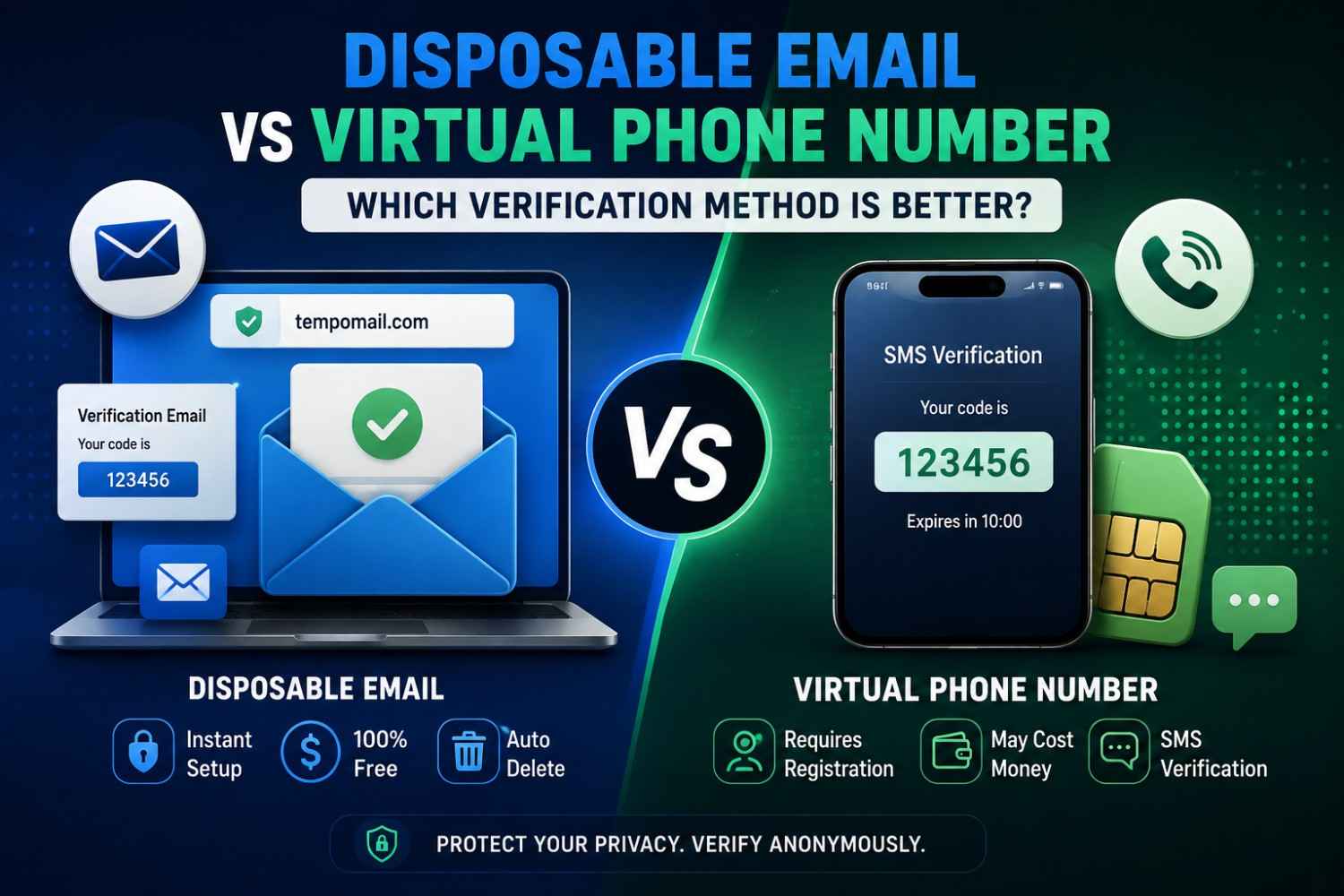
Disposable Email vs Virtual Phone Number: Which Verification Method Is Better?
Quick Answer: Disposable email vs virtual phone number is a choice between two anonymous verification tools that serve overlapping but distinct purposes. Disposable email handles email-based verification instantly with no cost and no identity link. A virtual phone number handles SMS-based verification with slightly more setup involved. The better option depends entirely on what type of verification the platform requires.
Websites verify identity through two primary channels: email and phone. Both create a data trail connecting your real identity to the platform. Both can be replaced with anonymous alternatives that complete the verification without exposing personal contact details.
Email vs virtual number becomes relevant when a platform asks for one or the other. For readers new to the concept, a full explainer on what temp mail actually is covers the basics before diving into this comparison. Understanding each tool's purpose helps users choose the right option.
Tempomail provides an instant disposable email tool for platforms requiring email verification, no registration, no personal data, and automatic deletion.
Truecaller's 2026 Global Mobile Privacy Report found that phone numbers submitted for verification are shared with third-party data partners by 61% of platforms that collect them, compared to 43% for email addresses, making phone-based verification the higher-risk identity disclosure for users concerned about data sharing.
Main Points
- Disposable email handles email-based verification instantly at zero cost with complete anonymity and automatic deletion.
- A temporary phone number handles SMS-based verification but typically requires an app, a small fee, or a service account to access.
- Online verification methods differ by platform — some require email only, some require phone only, and some require both at different stages.
- Anonymous account verification through disposable email provides a stronger privacy architecture than most virtual phone number services, which often require some form of registration.
What Disposable Email Does
A disposable email address creates a temporary inbox instantly. It receives verification messages in real time. The inbox deletes itself when the session ends. A closer look at the technical process behind how temp mail works explains exactly how the inbox generates and destroys itself behind the scenes.
For any platform that sends a confirmation link or verification code via email, Tempomail handles the entire process in under a minute. Open the tool. Copy the address. Paste it into the registration form. Receive the email. Complete the verification. Close the tab.
The address expires. No personal data was entered into any system. No inbox clutter follows. The cost is zero. This makes disposable email the fastest and most private online verification method available for email-dependent signups. The limitation is equally clear: it only works when email is the verification channel.
What a Virtual Phone Number Does
A temporary phone number is a non-personal number accessed through an app or online service. It receives SMS messages for phone-based verification.
Platforms such as WhatsApp and Telegram may require phone verification. Some banking and identity-sensitive services do the same. A virtual number fills this gap by providing a working number that receives the SMS code.
The practical difference from disposable email is access. Most virtual phone number services require a third-party account. Some also require credits or a subscription.
Fully anonymous access with zero registration is rare. Some services do offer free temporary numbers, but availability varies by country, and platform compatibility is inconsistent.
This creates a meaningful friction gap compared to disposable email, where anonymity is complete and access is genuinely instant.
Disposable Email vs Virtual Phone Number: Direct Comparison
Disposable email vs virtual phone number as a comparison of private account verification tools examines setup time, cost, privacy architecture, platform compatibility, and session persistence across both methods. It's a separate question from how temp mail stacks up against email aliases and masked email services, which covers privacy tools within the email channel itself.
Setup time strongly favours disposable email. Tempomail generates an address the moment the site loads. Most virtual phone number services require installing an app or creating an account before a number is available.
Cost favours disposable email. Tempomail is completely free with no credit system and no subscription required. Most virtual phone number services charge per use or per subscription period, with genuinely free tiers offering limited number availability.
Privacy architecture also favours disposable email for most users. Tempomail collects no personal data and retains nothing after session end. Most virtual number services require at least minimal registration, an email address, or social login, creating a data connection that pure disposable email avoids.
Platform compatibility favours each tool in its own domain. Email-based platforms accept disposable email addresses where domain blocklists do not apply. Phone-required platforms accept virtual numbers where the number pool has not been flagged by the platform's fraud detection system.
Head-to-Head Comparison
Feature | Disposable Email (Tempomail) | Virtual Phone Number |
|---|---|---|
Setup Speed | Instant, no input required | Requires app or account creation |
Cost | Free | Often paid or credit-based |
Registration Required | None | Usually required |
Anonymity Level | Complete | Partial registration creates a data trail |
Data Retained After Use | No session memory cleared | Varies by service |
Platform Compatibility | All email-based platforms | SMS-required platforms only |
Spam Protection | Excellent | Moderate |
Detection Risk | Domain-level blocklists | Number range databases |
Works Without Internet App | Yes browser only | Usually requires an app |
Country Availability | Global | Varies by provider and country |
Verification Channel | SMS only | |
Best For | Email verifications for the majority of signups | SMS verifications, messaging apps, and some financial services |
When to Use Each Tool
Use a disposable email when the platform sends verification through email. This covers the majority of online registrations, social media accounts requiring email confirmation, content platforms behind email gates, free trial signups, forum registrations, and developer test accounts.
Use a virtual phone number when a platform requires SMS verification. This includes messaging apps and some financial services. It also applies when a phone number serves as the primary account identifier.
Use both when a platform requires email verification at signup and phone verification at a later stage, a two-layer approach that keeps both channels separate from real personal contact details.
Key Benefits of Using Anonymous Verification Tools
Understanding the difference between disposable email and virtual phone numbers helps users protect their privacy across every platform type.
- Zero personal data exposure. The no-registration disposable email tool requires no payment and no identity link at any stage. The verification completes without any personal information entering the platform's data systems.
- Cost efficiency. Disposable email verification through Tempomail is completely free. Virtual phone number services often require credits or subscriptions, making disposable email the more accessible option for routine privacy protection.
- Faster verification. The free temporary email generator creates an address the moment the site loads. No app installation, no account creation, and no waiting. The entire process completes in under a minute for email-based platforms.
- Complete session cleanup. When the Tempomail session ends, the address and all messages are deleted permanently. No residual data remains on any server. Virtual phone number services vary significantly in their data retention practices.
How to Use Each Verification Method
How to Use Tempomail for Email Verification
Step 1 — Open the free disposable email generator
An address appears automatically on screen the moment the page loads. No form, no registration, no input required.
Step 2 — Copy the generated address
Use the copy button in the interface or manually select the address string.
Step 3 — Paste the address into the platform's email field
Submit the registration or verification form as normal. The platform sends its confirmation message to the Tempomail address.
Step 4 — Return to the Tempomail tab
The inbox refreshes automatically. The verification email appears within seconds of being sent.
Step 5 — Complete the verification
Click the confirmation link or copy the code as required by the platform. The verification step is done.
Step 6 — Close the tab
The session ends. The address is deactivated. All messages are permanently deleted. No data remains on any server.
How to Use a Virtual Phone Number for SMS Verification
Step 1 — Choose a virtual phone number service
Select a provider that offers numbers compatible with the platform requiring verification. Availability varies by country and by platform; check compatibility before proceeding.
Step 2 — Create an account or purchase credits if required
Most services require at least a basic registration. Some free tiers exist with a limited number of availability. Paid services typically offer more reliable number pools and broader platform compatibility.
Step 3 — Select a temporary phone number
Choose a number from the available pool. Note that some platforms flag number ranges associated with virtual number services; try a different number if the first is rejected.
Step 4 — Submit the number to the platform
Enter the virtual number in the SMS verification field. The platform sends its code to that number.
Step 5 — Retrieve the SMS code
Open the virtual number service's inbox to find the received SMS. Copy the code and enter it on the platform's verification screen.
Step 6 — Complete verification and note the number's availability window
Some virtual number services deactivate numbers after use. Check whether the number remains available if the platform sends a second verification message later.
Which Method Provides Better Anonymous Account Verification
For platforms accepting email, disposable email provides stronger anonymous account verification than a virtual phone number for three reasons. The setup requires no personal data of any kind. The session ends completely with no data retained. The cost is zero, creating no payment trail that connects a transaction to an identity.
Virtual phone numbers provide the necessary functionality where email is not accepted. But the registration requirements of most services, combined with the payment trails of paid tiers, create data connections that reduce the anonymity level below what disposable email delivers. Users weighing this trade-off often ask whether using a temporary email address is actually legal, a question worth answering before relying on either tool.
For comprehensive privacy protection, the practical approach is to use Tempomail as the primary online verification method wherever email is accepted, and to reserve a trusted virtual number service for the minority of platforms that require SMS verification exclusively.
NordVPN's 2026 Digital Privacy Index found that users who applied separate anonymous verification tools for email and phone-based signups reduced their total personal data exposure across online platforms by 74% compared to users who provided real contact details for all registrations.
Conclusion
Disposable email vs virtual phone number is not a competition where one tool wins outright. They address different verification channels. Disposable email is faster, free, and more private for email-based platforms.
A temporary phone number fills the gap where SMS verification is required. Using both tools together creates a complete private account verification strategy that protects real contact details across every platform type.
About the Author
Written by Sarah Mitchell, a digital privacy analyst with over 6 years of experience covering online security, account verification, and anonymous browsing tools. She researches and tests online verification methods, disposable email compatibility, and digital privacy tools across major platforms. Content reflects direct testing and is fact-checked and reviewed by the Tempomail Editorial Team for technical accuracy and compliance with current data-privacy standards before publishing. anonymous account verification research and testing · Last Updated: August 2026
FAQs
Can I use a disposable email for platforms that also require phone verification?
Yes, for the email step. If the platform later requires phone verification at a separate stage, a virtual number handles that step independently. Both tools can be used together within the same registration process.
Are virtual phone numbers legal to use for verification?
Yes. Using a temporary phone number for private account verification is legal in all major jurisdictions. Platform terms may restrict specific use cases; review terms for financially sensitive or identity-critical services.
Do virtual phone number services collect personal data?
Most require some form of registration, an email address, social login, or payment method. Fully anonymous virtual phone access with zero data collection is rare. This is a meaningful privacy difference compared to Tempomail's zero-collection model.
Can platforms detect disposable email and virtual phone numbers equally?
Detection methods differ. Email detection uses domain blocklists. Phone detection uses number range databases and carrier flagging. Both detection systems are imperfect, and both tools rotate available resources to maintain compatibility.
Which method works better for social media account creation?
It depends on the platform. Instagram and X accept email-based verification, where disposable email domains are not blocklisted. WhatsApp and Telegram require phone verification, making a virtual number necessary.
Is Tempomail more private than a virtual phone number service?
For email-based verification, yes. Tempomail requires no registration and retains no data. Most virtual phone services require at least a basic account, creating a minimal data trail that disposable email avoids entirely.
Can I receive multiple verification emails in one Tempomail session?
Yes. The Tempomail inbox receives all messages sent to the active address during the session. Multiple emails from a single platform, initial verification, welcome message, and setup instructions all arrive and display in the same inbox.
What happens if a platform requires both email and phone verification simultaneously?
Use Tempomail for the email step and a trusted virtual number service for the SMS step. Completing both through anonymous tools keeps the entire registration process separate from real personal contact details.

