
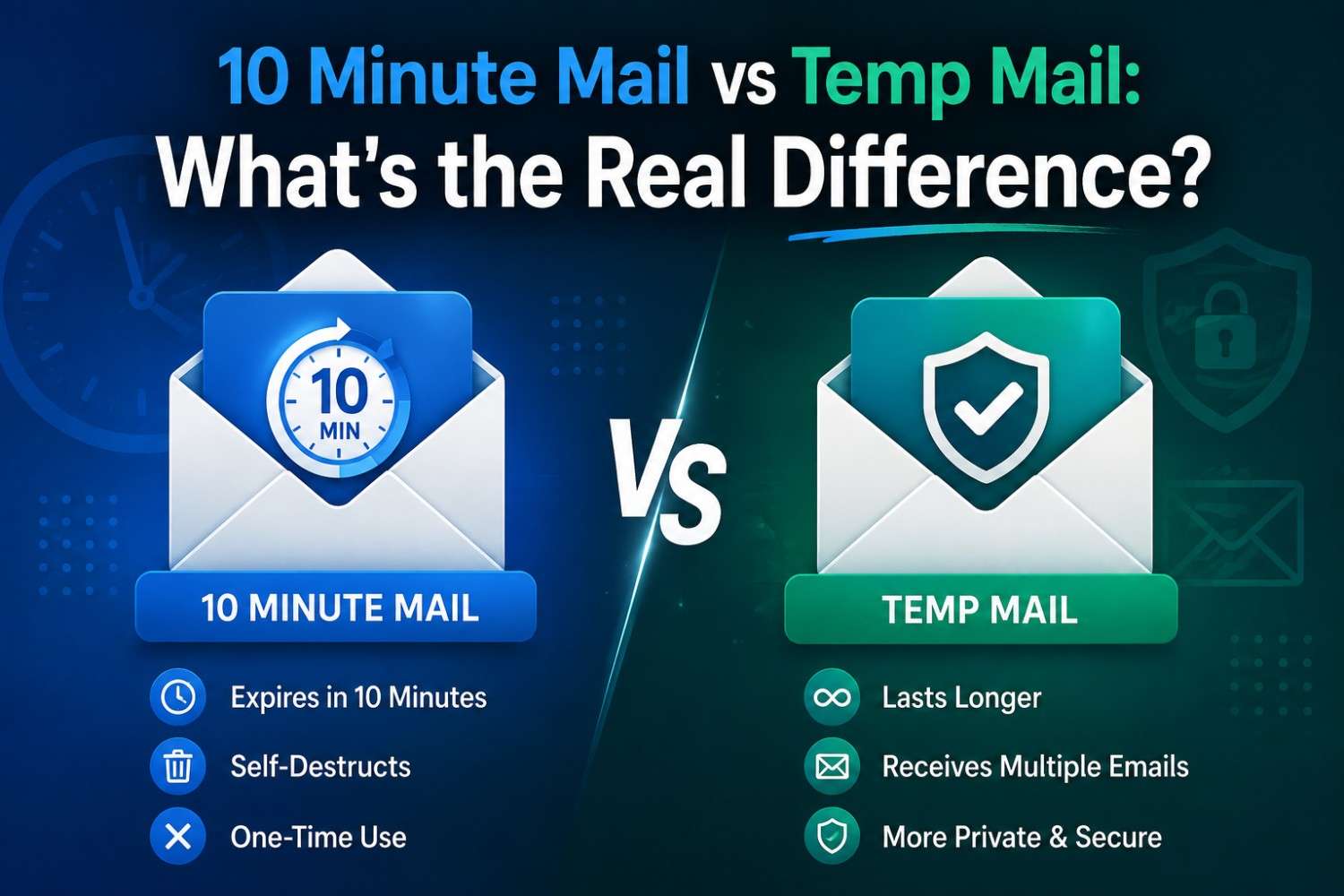
10 Minute Mail vs Temp Mail: What's the Real Difference?
Quick Answer: The 10 Minute Mail vs Temp Mail debate comes down to session duration and flexibility. 10 Minute Mail gives you exactly ten minutes before the address expires. Temp mail services like Tempomail offer session-based inboxes that remain active as long as the tab stays open. Both are legitimate throwaway email address tools — the right choice depends on how much time your verification actually needs.
Disposable email comparison questions come up constantly among privacy-conscious users. Two names appear most often side by side: 10 Minute Mail and temp mail. Both generate a one-time email address instantly and require no registration. If you're new to the concept, our guide on what temp mail actually is breaks down how these disposable inboxes work under the hood.
The address is deleted automatically after use. But they handle the session window, flexibility, and user experience very differently, and those differences matter depending on what the address needs to do before it disappears.
When a verification takes longer than five minutes to complete, most users end up preferring the session-duration flexibility of temporary email services over a tool that has fixed email session durations.
Main Points
- 10 Minute Mail vs Temp Mail is primarily a comparison of how long each tool keeps an address active before deleting it.
- 10 Minute Mail sets a fixed countdown from the moment the address generates — the inbox disappears after ten minutes, regardless of whether the task is complete.
- Tempomail keeps the inbox active for the entire session, with no countdown pressure, giving users full control over when the address expires.
- Both tools provide a genuine throwaway email address with no registration and no personal data collection at any stage.
- Disposable email comparison between the two reveals that session flexibility is the key practical differentiator for most real-world use cases.
The Core Difference: Fixed Time vs Session Time
The 10 Minute Mail vs Temp Mail distinction centres on session architecture — one tool applies a fixed expiry countdown from address generation, while the other maintains the inbox for the full duration of the active browser session.
10 Minute Mail starts a countdown the moment the address appears. After 10 minutes, the inbox will disappear. Most of the simple verifications, such as clicking on a confirmation link or copying a code, can be done easily in that window. For a closer look at what happens behind the scenes, see how temp mail actually works.
The issue occurs when you have to go through more than one step to sign up, if there's a slow sending server, or if the second verification email comes after the timer expires. Tempomail takes a different approach.
The inbox remains active as long as the browser tab stays open. There is no countdown. No pressure. The address doesn't expire until the user closes the tab or the session ends.
This flexibility can be a huge advantage when the verification process lasts for several minutes, multi-step registrations, or any process that lasts longer than a few minutes.
When 10 Minute Mail Works Well
The fixed-duration model has genuine advantages for specific use cases. The ten-minute countdown creates a clear, automatic cleanup schedule. Users who want a defined inbox lifespan rather than an open-ended session benefit from the certainty of a fixed expiry.
10 Minute Mail also allows time extensions. Clicking the extension button resets the timer for another ten minutes. This partially addresses the flexibility gap but adds a manual step that Tempomail's session model eliminates.
For single-step verifications where the confirmation email arrives within seconds, most social media signups, forum registrations, and content download gates, the ten-minute window is more than sufficient.
When Tempomail Performs Better
Temporary email services maintain inbox availability as long as the user is engaged with the service, rather than implementing a time-limited countdown, which would have otherwise triggered the email to expire, adding flexibility to the service for multi-step or time-sensitive verification processes.
Longer registration processes benefit most from Tempomail's approach. Some platforms send an initial confirmation email and a second welcome or security email within minutes of each other. Both arrive in the Tempomail inbox within the same session, accessible whenever the user needs them.
Multi-step onboarding flows where a platform sends verification, then account setup instructions, then a payment confirmation require an inbox that stays open across all three stages. A ten-minute countdown creates risk at every step beyond the first.
Slow sending servers add another dimension. Some platforms batch their outgoing email and deliver verification messages with delays of several minutes. Tempomail accommodates this without any user action. 10 Minute Mail requires a timer extension if the delay pushes beyond the countdown.
Verification emails routinely take longer than two minutes to arrive, and a meaningful share take over five minutes, making fixed-duration tools a practical limitation for a real chunk of everyday signups.
Disposable Email Comparison: Side by Side
Session duration is the headline difference, but several secondary factors distinguish the two tools in daily use. If you're weighing disposable inboxes against other privacy tools too, see temp mail vs email alias vs masked email.
Domain variety affects blocklist avoidance. Tempomail rotates its available domains regularly, reducing the likelihood of encountering email domain restrictions on platforms that maintain disposable email blocklists. Services with static domains accumulate blocklist presence over time. We cover the mechanics of this in why some websites block temp mail domains.
Interface simplicity varies between tools. Tempomail's inbox loads immediately with no additional steps. The address is visible and copyable from the first second. Some time-limited services add interface complexity around the countdown timer, extension button, and regeneration options.
Privacy architecture differs between session-memory systems and database-deletion systems. Tempomail holds messages in session memory. When the session ends, the data is cleared by design rather than by scheduled deletion. Fixed-duration services that write messages to a database and delete them are dependent on policy enforcement and not architectural guarantees. Both approaches are perfectly legal to use — for the full picture, see whether using a temporary email is illegal.
Head-to-Head Comparison
Feature | 10 Minute Mail | Tempomail |
Session Duration | Fixed 10 minutes | Open-ended (tab stays open) |
Extension Option | Manual button reset | Not needed |
Setup Speed | Instant | Instant |
Registration Required | None | None |
Domain Rotation | Static domain | Regular rotation |
Blocklist Compatibility | Lower over time | Higher fresh domains |
Privacy Architecture | Database deletion | Session memory clearance |
Multi-step Verification | Risky | Reliable |
Mobile Use | Works — timer monitoring needed | Works with no timer to manage |
Developer Testing | Limited | Recommended |
Cost | Free | Free |
Best For | Single-step fast verifications | All other use cases |
Which Tool to Choose
When the verification process involves one step, and the verification email is usually sent within seconds, 10 Minute Mail is a better option than an open-ended experience, as a finite time in an Inbox can be welcome.
Select Tempomail if you must verify more than once, if the sending server is notorious for being slow, or if you don't want to keep resetting a countdown timer, or if you'd simply rather let the address expire naturally when your session ends.
For most everyday throwaway email address needs, Tempomail's session model provides more consistent reliability without adding complexity. If SMS-based verification is also on the table, it's worth seeing how temp mail stacks up against a virtual phone number for verification purposes.
How to Use Each Tool
How to Use Tempomail
Step 1 — Open the temporary email service
An address is generated the moment the page loads automatically. No input, no registration, no waiting.
Step 2 — Copy the address
Use the copy button in the interface or manually select the address string.
Step 3 — Paste it into the signup form
Go to the website or app requesting an email. Paste the Tempomail address into the email field and submit the form as normal.
Step 4 — Return to the Tempomail tab
The incoming verification email appears in the inbox within seconds. No page reload needed — the inbox refreshes automatically.
Step 5 — Complete the verification
Click the confirmation link or copy the verification code. The task is done.
Step 6 — Close the tab when finished
The session ends. The address is deactivated. All messages are deleted permanently. Nothing persists.
How to Use 10 Minute Mail
Step 1 — Open the 10 Minute Mail website
An address and a ten-minute countdown appear immediately.
Step 2 — Copy the address and submit it
Paste the address into the signup form quickly. The countdown begins from the moment the address is generated, not from when it was submitted.
Step 3 — Monitor the countdown
Keep an eye on the remaining time while completing the signup process. If the timer runs low before the verification email arrives, click the extension button to add another ten minutes.
Conclusion
The 10 Minute Mail vs Temp Mail comparison is not a question of quality; both tools deliver genuine disposable email functionality. The decision is about workflow fit. A ten-minute fixed window suits fast, single-step verifications.
A session-based inbox suits everything that requires more time or more flexibility. Tempomail's approach removes the countdown entirely, making it the more adaptable option for the full range of temporary email services use cases.
About the Author
Sarah Whitfield, Privacy & Email Security Writer with 6+ years testing disposable email and inbox-privacy tools, tests and compares disposable email services regularly, evaluating session behaviour, domain compatibility, and privacy architecture across all major temporary email tools. Content is updated to reflect current service performance and user experience findings. Last Updated: August 2026
(FAQs)
Is 10 Minute Mail or Tempomail better for developer testing?
Tempomail is generally more suitable. Development testing often involves multiple email flows and slower internal sending systems. A session-based throwaway email address removes countdown pressure during multi-step test sequences.
Can I extend a 10 Minute Mail session?
Yes. The tool provides a manual extension button that resets the timer. This partially addresses duration limitations but requires user action each time, unlike Tempomail's automatic session continuation.
Do both tools protect against spam equally?
Yes. Both will create a temporary email account that expires and automatically gets deleted, and will not allow spam to be sent to a valid email address. The protection against spam is the same, but the session time differs.
Which service is more compatible with websites that block disposable email?
Tempomail's domain rotation strategy provides stronger compatibility. Static-domain disposable email comparison consistently shows that services without rotation face higher blocklist rejection rates on platforms maintaining active domain restriction lists.
Does Tempomail delete messages as permanently as 10 Minute Mail?
Yes. Tempomail uses a session-memory architecture; messages never enter a permanent database. Deletion is complete by design when the session ends, not dependent on a scheduled deletion policy.
Can I use both tools together for different situations?
Yes. Optimising the use of each tool for its best use case is a practical approach to using 10 Minute Mail for ultra-fast single-step verifications, and Tempomail for longer and/or multi-step processes.
Is there a cost difference between the two services?
Both are free for core temporary email services functionality. Neither requires payment for address generation, inbox access, or basic message delivery.
Which tool is better for mobile use?
Both work in mobile browsers without app installation. Tempomail's session-based model is slightly more convenient on mobile because there is no countdown timer to monitor or extend while switching between browser tabs during a signup process.

