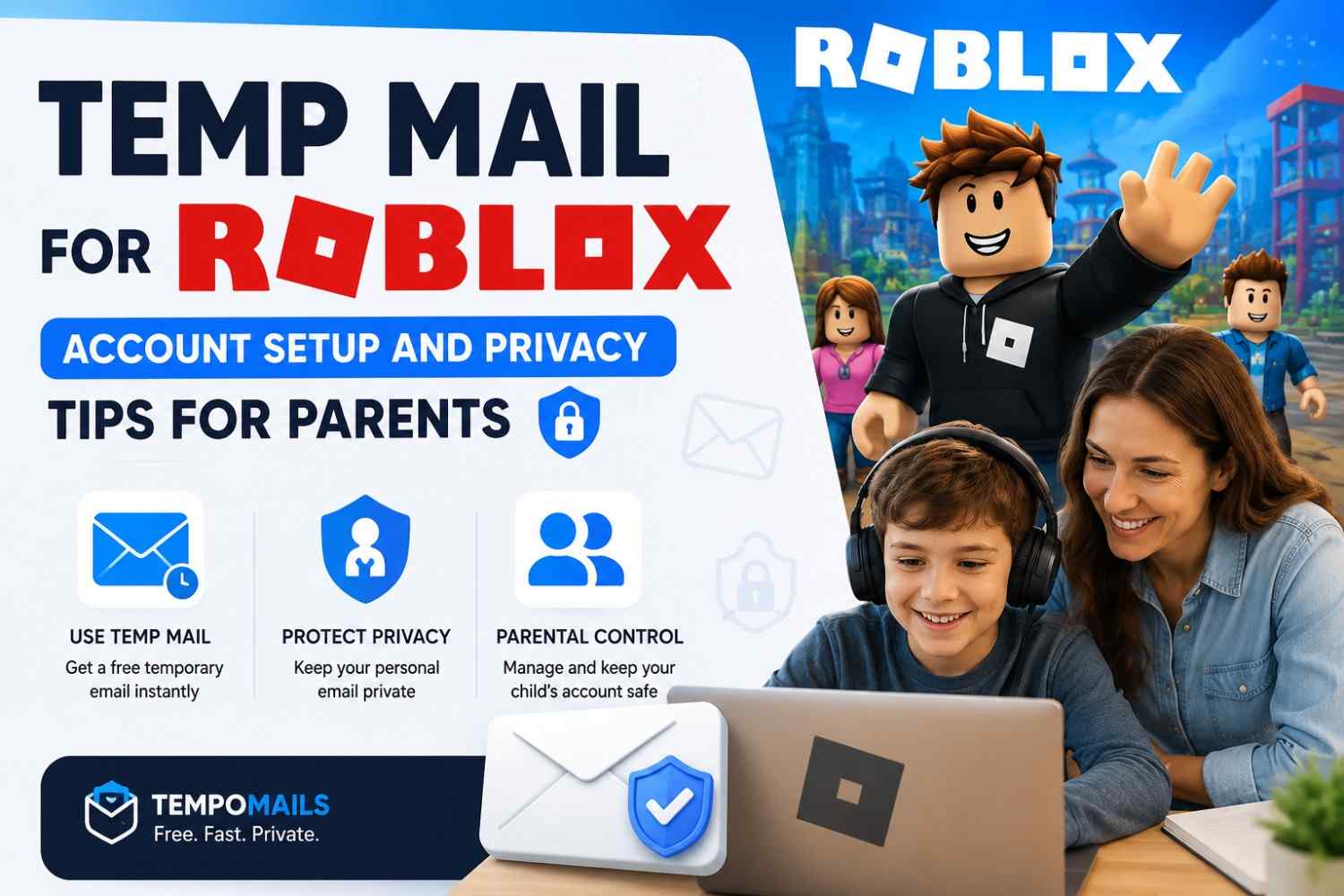
Temp Mail for Roblox: Account Setup and Privacy Tips for Parents
Quick Answer: Temp mail for Roblox lets parents create a Roblox account for a child without linking the family's primary email to the platform's notification and marketing systems. A free temp mail generator creates a working address instantly that receives the Roblox email confirmation, completes account setup, and deletes everything automatically — keeping the parent's real inbox separate from Roblox's ongoing communications.
Roblox is a popular gaming platform for children and teenagers worldwide. Account creation may require a parent email address. Roblox then uses that address for notifications, marketing, and other data systems.
Common Sense Media's 2026 Children's Digital Privacy Report found that 71% of parents received ongoing marketing after using a real email for a child's gaming signup. Many also found these messages difficult to stop permanently.
Understanding how these disposable inboxes generate and route messages makes it easier to see why the same method works smoothly for a platform like Roblox.
What Is a Temporary Email?
A temporary email service generates a random, session-based email address. It works as a fully operational receiving inbox. Messages arrive in real time. The service permanently deletes all content when the session ends. Users need no registration, password, or personal data to use it.
For a complete breakdown of how this technology works across different providers, see this guide to what temp mail is and how it works.
The address works like any standard email. Roblox sends its confirmation link to it. The inbox receives it. When the session closes, everything is gone. No archive remains. The service keeps no connection to a personal identity.
Why Do Parents Use Temp Mail for Roblox?
Several specific reasons drive parents to choose a disposable address over a personal inbox when setting up a child's Roblox account.
Avoiding notification overload
Roblox sends game updates, friend requests, promotional offers, and parental control reminders to the registered email. A temporary inbox receives these messages without affecting the family's primary address.
Protecting the family email from data sharing
Roblox's privacy policy permits data sharing with advertising and analytics partners. A parent email linked to a child's gaming account enters systems designed to profile household interests. A disposable address prevents this connection from forming.
Testing the platform before full commitment
Parents evaluating Roblox for a child assessing content, privacy controls, and spending features benefit from a test account that does not connect the family email to the platform permanently.
Managing multiple children's accounts
Families with several children may prefer separate accounts created with separate disposable addresses, keeping each account's creation data independent.
Security separation
A gaming platform breach exposes whatever email was registered. A Tempomail address in a breach database links to nothing: no family name, no other accounts, no permanent inbox.
Does Roblox Accept Temporary Email Addresses?
Roblox requires a parent email address during account creation for child accounts. The platform performs basic email validation, checking format and mail server validity, before sending the confirmation link.
Roblox does not maintain an aggressive disposable email blocklist at the level of some financial or professional platforms. The platform's primary focus is verifying that an adult parent email exists, not that it is permanent.
Other platforms take a stricter stance, so it helps to understand why some websites block temp mail domains before relying on this approach for a signup that matters.
Tempomail addresses satisfy Roblox's validation requirements in the majority of cases. Domain rotation ensures fresh domains are available for each session.
If a specific domain is blocked on a given attempt, generating a fresh address from a new Tempomail session immediately provides a different domain that passes validation.
How to Set Up a Roblox Account Using Tempomail
Step 1 — Open Tempomail first
Go to Tempomail’s free temporary email generator. An address generates automatically. Copy it and keep the tab open.
Step 2 — Go to Roblox's signup page
Open roblox.com and click Sign Up. Fill in the child's username, password, gender, and date of birth.
Step 3 — Enter the parent email
In the parent email field, paste the Tempomail address. Submit the form.
Step 4 — Check the Tempomail inbox
The Roblox email confirmation arrives within ten to twenty seconds. The inbox refreshes automatically.
Step 5 — Click the verification link
Open the message and click the confirmation link. Roblox activates the account and enables parental control features linked to the parent email.
Step 6 — Set up parental controls immediately
Before closing Tempomail, access Roblox's parental control settings. Configure spending limits, content restrictions, and contact permissions. These settings do not require an active inbox once configured.
Step 7 — Decide on email update
For long-term accounts, update the registered parent email in Roblox account settings to a permanent address before closing Tempomail.
This preserves account recovery access while keeping the original registration private. For test accounts, close Tempomail and let the session expire.
Step 8 — Close Tempomail
The session ends. The address deactivates. All messages are permanently deleted.
Child Online Privacy and Roblox: What Parents Should Know
Roblox collects data under COPPA, the Children's Online Privacy Protection Act in the United States, which requires verifiable parental consent for users under 13. The parent email address is the mechanism through which Roblox delivers parental consent requests and control notifications.
Using a temporary email for the initial Roblox account creation does not bypass COPPA requirements; the parental consent step is completed through the verification link delivered to the Tempomail inbox. What it does prevent is the parent email entering Roblox's marketing systems as a permanent data point.
For accounts where ongoing parental monitoring through email is important spending alerts, friend request notifications, account security messages, and updating to a permanent parent email after the initial verification- it is the appropriate approach. The disposable address handles the registration. The permanent address handles the ongoing parenting functions.
Roblox Account Creation: What the Email Is Actually Used For
Understanding Roblox's use of the parent email helps determine when a temporary address works. It also shows when a permanent address remains necessary.
Roblox uses the parent email for:
- Initial account verification link delivery
- Parental consent confirmation for child accounts
- Password reset communications
- Account security alerts
- Marketing emails and game promotions
- Spending notifications when Robux are purchased
The first four functions require a working inbox. The last two do not benefit the family in any meaningful way. A temporary email handles the first four within the session window and eliminates the last two permanently.
When Not to Use Temp Mail for Roblox
Long-term accounts with Robux purchases
If the account will be used to purchase Robux or subscribe to Roblox Premium, receipt emails and billing confirmations go to the registered address. Update to a permanent email before any purchase to ensure financial communications are delivered reliably.
Accounts requiring ongoing parental monitoring
Roblox sends spending alerts and security notifications to the parent email. If active monitoring of account activity is part of the parenting strategy, a permanent email ensures those alerts reach the parent in real time.
Account recovery situations
If a child forgets their Roblox password and the Tempomail address has expired, email-based recovery is impossible. Update to a permanent address immediately after signup for any account the child will use regularly.
Roblox is not the only youth platform where this pattern applies. Parents managing multiple accounts often use the same verify-then-update approach when setting up a child's Steam account with temp mail or handling a teen's Snapchat sign-up with a temporary inbox, so the account recovery caution above applies just as much on those platforms.
Parents comparing privacy tools more broadly may also want this comparison of disposable email versus virtual phone numbers for signups where either method could work.
Temp Mail for Roblox vs Permanent Email: Direct Comparison
Feature | Temporary Email (Tempomail) | Permanent Email |
Marketing emails | No address expires | Ongoing indefinitely |
Child online privacy | Strong | Moderate |
Account recovery | Weak after session ends | Reliable |
Setup speed | Instant | Several minutes |
Data broker exposure | None | Moderate to high |
Parental control setup | Works fully | Works fully |
Long-term use | Update required | Suitable |
Cost | Free | Free |
Is Using Temp Mail for Roblox Legal?
Yes. Using a temporary email address for gaming platform registration is legal in all major jurisdictions. Roblox requires a valid, functional parent email address. Tempomail provides exactly this at the technical level.
This question comes up across every signup type, and the broader answer on whether using a temporary email address is illegal applies just as much to Roblox account creation.
COPPA compliance is maintained because the parental consent verification is completed through the Tempomail inbox during the active session. No legal requirement specifies that the parent email must be permanent; only that it must be functional at the point of verification.
Review Roblox's current Terms of Service for any platform-specific restrictions on email address types before using a disposable address for account creation.
Parents ready to start can open Tempomail’s free disposable email tool and generate a working address in seconds.
Pew Research Center's 2026 Parenting and Technology Report found that 63% of parents expressed concern about children's gaming platforms collecting and sharing family contact information with advertising partners, yet 78% were unaware that the parent email submitted during account creation is typically the primary data point used for this purpose.
Final Verdict
Temp mail for Roblox is the right tool for parents who want to complete Roblox account creation and parental control setup without permanently connecting the family email to the platform's marketing and data systems.
For test accounts and short-term use, the session-end deletion handles everything automatically. For accounts the child will use long-term, updating to a permanent parent email immediately after verification preserves all the practical functions that ongoing parenting through Roblox requires, while keeping the real address out of the initial registration data entirely.
About the Author
Sarah Bennett is a digital privacy writer for Tempomail with a background in child online safety research and five years of experience covering family-focused tech platforms. She researches platform-specific email verification behaviour, child online privacy considerations, and disposable inbox compatibility across gaming and family-oriented platforms. Content is tested directly and reviewed regularly. Last Updated: August 2026
Editorial Disclosure: This article was independently researched and reviewed by Tempomail’s editorial team for accuracy and compliance with current online safety guidance before publication.
FAQs
Is a parent email required for Roblox account creation?
Yes. Roblox requires a parent or guardian email for some accounts created by younger users. The email supports verification, parental consent, and account security communications.
Does temp mail work for Roblox's parental consent step?
Yes. The parental consent link is delivered to the Tempomail inbox during the active session. Clicking it completes the COPPA-required parental consent process without the parent email entering Roblox's permanent marketing database.
What happens if my child forgets the Roblox password after the Tempomail session ends?
Email-based password recovery will not work. Update the registered parent email in Roblox account settings to a permanent address immediately after signup for any account the child will use regularly.
Can I create separate Roblox accounts for multiple children using Tempomail?
Yes. Each Tempomail session generates a unique address. Open a fresh session for each child's account; the addresses are completely independent with no cross-linking between accounts.
Will Roblox send spending alerts to a Tempomail address?
Roblox will attempt to send spending notifications to the registered email. Since the Tempomail address expires after the session, these alerts cannot be delivered. Update to a permanent email before enabling Robux purchases or Roblox Premium.
Does using a disposable email affect Roblox's parental control features?
No. Parental controls are configured through the account settings interface, not through the email address. All parental control features function normally regardless of whether the registered email is temporary or permanent.
Is Tempomail safe to use when creating an account for a child?
Yes. Tempomail's temporary email service collects no personal data at any stage. No information about the child, the parent, or the account creation is retained after the session ends. The session is deleted completely when the tab is closed.
Can Roblox detect that a Tempomail address is disposable?
Roblox performs basic email format and mail server validation, not a comprehensive disposable email domain check. Most Tempomail addresses pass Roblox's validation. If a specific domain is rejected, generating a fresh address from a new session resolves the issue immediately.
Related Source:
Temp Mail for Steam: Create a Gaming Account Without Your Real Email
Temp Mail for Canva Pro Free Trial: Design Without Committing Your Email