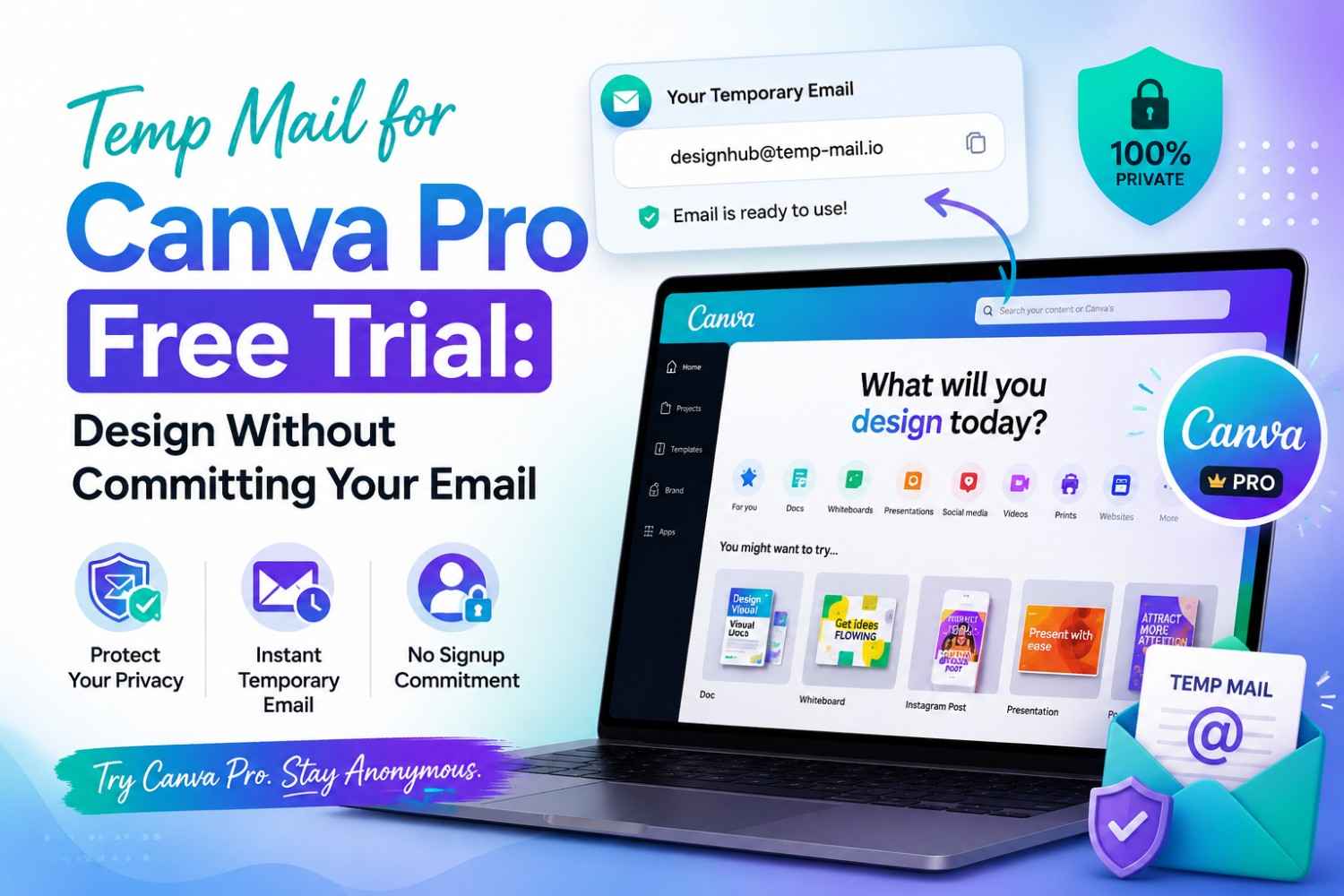
Temp Mail for Canva Pro Free Trial: Design Without Committing Your Email
Quick Answer: Temp mail for Canva Pro lets you access the 30-day free trial without linking your real inbox to Canva's email marketing system. Tempomail generates a disposable address instantly, receives the Canva account verification message in seconds, and deletes everything when your session ends — giving you full trial access with zero inbox clutter afterwards. This entire process runs through a free temp mail service you can access anytime, with no signup required.
Canva Pro's 30-day free trial gives full access to premium templates, brand kits, background removal, and over 100 million assets. The only entry requirement is a registered email address.
Canva has grown into one of the most widely used design platforms worldwide, and free trial offers remain one of its primary paths into paid subscriptions.
Design and creative software platforms are known for sending frequent marketing emails to newly registered trial users, and these campaigns often continue well after the trial period ends.
Key Takeaways
- Tempomail generates a disposable Canva address in under three seconds, no registration required.
- Canva's verification system accepts Tempomail addresses in most signup attempts.
- Temp mail for Canva Pro works for trial access, short-term projects, and client account isolation.
- For paid plans, team accounts, or design libraries, a permanent email is essential from the start.
What Is a Temporary Email?
A temporary email service creates a working inbox without collecting personal information. It generates a random address and receives messages in real time. The service deletes all content when the session ends.
Tempomail loads with an address already generated. No registration, password, or personal data is required. The inbox receives messages and supports clickable links like a standard email.
Closing the browser tab ends the session. Nothing remains afterwards. There is no archive, message history, or connection to a real identity. For a full breakdown of how this technology works, see our guide on what temp mail is and how it works.
What Is Canva?
Canva is a cloud-based graphic design platform used by millions of people globally for creating social media graphics, presentations, posters, videos, and marketing materials.
It offers a free tier and a Canva Pro subscription with premium templates, brand kits, and AI-powered design tools. Access is available at canva.com.
Can You Use Disposable Email for Canva?
Yes, in most cases. Canva applies basic domain validation during signup but does not maintain an aggressive blocklist for disposable email providers. Whether a specific Tempomail address passes depends on whether that particular domain has been flagged.
Tempomail's domain rotation keeps fresh domains available, so if one is rejected, a new session generates a different address immediately. Most users complete signup on the first attempt. To understand the mechanics behind this, check out how temp mail works behind the scenes.
Why Designers Use Temp Mail for Canva
1. Avoiding Post-Trial Marketing Emails
Canva sends welcome campaigns, upgrade prompts, feature digests, and design inspiration emails to every registered address. A disposable inbox absorbs all of it. Once the session ends, Canva has no active address to market to. Opening an instant disposable email address takes only a few seconds and needs no signup of its own.
2. Testing Pro Features Without Long-Term Commitment
Freelancers, students, and content creators often want to evaluate whether the Canva Pro free trial justifies upgrading before committing a real email. A disposable address makes that evaluation risk-free in terms of inbox exposure.
3. Separating Personal and Project Accounts
Agencies and creative teams often need multiple Canva accounts for different clients. Temporary email for design tools allows each account to be created independently, with no shared email trail between projects or clients.
4. Privacy When Using Shared or Work Devices
Users accessing Canva on a shared computer or a work device may prefer not to link a personal email. A temp address completes the signup without attaching any personal information to the session.
Does Canva Accept Disposable Email Addresses?
Canva performs a basic domain validation during signup, checking that the submitted address has a valid format and a functioning mail server. Canva account verification does not rely on an aggressive disposable domain blocklist. Unlike financial platforms or using temp mail for LinkedIn, Canva's primary anti-abuse detection focuses on account behaviour rather than email domain type.
In practice, Tempomail addresses work on Canva in nearly all cases. The verification email arrives within seconds. If a specific domain has been added to Canva's blocklist, generating a fresh address from a new Tempomail session immediately provides a replacement. Most users complete the signup on the first attempt.
Best Disposable Email Features for Canva
Instant Inbox
Canva's verification email arrives within 30 seconds. A service that takes longer risks the session timing out before the link is clicked. A temporary email generator built for speed keeps the whole verification step frustration-free.
Domain Rotation
Canva periodically updates its domain blocklist. A service that rotates domains regularly, like Tempomail, maintains compatibility as that list evolves.
No CAPTCHA Overload
Excessive verification steps on the temp mail side slow down the signup process. Tempomail generates addresses instantly with no additional checks required.
HTTPS Security
All messages received in a Tempomail session are handled over a secure connection. No unencrypted exposure of verification tokens during the session.
Sufficient Retention Time
The inbox stays active for the full browser session. For Canva, where the verification link must be clicked before account activation, session-length retention is all that is needed.
Key Benefits of Using Tempomail for Canva Pro
- Zero inbox clutter. Canva's recurring marketing emails go to an address that no longer exists after the session.
- No billing alerts. If the trial auto-renews, the charge confirmation goes to an expired inbox rather than your real one, prompting you to review your Canva settings proactively.
- Account independence. Each project or client account stays fully separate with no email overlap.
- Instant setup. Tempomail generates an address in under three seconds with no registration needed.
- High compatibility. Canva's verification system accepts Tempomail addresses in the majority of attempts.
How to Use Tempomail for the Canva Pro Free Trial
Generate your address on Tempomail
Open tempomail.com in a browser tab. Your disposable inbox is ready immediately. Copy the email address shown.
Go to Canva and start the trial signup
Open canva.com and click Try Canva Pro Free. Select the email signup option. Paste your Tempomail address into the email field. The Canva Pro free trial registration form asks for basic details; complete these as normal.
Retrieve the verification email from Tempomail
Switch to your Tempomail tab. The Canva account verification email arrives within 30 seconds. Click the confirmation link to activate the account and begin the trial.
Add a payment method if prompted
Canva's free trial requires a credit or debit card to activate premium features. The card details are tied to the account independently of the email address used at signup. Cancel before the trial ends to avoid being charged.
Update to a permanent email if keeping the account
If the trial convinces you to stay, update your email in Canva account settings to a permanent address before closing Tempomail. This preserves account recovery while keeping temp mail for Canva Pro in its most effective role protecting your real inbox at the moment of signup.
Common Problems and Fixes
Verification Email Not Arriving
Possible causes: the domain was flagged, the server is delayed, or the inbox has already expired.
Fix: Refresh the Tempomail inbox, wait 60 seconds, and if still nothing, close the tab and generate a new address from a fresh session.
Canva Blocks the Signup Domain
Some Tempomail domains may be on Canva's blocklist on a given day. This is a common pattern across many platforms — read why some websites block temp mail domains for the full picture.
Fix: Start a new Tempomail session to receive a fresh domain and repeat the signup from the beginning.
Lost Account Access After Session Ends
If the Tempomail tab is closed before updating to a permanent email, account recovery via email becomes impossible.
Fix: Before closing Tempomail, go to Canva account settings and update the registered email to a permanent address. This takes under two minutes and preserves full recovery access.
Benefits vs Risks
Benefits:
- Real inbox permanently protected from Canva's marketing and trial conversion emails.
- Canva design access is fully functional during the session regardless of which email type was used.
- Clean account separation for agencies managing multiple client projects.
Risks:
- Account recovery is impossible once the Tempomail session closes and the inbox expires.
- Payment receipts and billing alerts go to the temp address. If the session closes before you cancel, the renewal charge confirmation is undeliverable.
- Canva team and brand accounts require recoverable email contact for ongoing collaboration features.
When Tempomail Works Best for Canva
Short-term trial evaluation
Users exploring whether Canva Pro's premium features justify the subscription cost benefit from temporary email for design tools. Evaluate the trial, make the decision, and let the inbox expire without any lasting marketing connection.
One-off project accounts
Event planners, social media managers, and students can use Canva for time-limited projects. They can create an account and complete the project during the trial. The temp address can then expire naturally.
Client project isolation
Creative agencies managing multiple brands benefit from fully independent Canva accounts per client. A Canva premium trial started with a unique disposable address for each client keeps the accounts and their brand assets completely separate.
Best Use Cases — Quick Reference
Works well for:
- Exploring Canva templates and the interface before registering fully
- Accessing the 30-day Pro trial for short-term evaluation
- Creating isolated accounts for individual client projects
- Testing Canva's AI tools or collaboration features without a commitment
Not recommended for:
- Paid Canva Pro subscriptions where billing access is needed
- Canva for Teams where admin communications go to the registered address
- Accounts where branded template libraries are built over time
When a Real Email Is the Better Choice for Canva
Canva Pro paid subscriptions
Any Canva account attached to a paid plan requires a permanent, recoverable email. Billing confirmations, payment receipts, and subscription management communications all depend on access to the registered address.
Canva for Teams accounts
Team collaboration features, shared brand kits, and multi-user access all require a stable email for platform communications, invitation management, and admin alerts.
Long-term design libraries
If you plan to build a library of branded templates, saved designs, and assets that you need access to over months or years, start with a permanent email. Losing account recovery access permanently locks you out of those assets.
Privacy Considerations and Traceability
Tempomail does not log IP addresses or retain session data after the browser tab closes. No record links a device to the inbox after the session ends.
Canva logs device data, browser information, and usage patterns tied to the account independently of the email address used at signup. A disposable email removes the inbox from the data chain but does not affect Canva's session-level tracking.
For users seeking more complete privacy when using design platforms, combining a disposable email with a VPN and a private browsing session provides broader protection against session-level attribution.
Alternatives to Temp Mail for Canva Privacy
Dedicated secondary Gmail or Outlook address
A separate address created specifically for design platform signups passes Canva's verification reliably, supports account recovery, and keeps the primary inbox clean. Best for accounts you plan to maintain long-term.
Email alias services
Services like SimpleLogin or Apple's Hide My Email generate a forwarding alias that satisfies Canva account verification while masking the real address. Unlike temporary email for design tools, aliases are permanent and support account recovery, ideal for users who want both privacy and long-term access. See our full temp mail vs email alias vs masked email comparison to see which fits your needs.
Proton Mail
Proton Mail provides a permanent, encrypted address that passes Canva's verification reliably. It offers meaningful privacy protection without the account recovery limitations of a disposable inbox.
Is Using Temp Mail for Canva Pro Against Their Terms?
Canva's terms of service require a valid email address at registration but do not specifically prohibit disposable email addresses. Using temp mail for Canva Pro to access a single free trial for legitimate evaluation purposes sits in a grey area rather than a clear policy violation. For a broader look at the legal side, see whether using a temporary email is illegal in your region.
Creating multiple accounts to exploit the trial repeatedly does violate Canva's terms. The issue is account duplication, not email type. For a single, first-time trial, the contractual risk is minimal. Always review Canva's current Terms of Use for the most up-to-date guidance before proceeding.
Expert Tips for Using Disposable Email for Canva
- Download any designs you create during the session before closing Tempomail.
- Never attach a payment method until you have updated to a permanent email.
- Save your Canva password in a password manager the moment the account is created.
- If testing Pro features, set a calendar reminder to cancel before the 30-day trial ends.
- Keep the Tempomail tab open until you have confirmed the Canva account is active and updated to a permanent address if you plan to continue.
People Also Ask
Can Canva detect a disposable email?
Canva checks submitted domains against known disposable email lists. Tempomail's domain rotation means fresh domains regularly pass this check, though older or widely-used domains may occasionally be blocked.
Is it legal to use a disposable email for Canva?
Yes. Using a temporary email address is legal in all major jurisdictions. No law requires individuals to provide a permanent email address to a commercial design platform.
Can I recover my Canva account if the disposable inbox expires?
Not through email recovery. Update the registered address to a permanent email in Canva settings before closing the Tempomail session if the account is worth keeping.
Can I use a disposable email for the Canva Pro trial?
Yes. Tempomail addresses pass Canva's verification in most attempts, giving full access to the 30-day trial. Add a payment method only after updating to a permanent email if you intend to continue.
Is disposable email suitable for long-term Canva use?
No. It is best for short-term trials, template browsing, and isolated project accounts. Any account you plan to return to requires a permanent, recoverable email address.
Final Verdict
Temp mail for Canva Pro is a practical choice for anyone who wants to explore the trial without feeding their real inbox into Canva's marketing system. The platform's verification accepts Tempomail addresses reliably, the signup takes under two minutes, and the inbox disappears automatically when the session ends.
The main risks are account recovery and billing. Once the Tempomail session closes, the inbox is gone. If you add a payment method for the trial, cancel the subscription before the trial period ends; do not rely on a billing alert reaching an expired inbox.
For any Canva account you plan to keep beyond the trial, update to a permanent email in settings before closing Tempomail. That one step protects your real address at signup while keeping full recovery access open for the long term. Ready to try it? Generate your temp mail for Canva Pro address right now, free and instant.
About the Author
Written by Sarah Mitchell, Content Lead at Tempomail, who tests disposable inbox compatibility across major design platforms and digital services. Last Reviewed: August 2026. Content is updated to reflect current platform verification behaviour and trial policies.