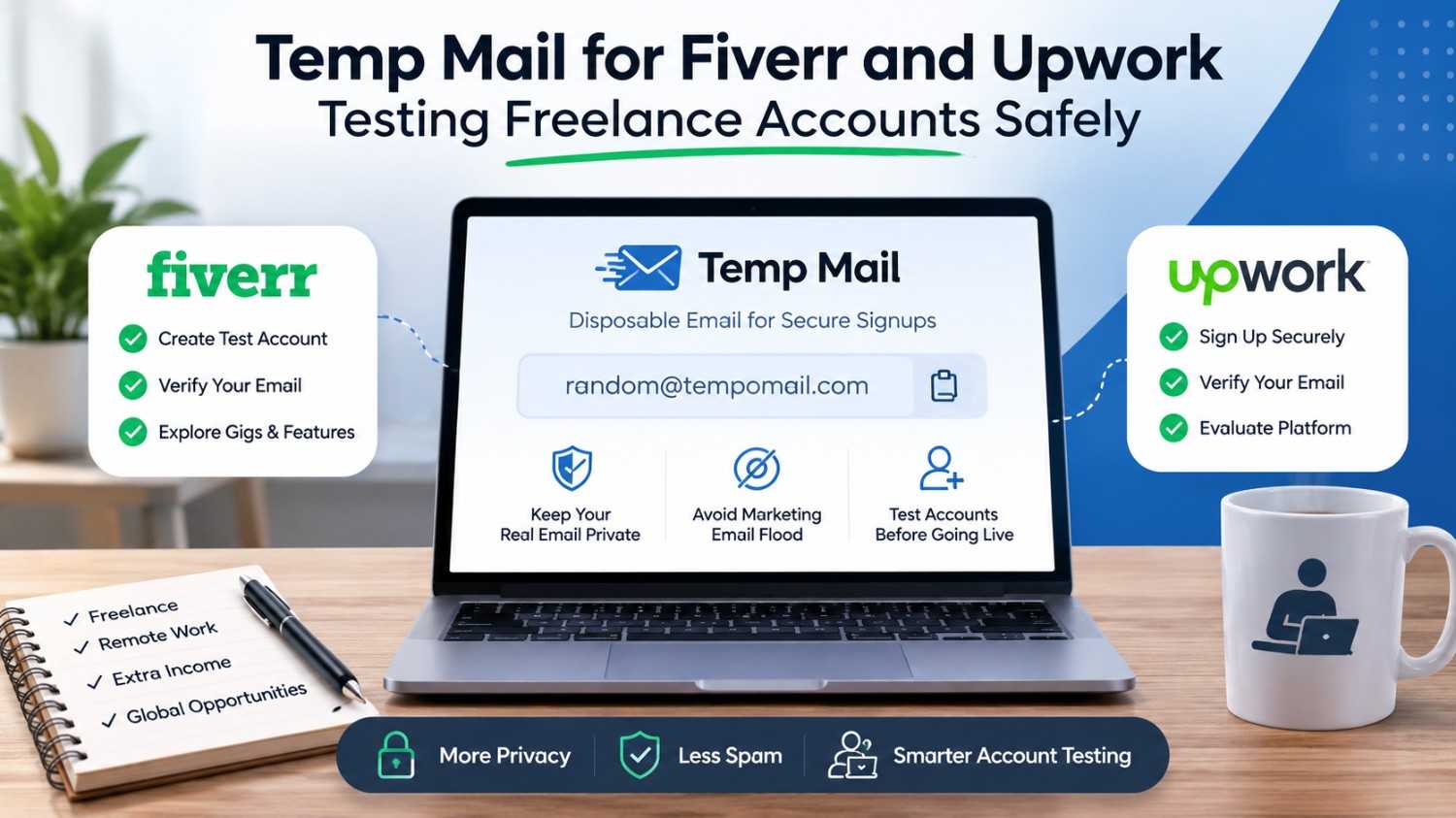
Temp Mail for Fiverr and Upwork: Testing Freelance Accounts Safely
Quick Answer: Temp mail for Fiverr and Upwork can complete the initial email verification step on both platforms, but each has important limitations. Fiverr accepts disposable addresses more readily than Upwork, which applies stricter domain checks. For freelance account testing, identity verification, and payment setup, both platforms require real personal information that no temporary email can replace.
Fiverr and Upwork are two of the largest freelance marketplaces, each with a large, established base of buyers, sellers, and freelancers. Both platforms start account creation with an email address. They also send marketing and promotional emails from day one.
Freelance platforms are known for sending frequent marketing emails, job alerts, and promotional messages to new users, and many gig workers remain cautious about how their contact information gets used. Using a free temporary email service for signup limits this exposure from the start.
What Is a Temporary Email and How Does It Work?
A temporary email service, also known as a disposable email address, creates a random, session-based inbox without personal data. It receives real emails and platform verification links in real time. The service deletes all content when the session ends. For a complete breakdown of what temp mail is and how it works, see our full guide.
Tempomail creates an inbox the moment the page loads. No registration or password is needed. The service does not require personal details at any stage. When the browser tab closes, the session ends, and every message is gone. The session leaves no record behind. It creates no archive or log and keeps no connection to a real person.
Why Freelancers Reach for a Disposable Email on These Platforms
1. Stopping the Marketing Email Flood
Both platforms send job alerts, featured gig promotions, platform updates, and bid recommendations continuously. A disposable address absorbs all of it from day one, leaving the real inbox untouched.
2. Exploring Platform Features Before Going Live
Freelance account testing is a legitimate use case for both buyers and sellers. A developer building a Fiverr or Upwork integration, an agency evaluating the client-side experience, or a freelancer comparing platform layouts all benefit from a clean test account with no permanent data trail. Developers testing signup flows often rely on temp mail for API and developer testing to automate account creation without burning real inboxes.
3. Separating Buyer and Seller Identities
On Fiverr, you can be a buyer or a seller. Some freelancers prefer to have different social and business accounts. A disposable email for the secondary account keeps the two profiles independent through the Fiverr signup process.
4. Reducing Data Exposure During Platform Evaluation
A freelancer who hasn't decided between Fiverr and Upwork can test both platforms anonymously before committing to either one with their real name.
How Each Platform Handles Disposable Email Addresses
Fiverr
Fiverr applies basic domain validation during the Fiverr signup process but does not maintain an aggressive disposable domain blocklist. Tempomail addresses pass Fiverr's verification check in the majority of attempts.
The verification email arrives quickly, and the account activates without issue in most cases. Temp mail for Fiverr and Upwork is more consistently effective on Fiverr's side of the comparison.
However, Fiverr requires identity verification before a seller can receive payments. This step uses government ID, not email, meaning a disposable address only gets you as far as account creation on the seller side.
Upwork
Upwork applies stricter domain screening during Upwork email verification than Fiverr does. Known disposable domains are more likely to be blocked outright. Tempomail's domain rotation improves the odds, but multiple attempts may be needed before a domain passes Upwork's check. This is part of a broader pattern of why some websites block temp mail domains in the first place.
Upwork also requires phone verification and detailed profile information, including work history and skills, before the account becomes fully functional. A disposable email handles the initial step but cannot replace the ongoing account access Upwork requires for active freelancing. For a closer look at how disposable email compares to virtual phone numbers for verification, see our comparison guide.
What Temp Mail Handles and Where It Stops
What temp mail handles:
- Receiving the email verification link at account creation
- Activating the account for initial platform exploration
- Keeping the real inbox free from platform marketing from day one
What temp mail cannot replace:
- Government ID verification required for Fiverr seller payouts and Upwork contracts
- Phone number verification required by Upwork before full account activation
- Password recovery once the Tempomail session closes
- Payment and contract notifications that require a recoverable inbox
Step-by-Step: Using Tempomail on Fiverr or Upwork
Open a free temp mail generator and copy your address
Visit www.tempomail.com. Your disposable inbox appears immediately. Copy the address displayed on the page.
Go to Fiverr or Upwork and begin registration
Open the platform you want to test. For freelance account testing on Fiverr, click Join and select email signup. For Upwork, click Sign Up and choose the email route. Paste your Tempomail address into the email field.
Retrieve the verification email
Return to your Tempomail tab. Fiverr's verification email will be sent within 20-30 seconds. It could take a little longer to verify your email on Upwork based on the domain verification. To activate your account, click the confirmation link.
Complete additional verification if prompted
Upwork will request a phone number before activating full account features. Provide a real phone number at this stage; temp mail only covers the email step. Fiverr does not require phone verification during basic account creation.
If the domain is blocked, generate a new address
If either platform rejects the domain, refresh Tempomail to receive a new address from a different domain and repeat the signup. Fiverr typically accepts on the first try. Upwork may require two or three attempts.
Update to a permanent email before using the account seriously
If the test account converts into active use, change the registered email in account settings to a permanent address while Tempomail is still open. This is the recommended approach for anyone using temp mail for Fiverr and Upwork beyond initial platform exploration.
What a Working Freelance Account Actually Needs
Both Fiverr and Upwork are professional income platforms. The further a user goes into active freelancing, the more both platforms require real identity information.
On Fiverr, completing the Fiverr signup process is only the start. Activating seller payouts requires government-issued ID, a connected bank account or payment provider, and a phone number. None of these can be provided through a disposable email.
Upwork email verification is followed by profile completeness requirements, a video introduction in some cases, and payment method setup before a freelancer can submit proposals. A temp address that expires before these steps are completed creates immediate access problems.
Temp mail is appropriate for platform exploration and feature evaluation. It is not a foundation for a real freelance income stream on either platform.
Deciding Between Temp Mail and a Real Email for These Platforms
Use temp mail when:
- For freelance account testing, a temporary email can help compare Fiverr and Upwork before choosing a platform. Trying a disposable email service first is a low-risk way to test both platforms.
- When building or testing a Fiverr or Upwork API integration, isolated test accounts can simplify development.
- You want to browse buyer-side features without adding your real address to either platform's marketing system.
Use a real email when:
- Seller verification and payment access require a permanent email address on either platform.
- You need account recovery access for an active contract or ongoing client relationship.
- You are building a long-term freelance reputation that depends on consistent platform access.
Privacy, Data Handling, and Traceability
Tempomail does not log IP addresses or retain message data after the session ends. No record connects a device or identity to the inbox once the tab closes. Both Fiverr and Upwork log device information, browser data, and session activity independently of the email address used at signup.
Using a disposable address removes the email data point from the record but does not affect platform-level session tracking. For users wanting broader anonymity during platform testing, combining Tempomail with a VPN and a private browsing session reduces session-level attribution to a minimum.
Alternatives to Temp Mail for Freelance Platform Privacy
A secondary Gmail or Outlook address
A dedicated secondary address for gig platform signups passes both Fiverr's and Upwork's domain checks reliably, supports account recovery, and keeps the primary inbox clean. The most practical choice for any account beyond basic testing.
Email alias services
SimpleLogin or Apple's Hide My Email create a forwarding alias that satisfies platform verification while masking the real address. Unlike temp mail, aliases are permanent and support account recovery, the best option for users who want privacy and long-term platform access simultaneously. See how temp mail compares to email aliases and masked email for a full breakdown of the differences.
Proton Mail
A Proton Mail address is permanent, encrypted, and passes both platforms' domain checks reliably. It provides privacy without the account recovery limitations of a disposable inbox.
Disposable Email and Platform Policies
Fiverr and Upwork don't explicitly say that they don't allow disposable email addresses in their terms of service. Temporary email accounts on Fiverr and Upwork for a single account for legitimate testing are a grey area and not a definite violation of rules. For more detail on whether using a temporary email is legal, see our dedicated guide.
Creating multiple accounts to circumvent bans, exploit promotional credits, or manipulate reviews does violate the terms of both platforms. That is an account duplication issue, not an email type issue. Review each platform's current User Agreement for the most up-to-date guidance.
Conclusion
A disposable email is a useful entry point for exploring Fiverr and Upwork without committing a real inbox to either platform's marketing system. For buyers and platform testers, it works well. For sellers who need payouts, contracts, and long-term client relationships, the limitations quickly outweigh the privacy benefit.
If a test account becomes something worth keeping, update to a permanent email in account settings before closing your temp mail tool. That one step preserves both the privacy of a disposable signup and the recovery access that serious freelancing requires.
Author Note
Written by Sarah Bennett, Digital Privacy Writer at Tempomail, who researches disposable inbox compatibility across major freelance platforms and digital services. Last Reviewed: August 2026. Visit our temp mail tools and privacy guides.
(FAQs)
1. Which platform is easier to register on with a temp email: Fiverr or Upwork?
Fiverr. It applies lighter domain screening and accepts Tempomail addresses on the first attempt in most cases. Upwork's stricter domain validation may require two or three attempts with different Tempomail addresses.
2. Can I receive client payments on Fiverr with a temp mail account?
No. Fiverr requires government ID verification and a connected payment account before releasing seller funds. These steps require real identity information regardless of which email type was used at signup.
3. Does Upwork require phone verification in addition to email?
Yes. Upwork requests phone verification before an account becomes fully active. Temp mail handles the email step only. A real phone number is required to proceed past the initial registration.
4. What happens to my Fiverr or Upwork account when the Tempomail session closes?
The account stays active. The inbox is gone. Password recovery via email becomes impossible. Update to a permanent email in account settings before closing Tempomail if the account has any value beyond testing.
5. Can I use a disposable email to explore the buyer side of Upwork?
Yes. Buyers on Upwork can browse the platform with limited restrictions before completing full identity verification. A temp address is sufficient for basic buyer-side exploration and job posting evaluation.
6. Will Fiverr or Upwork suspend an account registered with a disposable email?
Neither platform monitors accounts specifically for email domain type. Suspension risk comes from policy violations, suspicious activity, or incomplete identity verification. The email type used at signup does not determine these risks.
7. Is it legal to use a temp email to create a Fiverr or Upwork account?
Yes. Using a disposable email for account registration is legal in all major jurisdictions. Neither Fiverr nor Upwork's terms specifically prohibit it for a single, legitimate account.
8. What is the best alternative to temp mail for freelance platform privacy long-term?
An email alias service such as Simple Login provides a forwarding address that masks the real email, passes both platforms' domain checks reliably, and supports full account recovery- the most practical privacy solution for active freelancers.