
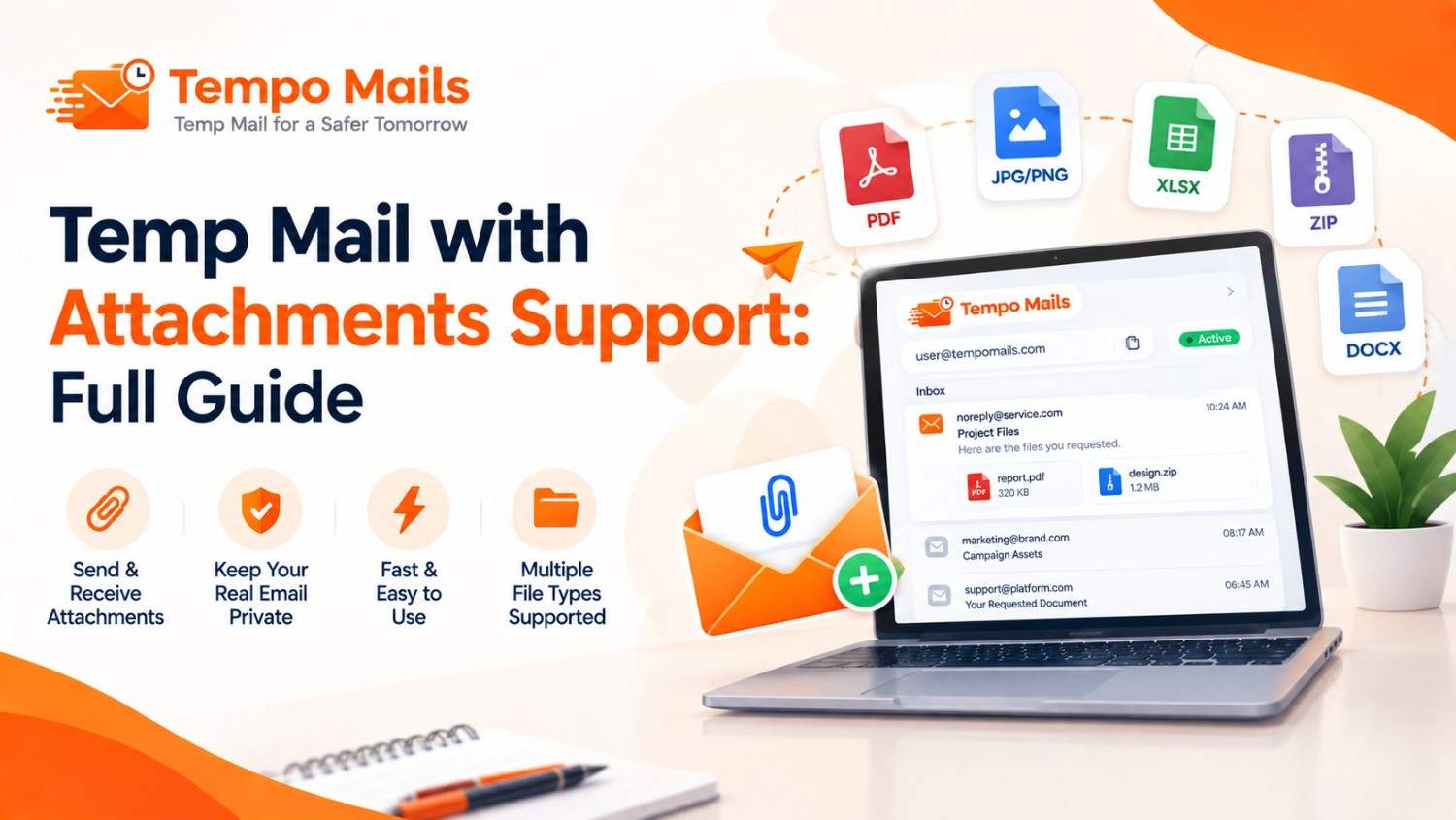
Temp Mail with Attachments Support: Full Guide
Quick Answer: Temp mail with attachments support receives files, images, PDFs, and documents sent with incoming emails and displays them in the session inbox like a standard email client. Tempo Mails handles the complete range of standard attachment types in real time during the active session, with everything deleted automatically when the session ends.
Most users discover temp mail through verification code use cases. Fewer realise that a temporary email inbox handles many types of email content. This includes files, documents, images, and downloadable attachments.
Platforms may send PDF receipts, ticket attachments, guide downloads, or image confirmations. Tempo Mails receives and displays these files in full. For a broader look at how the service processes incoming messages, see how temp mail works.
This guide covers exactly what attachment types work, how to access them, what limitations apply, and why session timing matters for any file that needs to be saved.
Order confirmations, invoices, and receipts are among the most common transactional emails that include a PDF attachment, which makes attachment support a practical requirement for any temporary email inbox used during online purchasing or content access.
Main Points
- Temp mail with attachments support includes standard MIME file types. These include PDFs, images, documents, and compressed files delivered through SMTP.
- Disposable email attachments must be downloaded during the active session. Files not saved before the tab closes are permanently deleted with the inbox.
- The temp email inbox renders full HTML email content. This includes embedded images, formatted layouts, and clickable attachment links.
- Tempo Mails imposes no additional attachment filtering or format conversion; what the sender sends arrives in the inbox exactly as transmitted.
What Attachment Types Tempo Mails Receives
Standard Document Formats
PDFs, Word documents, Excel spreadsheets, PowerPoint files, and plain text files arrive as downloadable items in the Tempo Mails inbox. These are common attachments from e-commerce platforms, content publishers, and service confirmations.
Image File Attachments
JPEG, PNG, GIF, and WebP attachments appear as downloadable items in the message view. Embedded HTML images render inline within the message. They remain visible without clicking or downloading.
Compressed and Archive Files
ZIP files and other compressed archives attached to emails arrive as standard binary attachments and are listed as downloadable items in the inbox. Extraction happens on the local device after download; the Tempo Mails interface does not unzip files inline.
Other Standard MIME Types
Any file type transmitted through standard SMTP MIME encoding is received without modification. The Tempo Mails receiving server accepts the full MIME content of incoming messages without applying additional filtering, format restrictions, or content modification beyond what standard SMTP size limits allow.
How to Access and Download Disposable Email Attachments
Accessing attachments in a Tempo Mails session follows a straightforward process.
- Open the message in the Tempo Mails inbox by clicking on the incoming message listed in the inbox view. The full message content loads, including the HTML body, embedded images, and any attached files.
- Locate the attachment either as an embedded inline element within the message body or as a separate downloadable item displayed below or alongside the message content. The file name and type are visible without downloading.
- Click to download the attachment to the local device. Most browsers handle PDFs, images, and common document types inline through the browser's native viewer. Compressed files and binary attachments download directly to the device's download folder.
- Save before closing the tab. This is the most important step. Any attachment not downloaded before the Tempo Mails session ends is permanently deleted with the rest of the inbox content. There is no recovery mechanism after the session ends.
Practical Use Cases for Temp Mail with Attachments
Gated PDF Downloads
Content publishers, research organisations, and marketing platforms send PDFs to registered email addresses. These attachments often include whitepapers, reports, and guides.
A Tempo Mails address receives the attachment during the active session. The file can be downloaded before the address expires. This may occur before any follow-up marketing sequence begins.
E-commerce Order Confirmations
Online purchases frequently deliver PDF receipts and invoice attachments alongside order confirmation emails. Using a Tempo Mails address during a one-time purchase receives the receipt attachment for download without committing a real email to the retailer's marketing database. Marketing teams testing their own campaign emails can find more in the guide to testing email campaigns safely.
Event and Ticket Delivery
Digital event tickets, QR codes, and access confirmations sent as PDF or image attachments are fully receivable through Tempo Mails during the active session. Download the ticket before closing the tab; losing session access means losing the ticket.
Developer and QA Testing
Testing whether a platform correctly sends file attachments as part of transactional email flows is a standard QA task. A Tempo Mails address receives each test send cleanly with no accumulated test messages from prior runs, and the full attachment content is verifiable within the session inbox. Teams running high-volume checks can also review the temp mail API for developers and the bulk temporary email generator for larger test batches.
Receive Email Attachments: Key Limitations
Session Duration Is the Primary Constraint
All temporary email inbox content exists only during the active browser session. Attachments not downloaded before the tab closes are permanently gone.
For large files or files that require extended review before saving, keeping the Tempo Mails tab open until the download is complete is essential.
No Built-In Virus Scanning
Tempo Mails does not provide antivirus scanning for received attachments. Files from trusted senders may be safer to download. Scan files from unfamiliar sources with local antivirus software before opening them. The same precaution applies to any email inbox.
Standard SMTP Size Limits Apply
Very large attachments may be subject to sending server size restrictions before reaching the Tempo Mails inbox. Most standard transactional attachments PDFs, confirmation images, and document files are well within normal SMTP size limits and arrive without issue.
No Forwarding
Tempo Mails is a receive-only service. Attachments received in the session inbox cannot be forwarded to another email address through the platform. Save the file locally during the session if it needs to be accessed beyond the current tab.
Attachment Support Comparison
Attachment Type | Received in Tempo Mails | Rendered Inline | Downloadable |
PDF documents | Yes | Browser-dependent | Yes |
JPEG/PNG images | Yes | Yes, inline in email | Yes |
Word/Excel/PPT files | Yes | No | Yes |
ZIP/compressed files | Yes | No | Yes |
HTML emails with embedded images | Yes | Yes | Images downloadable |
A large share of commercial emails contain at least one embedded image or attachment, which is why attachment support is considered a baseline functionality requirement for any temporary email inbox used in real-world signups and platform interactions.
Don't Let a Missed Attachment Cost You
Verification codes are only part of the picture. Receipts, tickets, whitepapers, and test files all arrive as attachments, and they are only accessible for as long as the session lasts. Generate a temporary email address now and keep it open until every file you need is safely downloaded, or grab the Tempo Mails Android app to manage attachment-bearing inboxes on the go.
Conclusion
Temp mail with attachments support extends disposable inbox functionality well beyond simple verification code use. Tempo Mails receives the full range of standard attachment types, renders embedded content inline, and delivers downloadable files through the same SMTP infrastructure that handles all standard email delivery. Downloading before the session ends is the only critical step; once the tab closes, everything is gone permanently.
About the Author
Written by Grace Patel, a technical content lead who has covered temporary email inbox infrastructure and disposable email systems for over six years. This guide is reviewed for technical accuracy and updated to reflect current SMTP attachment-handling behaviour.
(FAQs)
Can Tempo Mails receive PDF attachments from any platform?
Yes. Standard PDF attachments sent via SMTP arrive in the Tempo Mails inbox regardless of the sending platform. Download the file before closing the session tab.
Are embedded images in HTML emails displayed in Tempo Mails?
Yes. Tempo Mails renders full HTML email content, including inline images, formatted layouts, and embedded media identical to how a standard email client displays them.
What happens to an attachment if the session expires before downloading?
The attachment is permanently deleted with the rest of the inbox content. Recovery is not possible after the session ends. Download all needed files before closing the tab.
Does Tempo Mails scan attachments for viruses?
No. Tempo Mails does not provide built-in antivirus scanning. Scan files from unfamiliar senders with local security software before opening.
Can I forward an attachment from Tempo Mails to my real email?
No. Tempo Mails is receive-only. Download the attachment to the local device during the active session and transfer it to any other system from there.
Is there a file size limit for disposable email attachments in Tempo Mails?
Standard SMTP size limits apply at the sending server level. Most transactional attachments are well within these limits. Very large files may be rejected by the sending server before reaching the Tempo Mails inbox. Some destinations take size or filtering matters further; see why some websites block temp mail domains, and for the legal side of things, is using a temporary email illegal, plus a comparison with virtual phone numbers as an alternative privacy tool.
Can I open a downloaded attachment after the Tempo Mails session ends?
Yes. Files downloaded to the local device during the session remain accessible after the session ends. Only inbox content still on Tempo Mails' servers is deleted; locally saved files are unaffected.
Does receiving attachments slow down Tempo Mails' inbox loading?
Large HTML emails with many embedded images may load slightly slower than plain-text messages. Standard PDF and document attachments do not meaningfully affect inbox display speed.

